AI Code Generator

Turing.School

Turing.School is an AI boosted exercise platform that offers coding exercises generated with selected story backgrounds. It utilizes artificial intelligence to provide creative programming exercises for users.

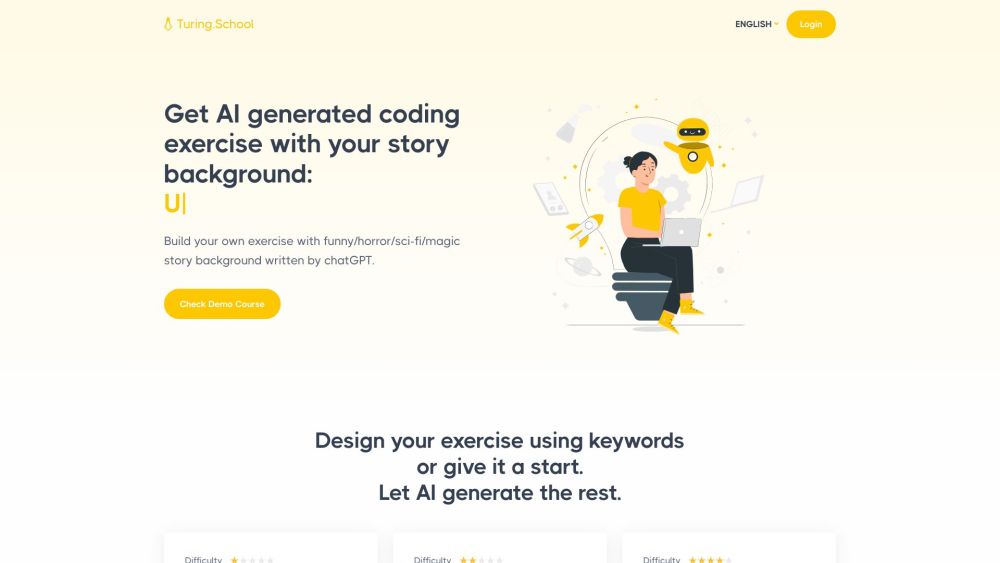
Turing.School website preview

Turing.School Website screenshot

Understanding Turing.School

Turing.School is an innovative platform that leverages artificial intelligence to create dynamic coding exercises. Each exercise is enriched with a selected story background, making learning to code both educational and entertaining.

Getting Started with Turing.School

Begin your journey with Turing.School by logging into the platform. Choose from a variety of story backgrounds such as comedy, horror, science fiction, or fantasy, or input your own keywords to tailor the exercises. The platform uses these inputs to generate unique Python programming challenges, designed with the assistance of chatGPT.

Key Features of Turing.School

AI-driven Exercise Creation

Story-based Exercise Themes

Customizable Exercise Generation

Focused on Python Programming

Powered by chatGPT

Applications of Turing.School

Enhancing Programming Skills

Creating Interactive Coding Challenges

Boosting Creativity in Learning

  • Customer Support & Contact Information

    For customer service inquiries, you can reach Turing.School at: [email protected].

  • Company Information

    The company behind Turing.School is Turing.School. Learn more about us on our About Us page.

  • Login to Turing.School

    Access the platform through the following link: https://turing.school/user/login.

Product source: Turing.School official website. Check the provider for current plans, limits and availability.

FAQ

Turing.School questions and answers

Product context and practical checks for evaluating Turing.School.

What is Turing.School used for?

Turing.School is an AI boosted exercise platform that offers coding exercises generated with selected story backgrounds. It utilizes artificial intelligence to provide creative programming exercises for users.

How do I get started with Turing.School?

Begin your journey with Turing.School by logging into the platform. Choose from a variety of story backgrounds such as comedy, horror, science fiction, or fantasy, or input your own keywords to tailor the exercises. The platform uses these inputs to generate unique Python programming challenges, designed with the assistance of chatGPT.

Which capabilities are described for Turing.School?

AI-driven Exercise CreationStory-based Exercise ThemesCustomizable Exercise GenerationFocused on Python ProgrammingPowered by chatGPT

What projects can I evaluate Turing.School for?

Enhancing Programming SkillsCreating Interactive Coding ChallengesBoosting Creativity in Learning Customer Support & Contact Information For customer service inquiries, you can reach Turing.School at: [email protected]. Company Information The company behind Turing.School is Turing.School. Learn more about us on our About Us page. Login to Turing.School Access the platform through the following link: https://turing.school/user/login.

What should I compare before choosing a Turing.School plan?

Check Turing.School’s current pricing page for included usage, renewal terms and any credit charges. Compare the cost of a usable result, including retries, rather than assuming that account registration includes free usage.

What inputs should I prepare for a Turing.School trial?

Look for text prompts, image references, masks or sketches as appropriate. Compare composition control, supported upload types and the ability to revise a selected area.

How can I check the quality of a Turing.School result?

Inspect text, hands, edges, reflections and repeated objects at full size. Check that important product or brand details survive editing.

Which export options should I check in Turing.School?

Compare pixel dimensions, transparency, file formats and any enlargement options. Confirm that the downloaded result works in your design or publishing software.

What is a practical way to test Turing.School against alternatives?

Prepare a brief with a subject, composition, lighting and required output size. Test a first generation and a targeted revision to see how much control you retain.

Where is the official Turing.School website?

The website linked from this profile is https://www.promptdodo.com. Use the provider’s own documentation, account area and support channels to confirm current product details.

Visit Turing.School