AI Product Description Generator

TaxGPT

TaxGPT is an AI-powered tax assistant that simplifies tax processes and maximizes deductions.

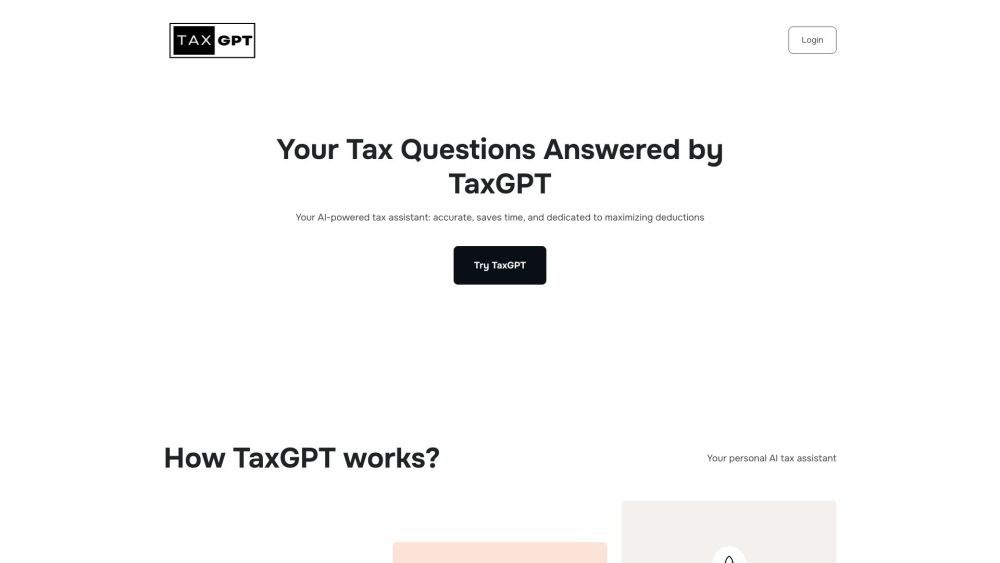
TaxGPT website preview

TaxGPT: Your AI Tax Assistant Website screenshot

What is TaxGPT: Your AI Tax Assistant?

TaxGPT is a cutting-edge AI-driven tool designed to streamline tax preparation and help users maximize their deductions with ease.

How to use TaxGPT: Your AI Tax Assistant?

1. Input your tax-related question into the chat interface. 2. Receive detailed, AI-generated responses tailored to your query. 3. Use these insights to make informed decisions regarding your tax obligations.

TaxGPT: Your AI Tax Assistant's Core Features

Up-to-date and precise answers to tax-related questions

Identification of potential deductions and credits

Immediate responses to tax queries

Ensured data privacy and security

Robust AI algorithms delivering trustworthy information

TaxGPT: Your AI Tax Assistant's Use Cases

Suitable for individual tax filing, business taxes, and professionals seeking tax-related guidance

Product source: TaxGPT official website. Check the provider for current plans, limits and availability.

FAQ

TaxGPT questions and answers

Product context and practical checks for evaluating TaxGPT.

What is TaxGPT used for?

TaxGPT is an AI-powered tax assistant that simplifies tax processes and maximizes deductions.

How do I get started with TaxGPT?

1. Input your tax-related question into the chat interface. 2. Receive detailed, AI-generated responses tailored to your query. 3. Use these insights to make informed decisions regarding your tax obligations.

Which capabilities are described for TaxGPT?

Up-to-date and precise answers to tax-related questionsIdentification of potential deductions and creditsImmediate responses to tax queriesEnsured data privacy and securityRobust AI algorithms delivering trustworthy information

What projects can I evaluate TaxGPT for?

Suitable for individual tax filing, business taxes, and professionals seeking tax-related guidance TaxGPT: Your AI Tax Assistant Support Email & Customer Service Contact For additional support, visit the contact us page (https://www.taxgpt.com/contact-pages/contact-us) TaxGPT: Your AI Tax Assistant Company Company Name: TaxGPT Inc. Learn more about TaxGPT by visiting the about us page (https://www.taxgpt.com/about). TaxGPT: Your AI Tax Assistant Login Access the login page here: http://app.taxgpt.com TaxGPT: Your AI Tax Assistant Sign Up Create a new account at: https://app.taxgpt.com/ TaxGPT: Your AI Tax Assistant on Social Media Follow us on Facebook: https://www.facebook.com/profile.php?id=100094529918148 Watch our videos on YouTube: https://www.youtube.com/@AskTaxGPT Find us on TikTok: https://www.tiktok.com/@asktaxgpt Connect on LinkedIn: https://www.linkedin.com/company/taxgpt Follow us on Twitter: https://twitter.com/AskTaxGPT Check out our Instagram: https://www.instagram.com/asktaxgpt/

What should I compare before choosing a TaxGPT plan?

Check TaxGPT’s current pricing page for included usage, renewal terms and any credit charges. Compare the cost of a usable result, including retries, rather than assuming that account registration includes free usage.

What inputs should I prepare for a TaxGPT trial?

Identify the files, text or account connections your task needs. Confirm that the product accepts those inputs and offers controls for reviewing its work.

How can I check the quality of a TaxGPT result?

Test one representative task and inspect the result for accuracy and completeness. Record where manual corrections or extra tools are needed.

Which export options should I check in TaxGPT?

Check export formats, integrations and whether you can keep using your work outside the service. Test a real export before committing to a longer plan.

What is a practical way to test TaxGPT against alternatives?

Choose one task with a clear success condition. Keep the input consistent, record the time spent reviewing and compare the complete workflow cost.

Where is the official TaxGPT website?

The website linked from this profile is https://taxgpt.com. Use the provider’s own documentation, account area and support channels to confirm current product details.

Visit TaxGPT