Table of contents
Taiga: AI-Powered Platform for Real-Time Feedback and Guidance
Taiga: An AI-powered platform blending ChatGPT and Coyotiv expertise for real-time feedback, guidance, and personalized recommendations in software engineering.
Introducing Taiga
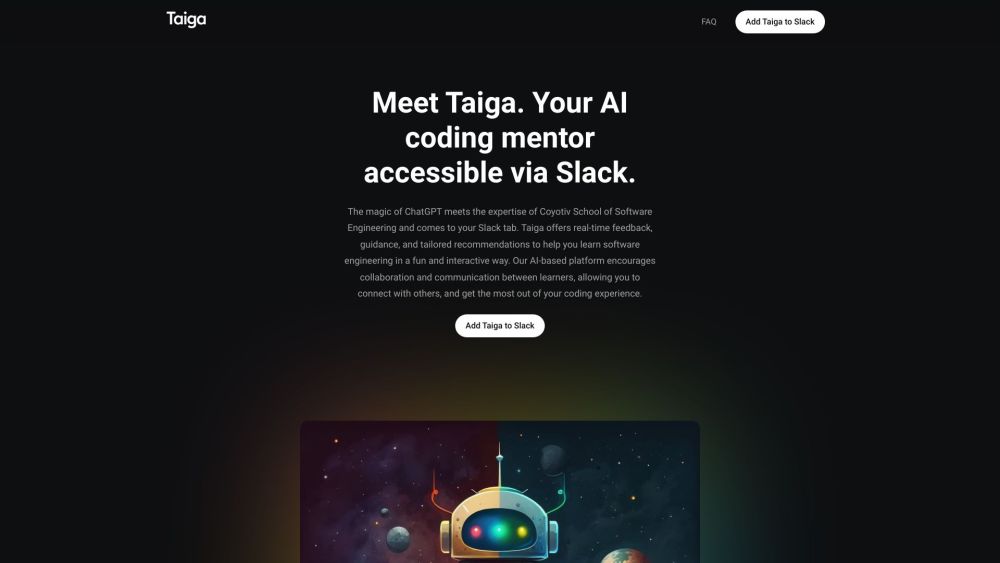
Taiga is an advanced AI-powered platform that merges the capabilities of ChatGPT with the knowledge base of the Coyotiv School of Software Engineering. It delivers instant feedback, expert guidance, and customized recommendations to assist learners on their software engineering path.
Getting Started with Taiga
Key Features of Taiga
Taiga provides instant answers with practical examples to programming inquiries across various languages. It offers comprehensive guidance, detailed breakdowns, and actionable tips to help learners grasp concepts more effectively. Additionally, Taiga promotes teamwork by allowing users to share their learning progress with peers or colleagues. The platform is also available across multiple devices, supporting learning on the go.
Applications of Taiga
Taiga is ideal for learning software engineering principles, receiving code reviews, interpreting error messages, and honing programming skills. It's a valuable tool for beginners, seasoned developers, and anyone looking to improve their coding proficiency.
-
About Taiga
Taiga is developed by Coyotiv GmbH.
Frequently Asked Questions
What is Taiga?
Taiga is an AI-powered platform that leverages ChatGPT and Coyotiv School of Software Engineering's expertise to provide real-time feedback, guidance, and customized recommendations for learners in software engineering.
How to use Taiga?
To use Taiga, add it to your Slack workspace by clicking the 'Add to Slack' button and authorizing access. You can then invite Taiga to any channel or message it directly for personalized learning experiences, asking any programming questions and engaging in interactive discussions.
How do I set up Taiga?
Setting up Taiga in your Slack workspace is quick and easy. Click the 'Add to Slack' button and authorize access to your Slack workspace.
How can I ask questions to Taiga?
You can invite Taiga to any channel, send a direct message, or write to it in private for a personalized learning experience. Type any programming question you have and engage in interactive discussions.
What can I expect from Taiga's guidance?
Taiga provides real-time answers with practical examples, code snippets, and practice problems. It offers detailed explanations, examples, and practical tips to help you understand programming concepts effectively.
Can I collaborate with others using Taiga?
Yes, Taiga promotes collaboration by enabling you to share your learning progress and insights with your teammates or colleagues.
Is Taiga accessible on mobile devices?
Yes, Taiga is accessible on multiple devices including desktops, laptops, tablets, and mobile phones.