AI Productivity Tools

Tabnine

Boost your coding speed and safety with Tabnine, an AI assistant that enhances code completion and productivity, integrating with modern IDEs.

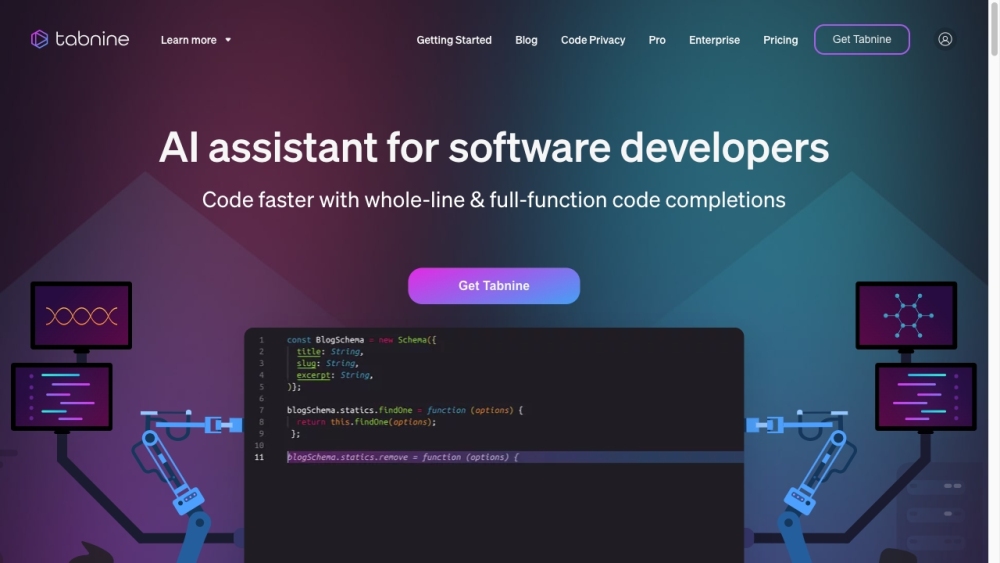
Tabnine website preview

Tabnine Website screenshot

Understanding Tabnine

Tabnine is an advanced AI assistant designed to enhance coding efficiency and ensure code security. It offers robust code completion features that significantly boost development productivity. Seamlessly integrating with popular modern IDEs, Tabnine is a powerful tool for developers.

Utilizing Tabnine

To get started with Tabnine, install it and integrate it into your preferred IDE. Once set up, Tabnine will provide intelligent code suggestions, generate code blocks from natural language descriptions, parse files, and handle various coding tasks. As a context-aware AI, Tabnine aids in generating new code, refining existing code, and even translating code between different programming languages.

Key Features of Tabnine

Tabnine's core features include: Top-tier code completion Autocompleting lines of code Suggesting entire function implementations Generating code blocks from natural language comments File parsing and performing diverse coding tasks Customization to align with your coding style and best practices Maximizing the value of your development team Operating in a fully isolated mode to ensure security and privacy Providing control over your Intellectual Property Centralized configuration and enforcement across your organization

Applications of Tabnine

Tabnine can be applied in various scenarios, including: Enhancing development productivity Speeding up the software delivery process Reducing technical debt Ensuring consistency in code Onboarding and training new developers Delivering innovative features and capabilities Facilitating maintenance and reducing bugs Translating code between programming languages Searching your codebase using natural language Refactoring and improving existing code Writing docstrings

Product source: Tabnine official website. Check the provider for current plans, limits and availability.

FAQ

Tabnine questions and answers

Product context and practical checks for evaluating Tabnine.

What is Tabnine used for?

Boost your coding speed and safety with Tabnine, an AI assistant that enhances code completion and productivity, integrating with modern IDEs.

How do I get started with Tabnine?

Open the official Tabnine website and identify the workflow that matches your task. Choose a small reproducible bug with an existing failing check. Measure whether the tool fixes the cause, preserves behavior and produces a reviewable change.

Which capabilities are described for Tabnine?

Tabnine's core features include: Top-tier code completion Autocompleting lines of code Suggesting entire function implementations Generating code blocks from natural language comments File parsing and performing diverse coding tasks Customization to align with your coding style and best practices Maximizing the value of your development team Operating in a fully isolated mode to ensure security and privacy Providing control over your Intellectual Property Centralized configuration and enforcement across your organization

What projects can I evaluate Tabnine for?

Tabnine can be applied in various scenarios, including: Enhancing development productivity Speeding up the software delivery process Reducing technical debt Ensuring consistency in code Onboarding and training new developers Delivering innovative features and capabilities Facilitating maintenance and reducing bugs Translating code between programming languages Searching your codebase using natural language Refactoring and improving existing code Writing docstrings Tabnine Support Email & Customer Service Contact For more contact information, visit the contact us page. About Tabnine To learn more about Tabnine, visit the about us page. Tabnine Pricing For pricing information, visit Tabnine Pricing. Tabnine on YouTube Check out Tabnine's YouTube channel: Tabnine YouTube. Tabnine on LinkedIn Follow Tabnine on LinkedIn: Tabnine LinkedIn. Tabnine on Twitter Stay updated with Tabnine on Twitter: Tabnine Twitter.

What should I compare before choosing a Tabnine plan?

For pricing information, visit Tabnine Pricing. Confirm current prices and allowances on the provider’s website before purchasing.

What inputs should I prepare for a Tabnine trial?

Compare repository access, context limits, supported languages and tool permissions. Check whether the assistant can read relevant files and run your existing checks.

How can I check the quality of a Tabnine result?

Review the diff, run tests and inspect error handling and dependency changes. Generated code should meet the same review standard as a human contribution.

Which export options should I check in Tabnine?

Prefer changes you can inspect and keep in version control. Check whether code, tests and configuration can be exported without depending on a hosted preview.

What is a practical way to test Tabnine against alternatives?

Choose a small reproducible bug with an existing failing check. Measure whether the tool fixes the cause, preserves behavior and produces a reviewable change.

Where is the official Tabnine website?

The website linked from this profile is . Use the provider’s own documentation, account area and support channels to confirm current product details.