AI Chatbot

Superflows

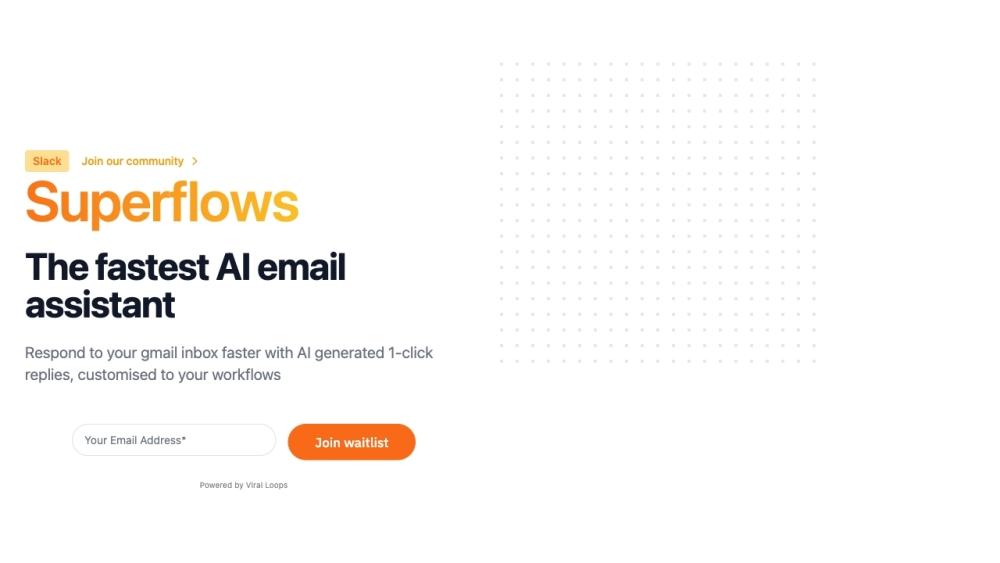
Superflows: AI Email Assistant with 1-Click Custom Replies. Speed through your inbox with personalized AI-generated responses, tailored to your workflow and tone.

Superflows website preview

Superflows Website screenshot

What is Superflows?

Superflows is an advanced AI email assistant designed to streamline your email management with AI-generated, one-click custom replies and automated workflows. Each email you receive will have several smartly crafted response options that can be sent with a single click. These replies can be customized to align with your workflow and personal tone, including adding calendar links and other important details, eliminating the need for manual copy-and-paste tasks.

How to use Superflows?

Using Superflows is simple. Start by uploading your API specifications to define the available endpoints for the assistant. Test its functionality in the playground to ensure it meets your needs before integrating it into your application with minimal code changes. Tailor the SuperflowsButton component by entering your specific API key, naming your AI, and setting your preferred styles to seamlessly incorporate the AI assistant into your software.

Core Features of Superflows

AI-Generated 1-Click Replies

Tailored to Your Workflow and Tone

Incorporates Calendar Links and More

Use Cases for Superflows

Efficient Email Management

Time Savings on Reply Compositions

Streamlined Communication Processes

Product source: Superflows official website. Check the provider for current plans, limits and availability.

FAQ

Superflows questions and answers

Product context and practical checks for evaluating Superflows.

What is Superflows used for?

Superflows: AI Email Assistant with 1-Click Custom Replies. Speed through your inbox with personalized AI-generated responses, tailored to your workflow and tone.

How do I get started with Superflows?

Using Superflows is simple. Start by uploading your API specifications to define the available endpoints for the assistant. Test its functionality in the playground to ensure it meets your needs before integrating it into your application with minimal code changes. Tailor the SuperflowsButton component by entering your specific API key, naming your AI, and setting your preferred styles to seamlessly incorporate the AI assistant into your software.

Which capabilities are described for Superflows?

AI-Generated 1-Click RepliesTailored to Your Workflow and ToneIncorporates Calendar Links and More

What projects can I evaluate Superflows for?

Efficient Email ManagementTime Savings on Reply CompositionsStreamlined Communication Processes Superflows Support For customer service, contact us at: [email protected] About Superflows Learn more about Superflows at Learney AI Ltd. Visit our About Us page. Pricing Information Check out our pricing options: Superflows Pricing Connect with Us Follow us on LinkedIn: Superflows LinkedIn Follow us on Twitter: Superflows Twitter Find us on GitHub: Superflows GitHub

What should I compare before choosing a Superflows plan?

Check out our pricing options: Superflows Pricing Confirm current prices and allowances on the provider’s website before purchasing.

What inputs should I prepare for a Superflows trial?

Compare support for source documents, style instructions, outlines and length limits. Check whether citations link to real material rather than merely looking like references.

How can I check the quality of a Superflows result?

Verify names, dates, quotations and factual claims against the original sources. Edit tone, remove repetition and make sure the text answers the intended reader’s question.

Which export options should I check in Superflows?

Check export to plain text, Markdown, documents or your publishing system. Formatting, headings and working links matter when moving a draft into production.

What is a practical way to test Superflows against alternatives?

Use a real brief and a short source document. Compare factual accuracy, structure and editing time rather than accepting the longest or most confident draft.

Where is the official Superflows website?

The website linked from this profile is https://www.promptdodo.com. Use the provider’s own documentation, account area and support channels to confirm current product details.

Visit Superflows