Large Language Models (LLMs)

Sully.ai

Sully.ai: Your AI Medical Assistant for EMR integration. Save time with screening, scribing, diagnosis support, and more. Multilingual & HIPAA compliant.

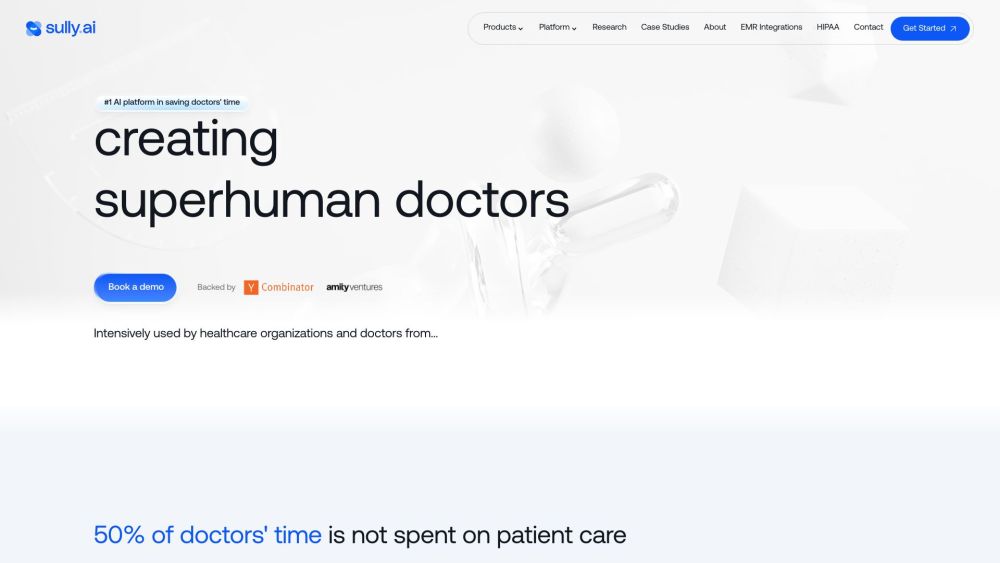
Sully.ai website preview

Sully.ai Website screenshot

What is Sully.ai?

Sully.ai is a comprehensive AI Medical Assistant engineered to enhance the efficiency of healthcare professionals by automating labor-intensive tasks before, during, and after patient consultations. Its robust features include patient screening, real-time visit suggestions, automated scribing, diagnostic support, clinical plan drafting, and customizable workflows. Designed for seamless EMR integration, Sully.ai fits effortlessly into existing medical processes. The platform supports multiple languages, adheres to HIPAA regulations, and is powered by a sophisticated language model trained on real clinical interactions.

How to use Sully.ai?

Healthcare providers can utilize Sully.ai by registering on the platform, integrating it with their EMR systems, and leveraging its diverse features—such as patient screening, real-time advice, scribing, clinical plan formulation, and automated workflows—to optimize their daily operations and save valuable time.

Sully.ai's Core Features

Pre-visit patient screening

Live suggestions during consultations

Automated AI scribing

Diagnostic support

Clinical plan creation

Customizable automations

Sully.ai's Use Cases

Enhancing efficiency in pre, during, and post-consultation tasks

Providing real-time advice based on patient data

Transcribing conversations into medical records with AI assistance

Offering diagnostic insights based on patient symptoms

Creating automated workflows for post-consultation tasks

Product source: Sully.ai official website. Check the provider for current plans, limits and availability.

FAQ

Sully.ai questions and answers

Product context and practical checks for evaluating Sully.ai.

What is Sully.ai used for?

Sully.ai: Your AI Medical Assistant for EMR integration. Save time with screening, scribing, diagnosis support, and more. Multilingual & HIPAA compliant.

How do I get started with Sully.ai?

Healthcare providers can utilize Sully.ai by registering on the platform, integrating it with their EMR systems, and leveraging its diverse features—such as patient screening, real-time advice, scribing, clinical plan formulation, and automated workflows—to optimize their daily operations and save valuable time.

Which capabilities are described for Sully.ai?

Pre-visit patient screeningLive suggestions during consultationsAutomated AI scribingDiagnostic supportClinical plan creationCustomizable automations

What projects can I evaluate Sully.ai for?

Enhancing efficiency in pre, during, and post-consultation tasksProviding real-time advice based on patient dataTranscribing conversations into medical records with AI assistanceOffering diagnostic insights based on patient symptomsCreating automated workflows for post-consultation tasks Sully.ai Support Email & Customer Service Contact For customer service, contact Sully.ai at [email protected]. For additional contact details, visit the contact us page(https://www.sully.ai/contact). About Sully.ai Company Company name: Sully.ai. Learn more about Sully.ai on the about us page(https://www.sully.ai/about-us). Sully.ai on Linkedin Follow Sully.ai on Linkedin: https://www.linkedin.com/company/sully-ai/Sully.ai on Twitter Follow Sully.ai on Twitter: https://twitter.com/sully_the_ai

What should I compare before choosing a Sully.ai plan?

Check Sully.ai’s current pricing page for included usage, renewal terms and any credit charges. Compare the cost of a usable result, including retries, rather than assuming that account registration includes free usage.

What inputs should I prepare for a Sully.ai trial?

Identify the files, text or account connections your task needs. Confirm that the product accepts those inputs and offers controls for reviewing its work.

How can I check the quality of a Sully.ai result?

Test one representative task and inspect the result for accuracy and completeness. Record where manual corrections or extra tools are needed.

Which export options should I check in Sully.ai?

Check export formats, integrations and whether you can keep using your work outside the service. Test a real export before committing to a longer plan.

What is a practical way to test Sully.ai against alternatives?

Choose one task with a clear success condition. Keep the input consistent, record the time spent reviewing and compare the complete workflow cost.

Where is the official Sully.ai website?

The website linked from this profile is https://www.sully.ai. Use the provider’s own documentation, account area and support channels to confirm current product details.

Visit Sully.ai