AI Builder

STUDIO AI

STUDIO AI: Instantly create live websites with WebDesignAI. Revolutionize web design with intelligent, technology that enhances your vision.

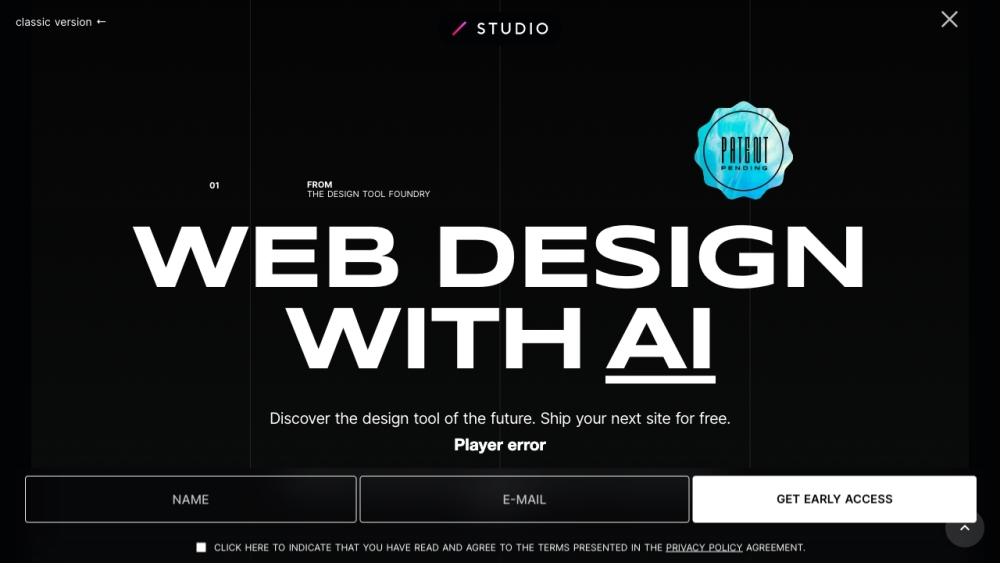
STUDIO AI website preview

STUDIO AI Website screenshot

Introducing STUDIO AI

STUDIO AI is an advanced platform that leverages WebDesignAI, a smart technology designed to elevate your web design process. It allows for the rapid transformation of your creative concepts into fully functional, live websites, offering a revolutionary approach to web design.

Getting Started with STUDIO AI

STUDIO AI is user-friendly and efficient. Simply upload your design assets or create new designs within the platform. The intelligent algorithms within WebDesignAI will evaluate your designs, adapt based on your feedback, and enhance them. Once finalized, STUDIO AI automatically generates the necessary code, bringing your vision to life as a live website.

Key Features of STUDIO AI

WebDesignAI - Advanced AI that understands and optimizes web designs

Instant conversion of designs into live websites

Design analysis with machine learning capabilities

Automatic code generation for complete websites

User feedback-driven enhancements

Streamlined web design workflow

Applications of STUDIO AI

Web designers seeking quick deployment of their designs

Entrepreneurs looking for an intelligent and efficient design tool

UX designers aiming to refine their design process

Agencies striving to optimize their design workflow

Product source: STUDIO AI official website. Check the provider for current plans, limits and availability.

FAQ

STUDIO AI questions and answers

Product context and practical checks for evaluating STUDIO AI.

What is STUDIO AI used for?

STUDIO AI: Instantly create live websites with WebDesignAI. Revolutionize web design with intelligent, technology that enhances your vision.

How do I get started with STUDIO AI?

STUDIO AI is user-friendly and efficient. Simply upload your design assets or create new designs within the platform. The intelligent algorithms within WebDesignAI will evaluate your designs, adapt based on your feedback, and enhance them. Once finalized, STUDIO AI automatically generates the necessary code, bringing your vision to life as a live website.

Which capabilities are described for STUDIO AI?

WebDesignAI - Advanced AI that understands and optimizes web designsInstant conversion of designs into live websitesDesign analysis with machine learning capabilitiesAutomatic code generation for complete websitesUser feedback-driven enhancementsStreamlined web design workflow

What projects can I evaluate STUDIO AI for?

Web designers seeking quick deployment of their designsEntrepreneurs looking for an intelligent and efficient design toolUX designers aiming to refine their design processAgencies striving to optimize their design workflow STUDIO AI Company STUDIO AI is developed by STUDIO Inc. STUDIO AI Login Login to STUDIO AI: https://app.studio.design/login STUDIO AI Sign Up Create an account: https://app.studio.design/signup STUDIO AI Pricing Explore pricing options: https://studio.design/pricing STUDIO AI on YouTube Watch tutorials and more: https://www.youtube.com/channel/UCacZBasz9QI5k0hcB5HKYoQ STUDIO AI on LinkedIn Connect with us: https://www.linkedin.com/company/studiodesignapp STUDIO AI on Twitter Follow our updates: https://twitter.com/studio STUDIO AI on Instagram Discover our latest posts: https://www.instagram.com/sitedesigntool

What should I compare before choosing a STUDIO AI plan?

Explore pricing options: https://studio.design/pricing Confirm current prices and allowances on the provider’s website before purchasing.

What inputs should I prepare for a STUDIO AI trial?

Look for text prompts, image references, masks or sketches as appropriate. Compare composition control, supported upload types and the ability to revise a selected area.

How can I check the quality of a STUDIO AI result?

Inspect text, hands, edges, reflections and repeated objects at full size. Check that important product or brand details survive editing.

Which export options should I check in STUDIO AI?

Compare pixel dimensions, transparency, file formats and any enlargement options. Confirm that the downloaded result works in your design or publishing software.

What is a practical way to test STUDIO AI against alternatives?

Prepare a brief with a subject, composition, lighting and required output size. Test a first generation and a targeted revision to see how much control you retain.

Where is the official STUDIO AI website?

The website linked from this profile is https://www.promptdodo.com. Use the provider’s own documentation, account area and support channels to confirm current product details.

Visit STUDIO AI