Table of contents
Stable Video 3D: 3D Video & Mesh Creation from Single Image
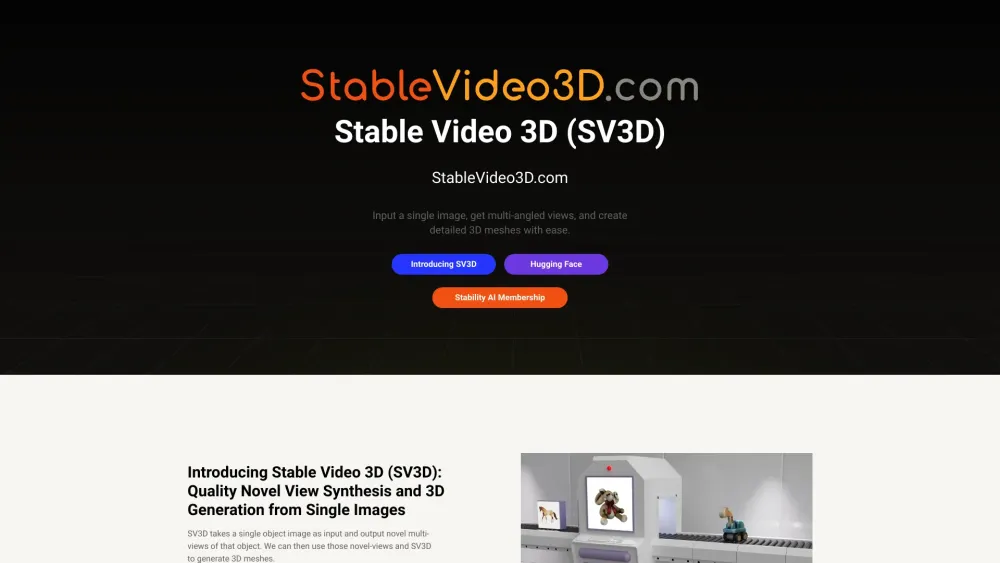
SV3D is a generative model that creates 3D videos and meshes from a single image, using Stable Video Diffusion technology.
Understanding Stable Video 3D
Stable Video 3D (SV3D) utilizes generative modeling to produce 3D videos and meshes from a single image through its innovative Stable Video Diffusion technology.
How to Operate Stable Video 3D
Key Features of Stable Video 3D
Multi-View Synthesis
Variants: SV3D_u and SV3D_p
Applications in Both Commercial and Non-Commercial Sectors
Applications of Stable Video 3D
Generating 3D models from single images
Creating orbital videos without needing camera setup
Producing 3D videos along specified camera paths
-
About Stable Video 3D Company
The company behind Stable Video 3D is Stability AI.
-
Stable Video 3D on LinkedIn
Follow Stability AI on LinkedIn: https://www.linkedin.com/company/stability-ai/
-
Stable Video 3D on Twitter
Follow Stability AI on Twitter: https://twitter.com/StabilityAI
-
Stable Video 3D on Instagram
Follow Stability AI on Instagram: https://www.instagram.com/stability.ai/
-
Stable Video 3D on GitHub
Explore the project on GitHub: https://github.com/Stability-AI
Frequently Asked Questions about Stable Video 3D
What is Stable Video 3D?
Stable Video 3D (SV3D) is a generative model that creates 3D videos and meshes from a single image using Stable Video Diffusion technology.
How to use Stable Video 3D?
Upload a single image to easily generate multi-angled views and detailed 3D meshes using SV3D.
What does Stable Video 3D do?
It transforms a single image into novel multi-view representations, creating detailed 3D meshes.
What are the versions of SV3D?
SV3D comes in two versions: SV3D_u for generating orbital videos without camera setup, and SV3D_p for creating 3D videos along specific camera paths.
Is SV3D available for commercial use?
Yes, SV3D can be used commercially with a Stability AI Membership. For non-commercial use, model weights are available on Hugging Face.
Do I need any training to use SV3D?
Basic knowledge of 3D modeling and generative models is useful. Detailed usage instructions are available on our GitHub repository.
What types of images can SV3D process?
SV3D is optimized for single, clear images of objects for the best 3D generation results.
How does SV3D compare to traditional 3D modeling methods?
SV3D automates 3D model creation from images, offering faster and more efficient results than manual 3D modeling.
Is SV3D superior to other generative models?
SV3D excels in novel view synthesis and 3D generation from single images, making it unique in the generative model space.
Can SV3D be used for educational purposes?
Yes, SV3D is valuable for educational institutions in fields like computer graphics, 3D modeling, and AI.
What are the system requirements for SV3D?
A system with adequate processing power, especially for graphics, is needed. Specific requirements are in our documentation.
How accurate are the 3D models produced by SV3D?
SV3D generates high-quality 3D models, with accuracy depending on input image quality and model training data.
Are there ethical considerations when using SV3D?
Users should follow ethical guidelines, avoid creating misleading or harmful content, and comply with Stability AI's Acceptable Use Policy.
Where can I find more information and tutorials about SV3D?
Visit our GitHub repository, project page, and online community on various social platforms for more information and tutorials.