AI Response Generator

Spine AI

Spine AI: Effortlessly deploy conversational interfaces and integrate AI copilots to enhance user interactions and access real-time insights without an AI team.

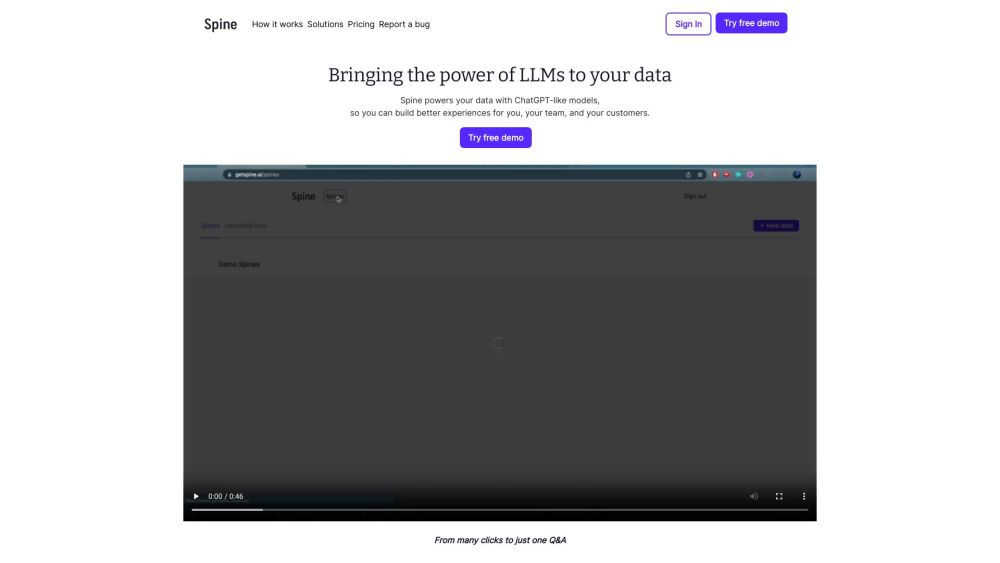
Spine AI website preview

Spine AI Website screenshot

What is Spine AI?

Spine AI is an innovative platform designed for teams to implement conversational interfaces on their existing APIs. This solution allows users to interact with AI copilots, streamlining AI integration into products without the necessity of an in-house AI team. These AI copilots perform tasks, provide real-time insights, and comprehend user intents seamlessly.

How to Use Spine AI?

To effectively use Spine AI, follow these steps: 1. Sign in to the platform 2. Discuss your project needs with the Spine team 3. Deploy your AI copilot without requiring an AI team 4. Connect Spine to your current APIs to build a conversational interface 5. Utilize Spine's stable AI functionalities 6. Execute intricate workflows and handle bulk tasks 7. Offer diverse multi-modal input choices 8. Use Spine to deliver answers from your documentation 9. Gain comprehensive business insights 10. Trial a proof of concept before finalizing 11. Assess and launch the pilot MVP 12. Experience the advantages of AI-driven user engagements

Spine AI's Core Features

Deploy Conversational Interface

Leverage Existing APIs

Execute Complex Workflows

Perform Bulk Actions

Support Multi-modal Inputs

Serve Documentation-Based Answers

Provide Business Insights

Test Proof of Concept

Integrate with REST or GraphQL APIs

Spine AI's Use Cases

Deliver Cutting-Edge User Experiences

Stay Ahead with Advanced AI Features

Enhance ARR with AI Enhancements

Enable Detailed Business Intelligence

Product source: Spine AI official website. Check the provider for current plans, limits and availability.

FAQ

Spine AI questions and answers

Product context and practical checks for evaluating Spine AI.

What is Spine AI used for?

Spine AI: Effortlessly deploy conversational interfaces and integrate AI copilots to enhance user interactions and access real-time insights without an AI team.

How do I get started with Spine AI?

To effectively use Spine AI, follow these steps: 1. Sign in to the platform 2. Discuss your project needs with the Spine team 3. Deploy your AI copilot without requiring an AI team 4. Connect Spine to your current APIs to build a conversational interface 5. Utilize Spine's stable AI functionalities 6. Execute intricate workflows and handle bulk tasks 7. Offer diverse multi-modal input choices 8. Use Spine to deliver answers from your documentation 9. Gain comprehensive business insights 10. Trial a proof of concept before finalizing 11. Assess and launch the pilot MVP 12. Experience the advantages of AI-driven user engagements

Which capabilities are described for Spine AI?

Deploy Conversational InterfaceLeverage Existing APIsExecute Complex WorkflowsPerform Bulk ActionsSupport Multi-modal InputsServe Documentation-Based AnswersProvide Business InsightsTest Proof of ConceptIntegrate with REST or GraphQL APIs

What projects can I evaluate Spine AI for?

Deliver Cutting-Edge User ExperiencesStay Ahead with Advanced AI FeaturesEnhance ARR with AI EnhancementsEnable Detailed Business Intelligence Spine AI Support Email & Customer Service For more contact information, visit the contact us page Spine AI Company Company Name: Spine AI Inc. Spine AI Login Login Link: https://app.getspine.ai/signin

What should I compare before choosing a Spine AI plan?

Check Spine AI’s current pricing page for included usage, renewal terms and any credit charges. Compare the cost of a usable result, including retries, rather than assuming that account registration includes free usage.

What inputs should I prepare for a Spine AI trial?

Identify the files, text or account connections your task needs. Confirm that the product accepts those inputs and offers controls for reviewing its work.

How can I check the quality of a Spine AI result?

Test one representative task and inspect the result for accuracy and completeness. Record where manual corrections or extra tools are needed.

Which export options should I check in Spine AI?

Check export formats, integrations and whether you can keep using your work outside the service. Test a real export before committing to a longer plan.

What is a practical way to test Spine AI against alternatives?

Choose one task with a clear success condition. Keep the input consistent, record the time spent reviewing and compare the complete workflow cost.

Where is the official Spine AI website?

The website linked from this profile is https://www.getspine.ai. Use the provider’s own documentation, account area and support channels to confirm current product details.

Visit Spine AI