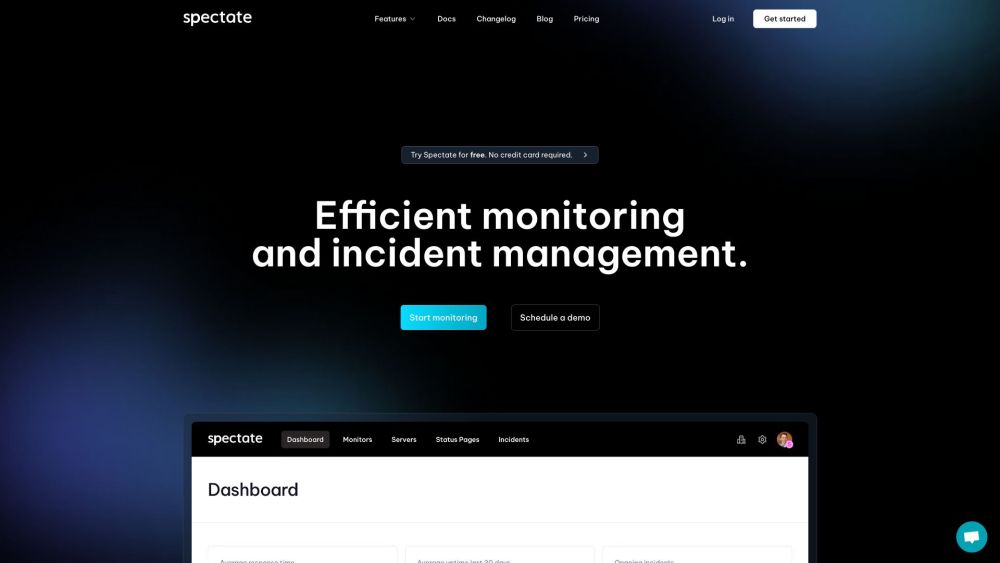
Introduction to Spectate
Spectate is an intuitive monitoring and incident management solution that leverages AI to deliver real-time status updates and streamlined incident resolutions, making it an essential tool for businesses of all sizes.
Getting Started with Spectate
Begin your monitoring journey by signing up on our platform for free. Customize your status page, set up monitoring across multiple global locations, and receive timely alerts via various channels including phone, SMS, Slack, and email. Spectate’s AI assistant will guide you through incident management, providing automated status updates and solutions to ensure smooth operations.
Key Features of Spectate
24/7 Uptime Monitoring
Advanced Incident Management
AI-Driven Status Updates
Fully Customizable Status Pages
Global Monitoring Capabilities
Seamless Integrations with Multiple Tools
Who Can Benefit from Spectate?
Ideal for Startups Needing Reliable Monitoring
Perfect for Enterprises Requiring Robust Incident Management
-
Join Spectate Discord
Connect with us on Discord: https://discord.gg/Xs7HrmdcWj. For additional messages, click here(/discord/xs7hrmdcwj).
-
Spectate Support & Customer Service
Need assistance? Contact our support team via email: [email protected]. For more contact details, visit our Contact Us page (https://spectate.net/contact).
-
About Spectate
Learn more about our company: Spectate. Visit our About Us page (https://spectate.net/about) for more information.
-
Spectate Login
Access your account here: https://app.spectate.net/auth/login.
-
Sign Up for Spectate
Ready to get started? Register now at: https://app.spectate.net/auth/register.
-
Spectate Pricing
Explore our pricing options: https://spectate.net/pricing.
-
Follow Spectate on LinkedIn
Connect with us on LinkedIn: https://linkedin.com/company/spectatehq.
-
Spectate on GitHub
Check out our projects on GitHub: https://github.com/spectate.