AI Builder

SoundHunter

Identify any song in seconds with SoundHunter: the ultimate music identifier app for instant song recognition. Fast, accurate, and easy to use!

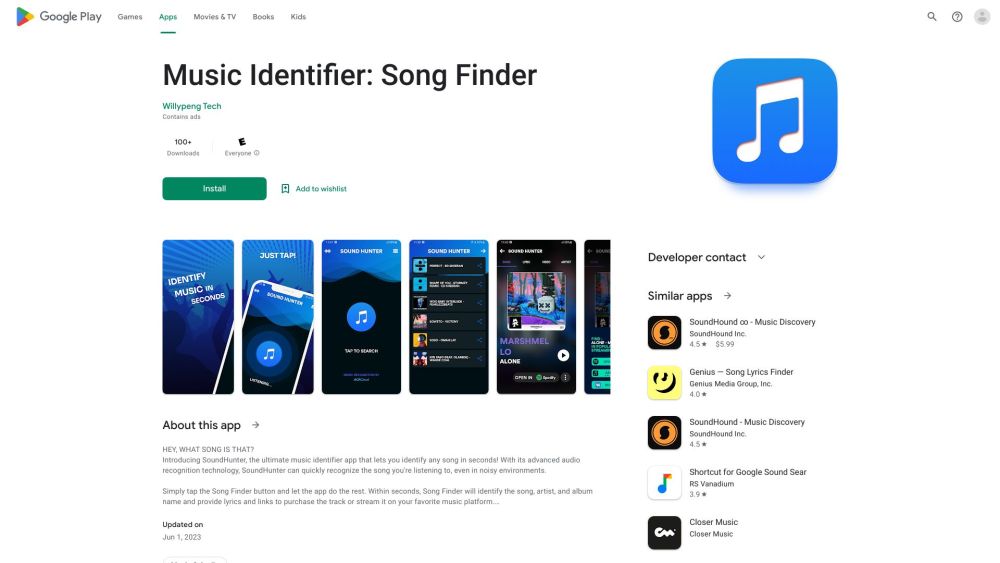
SoundHunter website preview

SoundHunter Website screenshot

What is SoundHunter?

SoundHunter is a premier music identification app designed to help users recognize any song within seconds.

How to use SoundHunter?

Using SoundHunter is effortless: 1. Download and install the app from either the App Store or Google Play. 2. Launch the app and allow it access to your microphone. 3. Press the 'Identify Song' button. 4. Let SoundHunter listen to the audio and wait for the identification result.

SoundHunter's Core Features

State-of-the-art audio recognition

Instant song identification

Intuitive user interface

Available for both iOS and Android devices

SoundHunter's Use Cases

Identify songs from radio or TV broadcasts

Discover music at social gatherings or events

Uncover the title of a song stuck in your mind

Product source: SoundHunter official website. Check the provider for current plans, limits and availability.

FAQ

SoundHunter questions and answers

Product context and practical checks for evaluating SoundHunter.

What is SoundHunter used for?

Identify any song in seconds with SoundHunter: the ultimate music identifier app for instant song recognition. Fast, accurate, and easy to use!

How do I get started with SoundHunter?

Using SoundHunter is effortless: 1. Download and install the app from either the App Store or Google Play. 2. Launch the app and allow it access to your microphone. 3. Press the 'Identify Song' button. 4. Let SoundHunter listen to the audio and wait for the identification result.

Which capabilities are described for SoundHunter?

State-of-the-art audio recognitionInstant song identificationIntuitive user interfaceAvailable for both iOS and Android devices

What projects can I evaluate SoundHunter for?

Identify songs from radio or TV broadcastsDiscover music at social gatherings or eventsUncover the title of a song stuck in your mind

What should I compare before choosing a SoundHunter plan?

Check SoundHunter’s current pricing page for included usage, renewal terms and any credit charges. Compare the cost of a usable result, including retries, rather than assuming that account registration includes free usage.

What inputs should I prepare for a SoundHunter trial?

Compare recording length, file types, language support and speaker handling. For voice generation, check pronunciation controls and permission to use any reference voice.

How can I check the quality of a SoundHunter result?

Listen for mispronounced names, unnatural pauses, clipped words and noise. For transcripts, compare the text with the recording and correct speaker labels.

Which export options should I check in SoundHunter?

Check audio format, sample rate, separate tracks, captions and timestamp exports. Confirm that the result works in your editing or accessibility workflow.

What is a practical way to test SoundHunter against alternatives?

Use a short recording with names, numbers and more than one speaker, or a script with difficult pronunciation. Review the exported audio or transcript in full.

Where is the official SoundHunter website?

The website linked from this profile is https://play.google.com/store/apps/details?id=com.songfinder.recognition&utm_source=toolify. Use the provider’s own documentation, account area and support channels to confirm current product details.

Visit SoundHunter