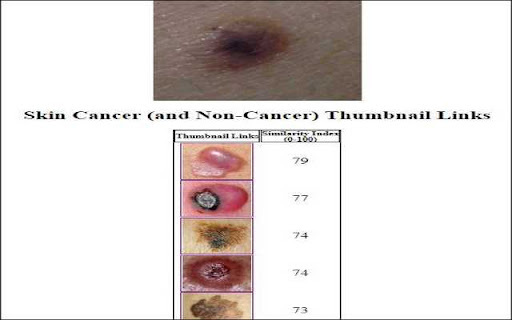
What is the Skin Lesion Image Comparison Chrome Extension?
The Skin Lesion Image Comparison tool is a Chrome extension designed to assist users by linking images of skin lesions, including cancerous and benign moles, that resemble the user's uploaded mole image.
How to Use the Skin Lesion Image Comparison Tool?
To get started, simply install the Chrome extension, upload a picture of your mole, and input your activation code to access the service.
Key Features of the Skin Lesion Image Comparison Chrome Extension
Extensive Database of Skin Lesion Images
Provides image comparisons by referencing hundreds of images of different skin lesions, aiding in early detection of skin cancer.
Easy Access with Activation Code
Users can unlock the full functionality of the extension by entering an activation code after installation.
Common Use Cases for Skin Lesion Image Comparison
Mole Image Comparison for Cancer Detection
This tool helps in comparing your mole images with a wide range of documented skin lesions to potentially identify early signs of skin cancer.
Identifying Skin Lesion Patterns
Identify similarities between your mole and various non-cancerous or cancerous skin lesions to make more informed decisions.