Large Language Models (LLMs)

Sheriff

Meet

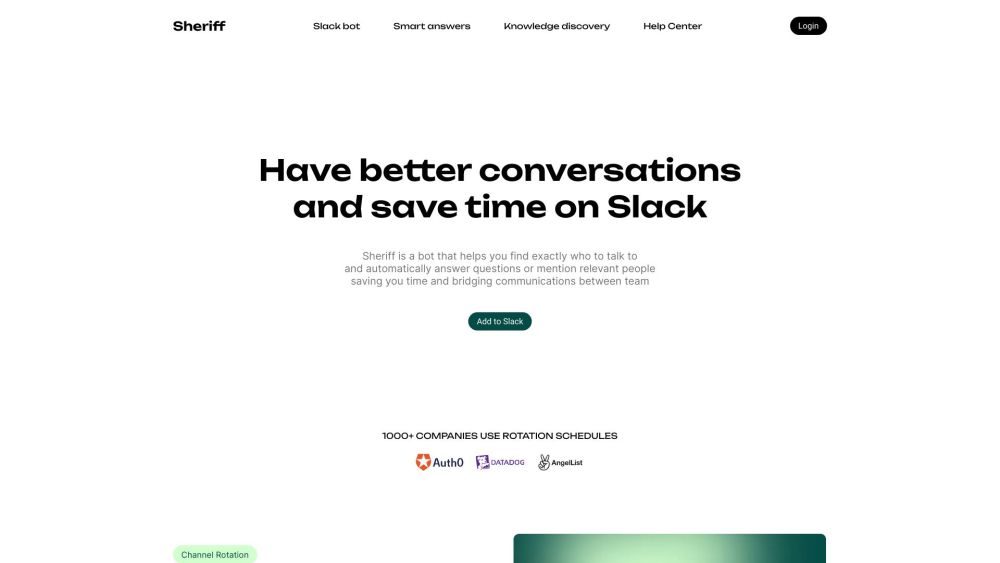
Sheriff website preview

Sheriff Website screenshot

What is Sheriff?

Sheriff is an innovative Slack bot designed to streamline your communication by identifying the right contacts and providing automatic responses to queries. It effectively manages rotating schedules and leverages AI to understand and answer questions.

How to use Sheriff?

To get started with Sheriff, integrate it into your Slack workspace and access any channel where you need assistance. Unsure who to ask? Mention '@sheriff' to get help. Teams can assign a rotating roster for the Sheriff role each week. Additionally, Sheriff can help direct you to the appropriate channel or recommend experts for your queries.

Sheriff's Core Features

Rotating rosters for designated Sheriff

Adaptable schedules with automatic rotation

Query the Sheriff from any channel or team

Intelligent responses using AI

Channel and personnel discovery

Internal support channels and routine meetings

First-line responders for common inquiries

AI-driven answers from past discussions

Sheriff's Use Cases

Teams looking to enhance communication and close gaps

Support channels needing prompt response to queries

Tracking rotating roles and managing team tasks

Assisting users in finding the right person or channel for specific topics

Product source: Sheriff official website. Check the provider for current plans, limits and availability.

FAQ

Sheriff questions and answers

Product context and practical checks for evaluating Sheriff.

What is Sheriff used for?

Meet

How do I get started with Sheriff?

To get started with Sheriff, integrate it into your Slack workspace and access any channel where you need assistance. Unsure who to ask? Mention '@sheriff' to get help. Teams can assign a rotating roster for the Sheriff role each week. Additionally, Sheriff can help direct you to the appropriate channel or recommend experts for your queries.

Which capabilities are described for Sheriff?

Rotating rosters for designated SheriffAdaptable schedules with automatic rotationQuery the Sheriff from any channel or teamIntelligent responses using AIChannel and personnel discoveryInternal support channels and routine meetingsFirst-line responders for common inquiriesAI-driven answers from past discussions

What projects can I evaluate Sheriff for?

Teams looking to enhance communication and close gapsSupport channels needing prompt response to queriesTracking rotating roles and managing team tasksAssisting users in finding the right person or channel for specific topics Sheriff Support Email & Customer Service Contact Contact Sheriff support at: [email protected] . Sheriff Login Access the Sheriff login here: https://heysheriff.com/api/auth/login

What should I compare before choosing a Sheriff plan?

Check Sheriff’s current pricing page for included usage, renewal terms and any credit charges. Compare the cost of a usable result, including retries, rather than assuming that account registration includes free usage.

What inputs should I prepare for a Sheriff trial?

Identify the files, text or account connections your task needs. Confirm that the product accepts those inputs and offers controls for reviewing its work.

How can I check the quality of a Sheriff result?

Test one representative task and inspect the result for accuracy and completeness. Record where manual corrections or extra tools are needed.

Which export options should I check in Sheriff?

Check export formats, integrations and whether you can keep using your work outside the service. Test a real export before committing to a longer plan.

What is a practical way to test Sheriff against alternatives?

Choose one task with a clear success condition. Keep the input consistent, record the time spent reviewing and compare the complete workflow cost.

Where is the official Sheriff website?

The website linked from this profile is . Use the provider’s own documentation, account area and support channels to confirm current product details.