What is SciPhi?
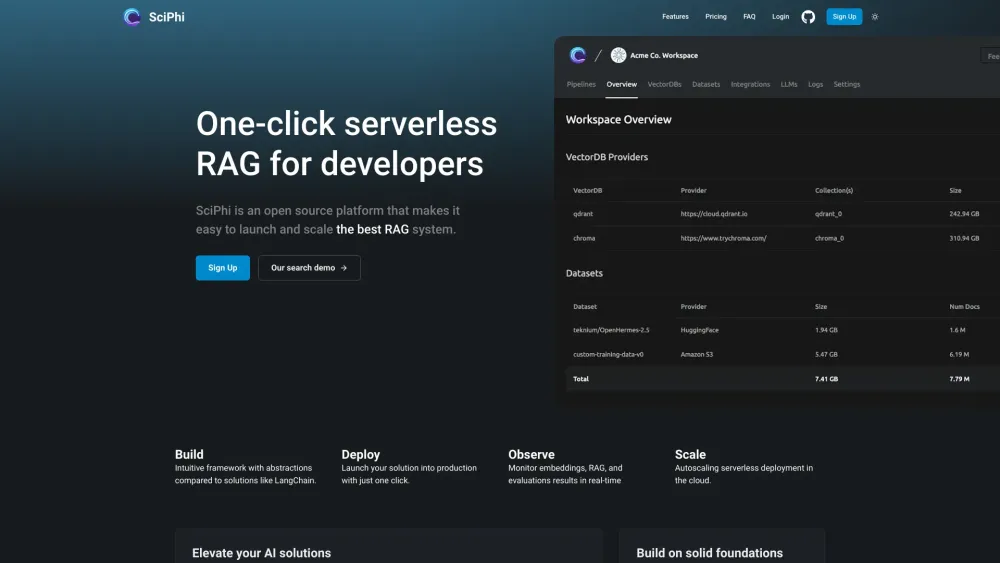
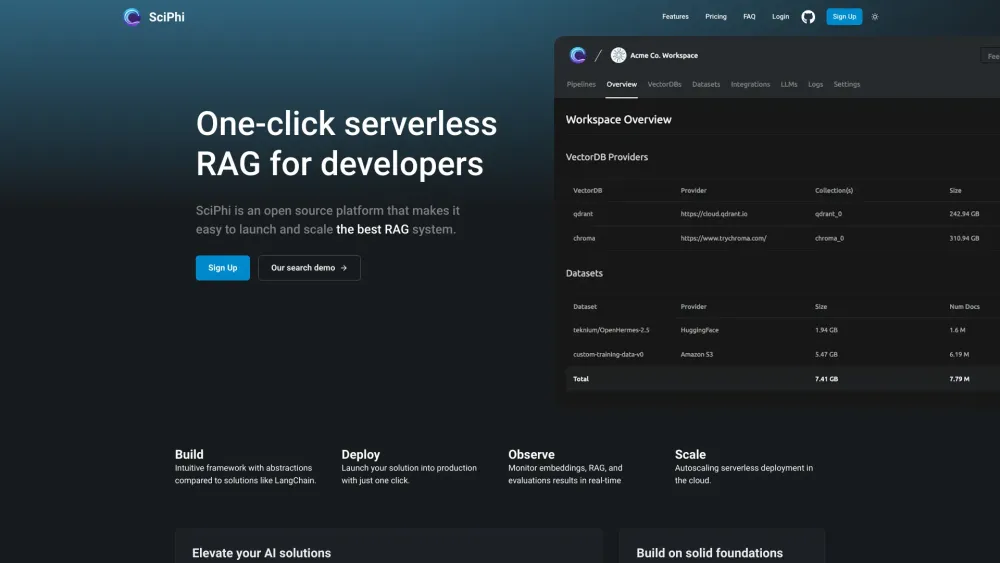
SciPhi is a cloud platform for developers that simplifies building and deploying serverless RAG pipelines.
How to use SciPhi?
1. Sign up for an account on SciPhi. 2. Build your RAG pipeline using the intuitive framework. 3. Deploy your solution into production with just one click. 4. Monitor embeddings, RAG, and evaluation results in real-time. 5. Scale your deployment with autoscaling serverless technology.
SciPhi's Core Features
One-click RAG deployment
Intuitive framework with abstractions
Real-time monitoring
Autoscaling serverless deployment
SciPhi's Use Cases
Build retrieval for AI applications
Power sales, education, and personal assistant solutions
SciPhi Support Email & Customer service contact & Refund contact etc.
More Contact, visit the contact us page(https://calendly.com/d/3ys-b4n-p3h)
SciPhi Company
SciPhi Company name: SciPhi .
SciPhi Login
SciPhi Login Link: https://app.sciphi.ai/registration
SciPhi Sign up
SciPhi Sign up Link: https://app.sciphi.ai/registration
SciPhi Pricing
SciPhi Pricing Link: https://www.sciphi.ai/#pricing
SciPhi Github
SciPhi Github Link: https://github.com/SciPhi-AI