Text to Image

Salad - GPU Cloud

Salad - GPU Cloud: Access 10k+ GPUs for AI/ML models, save up to 90% on cloud bills, and streamline your AI production. Power your innovation with Salad.

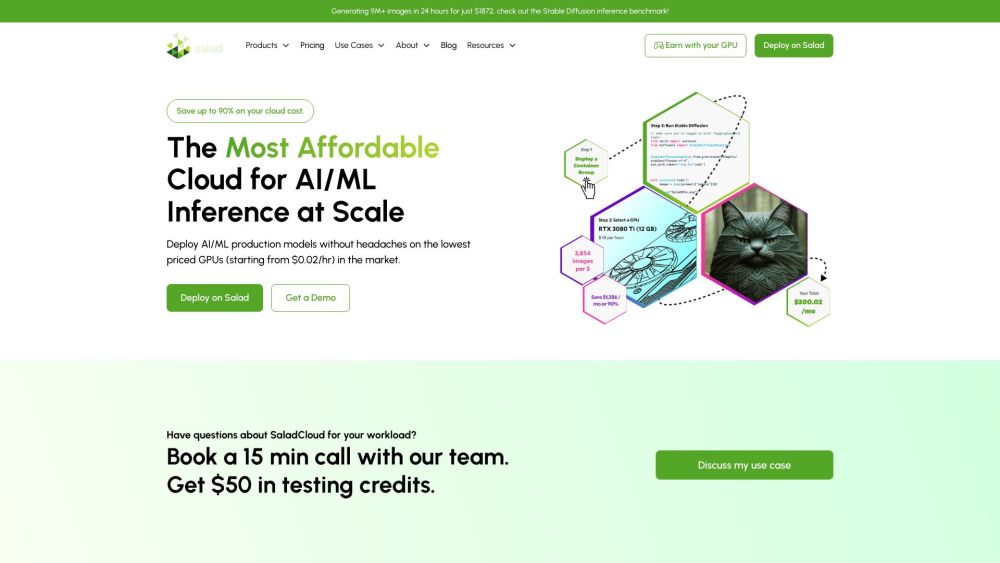
Salad - GPU Cloud website preview

Salad - GPU Cloud Website screenshot

What is Salad - GPU Cloud?

Salad is a groundbreaking GPU cloud platform offering over 10,000 GPUs specifically designed for AI and machine learning applications. Users can achieve up to 90% savings on cloud expenses while efficiently deploying AI/ML models.

How to use Salad - GPU Cloud?

Getting started with Salad is straightforward. Users simply create an account, select their desired resources, containerize their applications, and Salad takes care of the deployment and management.

Salad - GPU Cloud's Core Features

Salad Container Engine (SCE) - A fully managed, scalable container engine

Salad Gateway Service (SGS) - Dedicated proxies available in nearly 200 countries

Virtual Kubelets - Enables container deployments as Kubernetes pods

Salad - GPU Cloud's Use Cases

Image Generation - Create up to 20,000 images per dollar

Voice AI - Achieve up to 80% savings compared to major cloud providers

Computer Vision - Reduce cloud costs by over 50%

Data Collection - Obtain 10X better data using thousands of residential IPs

Product source: Salad - GPU Cloud official website. Check the provider for current plans, limits and availability.

FAQ

Salad - GPU Cloud questions and answers

Product context and practical checks for evaluating Salad - GPU Cloud.

What is Salad - GPU Cloud used for?

Salad - GPU Cloud: Access 10k+ GPUs for AI/ML models, save up to 90% on cloud bills, and streamline your AI production. Power your innovation with Salad.

How do I get started with Salad - GPU Cloud?

Getting started with Salad is straightforward. Users simply create an account, select their desired resources, containerize their applications, and Salad takes care of the deployment and management.

Which capabilities are described for Salad - GPU Cloud?

Salad Container Engine (SCE) - A fully managed, scalable container engineSalad Gateway Service (SGS) - Dedicated proxies available in nearly 200 countriesVirtual Kubelets - Enables container deployments as Kubernetes pods

What projects can I evaluate Salad - GPU Cloud for?

Image Generation - Create up to 20,000 images per dollarVoice AI - Achieve up to 80% savings compared to major cloud providersComputer Vision - Reduce cloud costs by over 50%Data Collection - Obtain 10X better data using thousands of residential IPs Salad - GPU Cloud Reddit Join the Salad community on Reddit: https://www.reddit.com/r/SaladChefs/ Salad - GPU Cloud Discord Connect with us on Discord: https://discord.gg/salad. For more Discord messages, please click here. Salad - GPU Cloud Company Company Name: Salad Technologies. Learn more about us at our about page. Salad - GPU Cloud Pricing Find detailed pricing information here: https://salad.com/pricing Salad - GPU Cloud YouTube Watch our videos on YouTube: Salad Technologies YouTube Channel Salad - GPU Cloud LinkedIn Follow us on LinkedIn: Salad Technologies LinkedIn Salad - GPU Cloud Twitter Stay updated via Twitter: Salad Chefs Twitter Salad - GPU Cloud GitHub Explore our projects on GitHub: Salad Technologies GitHub

What should I compare before choosing a Salad - GPU Cloud plan?

Find detailed pricing information here: https://salad.com/pricing Confirm current prices and allowances on the provider’s website before purchasing.

What inputs should I prepare for a Salad - GPU Cloud trial?

Identify the files, text or account connections your task needs. Confirm that the product accepts those inputs and offers controls for reviewing its work.

How can I check the quality of a Salad - GPU Cloud result?

Test one representative task and inspect the result for accuracy and completeness. Record where manual corrections or extra tools are needed.

Which export options should I check in Salad - GPU Cloud?

Check export formats, integrations and whether you can keep using your work outside the service. Test a real export before committing to a longer plan.

What is a practical way to test Salad - GPU Cloud against alternatives?

Choose one task with a clear success condition. Keep the input consistent, record the time spent reviewing and compare the complete workflow cost.

Where is the official Salad - GPU Cloud website?

The website linked from this profile is https://salad.com. Use the provider’s own documentation, account area and support channels to confirm current product details.

Visit Salad - GPU Cloud