AI Productivity Tools

Saga

Saga is an AI-powered collaborative workspace that integrates notes, docs, and tasks. It helps individuals and teams organize, manage, and make sense of their knowledge in a clutter-free workspace. With smart AI assistant capabilities, Saga improves writing, generates content, and assists with brainstorming ideas.

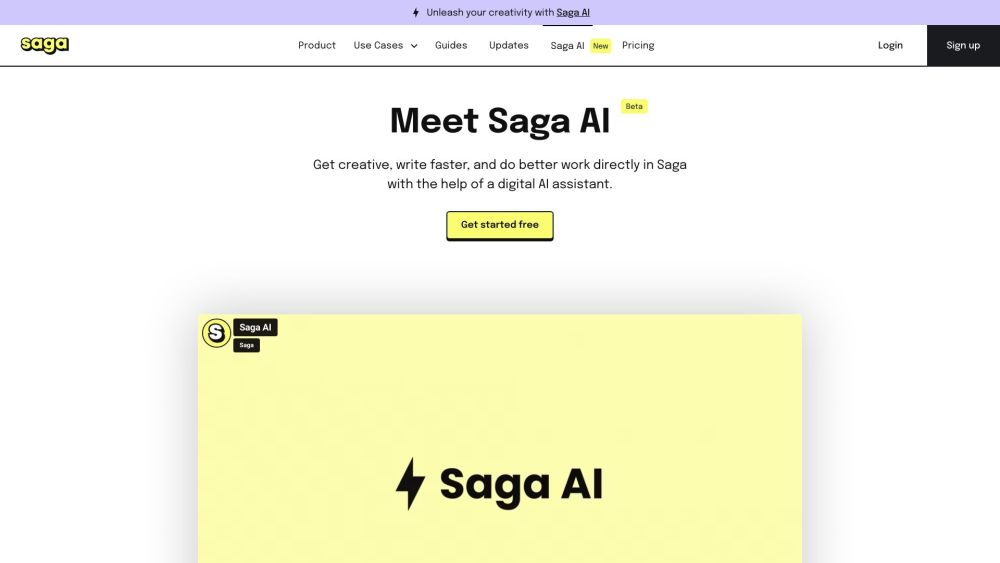
Saga website preview

Saga - AI Workspace for your Notes, Docs, and Tasks Website screenshot

Introduction to Saga: AI-Powered Workspace for Notes, Docs, and Tasks

Saga is an advanced AI-driven collaborative platform designed to streamline notes, documents, and task management. Tailored for both individuals and teams, Saga simplifies the organization and management of information within a clean and intuitive workspace. Its intelligent AI features enhance writing, generate content, and support idea development.

Getting Started with Saga

To begin using Saga, register for a free account and set up your workspace. Effortlessly write, edit, and share notes and documents. Manage your tasks efficiently with the integrated task management tool. Boost your productivity and creativity with the AI assistant, which offers advanced search capabilities and seamless integration with your favorite apps.

Key Features of Saga

Efficient Note-Taking and Document Creation

AI-Powered Writing Assistance and Content Generation

Integrated Task Management System

Compatibility with Google Drive and Other Applications

Advanced Search and Auto-Linking

Live Data Blocks for Real-Time Updates

Identify Hidden Connections with References

Autocomplete and Dual-View for Enhanced Productivity

Collaboration Tools for Team Knowledge Sharing

Use Cases for Saga

Meeting Notes

Product Management

UX Research

Documentation

Remote Work

Knowledge Management

Studying

HR & Recruiting

Tasks and Todos

Marketing

Job Search

Product Insights

Human Resources

Content Creation

Sales Outreach

Text Generation

Translation

Grammar Check

Product source: Saga official website. Check the provider for current plans, limits and availability.

FAQ

Saga questions and answers

Product context and practical checks for evaluating Saga.

What is Saga used for?

Saga is an AI-powered collaborative workspace that integrates notes, docs, and tasks. It helps individuals and teams organize, manage, and make sense of their knowledge in a clutter-free workspace. With smart AI assistant capabilities, Saga improves writing, generates content, and assists with brainstorming ideas.

How do I get started with Saga?

To begin using Saga, register for a free account and set up your workspace. Effortlessly write, edit, and share notes and documents. Manage your tasks efficiently with the integrated task management tool. Boost your productivity and creativity with the AI assistant, which offers advanced search capabilities and seamless integration with your favorite apps.

Which capabilities are described for Saga?

Efficient Note-Taking and Document CreationAI-Powered Writing Assistance and Content GenerationIntegrated Task Management SystemCompatibility with Google Drive and Other ApplicationsAdvanced Search and Auto-LinkingLive Data Blocks for Real-Time UpdatesIdentify Hidden Connections with ReferencesAutocomplete and Dual-View for Enhanced ProductivityCollaboration Tools for Team Knowledge Sharing

What projects can I evaluate Saga for?

Meeting NotesProduct ManagementUX ResearchDocumentationRemote WorkKnowledge ManagementStudyingHR & RecruitingTasks and TodosMarketingJob SearchProduct InsightsHuman ResourcesContent CreationSales OutreachText GenerationTranslationGrammar Check Join the Saga Community on Discord Connect with other Saga users on Discord: https://discord.com/invite/cgz2mUEq7P. For more details, click here. Contact Saga Support For support, visit the contact us page. About Saga Labs Ltd. Saga is developed by Saga Labs Ltd. Saga Login Access Saga at https://saga.so/login. Sign Up for Saga Create your Saga account at https://saga.so/login. Saga Pricing For pricing details, visit https://saga.so/pricing. Saga on YouTube Watch Saga tutorials and updates on YouTube: https://www.youtube.com/@Saga_HQ. Saga on LinkedIn Connect with Saga on LinkedIn: https://www.linkedin.com/company/saga-hq/. Follow Saga on Twitter Stay updated with Saga's latest news on Twitter: https://twitter.com/saga_HQ.

What should I compare before choosing a Saga plan?

For pricing details, visit https://saga.so/pricing. Confirm current prices and allowances on the provider’s website before purchasing.

What inputs should I prepare for a Saga trial?

Look for text prompts, image references, masks or sketches as appropriate. Compare composition control, supported upload types and the ability to revise a selected area.

How can I check the quality of a Saga result?

Inspect text, hands, edges, reflections and repeated objects at full size. Check that important product or brand details survive editing.

Which export options should I check in Saga?

Compare pixel dimensions, transparency, file formats and any enlargement options. Confirm that the downloaded result works in your design or publishing software.

What is a practical way to test Saga against alternatives?

Prepare a brief with a subject, composition, lighting and required output size. Test a first generation and a targeted revision to see how much control you retain.

Where is the official Saga website?

The website linked from this profile is https://saga.so. Use the provider’s own documentation, account area and support channels to confirm current product details.

Visit Saga