AI Chatbot

Rush Widget

Rush Widget: 24/7 AI Bots automate customer support with advanced AI, providing seamless, round-the-clock assistance. Enhance your customer service effortlessly!

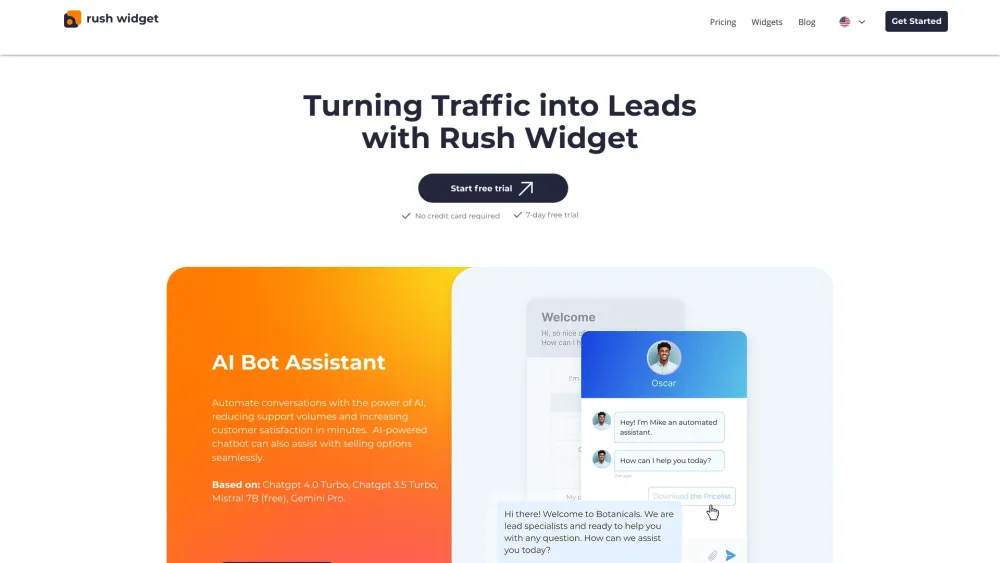
Rush Widget website preview

Rush Widget Website screenshot

What is Rush Widget?

Rush Widget offers 24/7 AI bots that provide round-the-clock customer support, leveraging advanced AI technology to automate conversations efficiently.

How to use Rush Widget?

Integrate Rush Widget on your site with a simple line of code to interact with customers in real time.

Rush Widget's Core Features

AI-powered chatbot for seamless support

Social media widgets for improved communication

Rush Widget's Use Cases

Convert traffic into leads with Rush Widget

Enhance conversions and customer support with the All-in-One Chat widget

Product source: Rush Widget official website. Check the provider for current plans, limits and availability.

FAQ

Rush Widget questions and answers

Product context and practical checks for evaluating Rush Widget.

What is Rush Widget used for?

Rush Widget: 24/7 AI Bots automate customer support with advanced AI, providing seamless, round-the-clock assistance. Enhance your customer service effortlessly!

How do I get started with Rush Widget?

Integrate Rush Widget on your site with a simple line of code to interact with customers in real time.

Which capabilities are described for Rush Widget?

AI-powered chatbot for seamless supportSocial media widgets for improved communication

What projects can I evaluate Rush Widget for?

Convert traffic into leads with Rush WidgetEnhance conversions and customer support with the All-in-One Chat widget Rush Widget Support Email & Customer Service Contact For customer service, contact Rush Widget support via email: [email protected]. Rush Widget Company Information Company Name: Rush Widget. Address: 130 Oude Delft, Delft 2611 CG, The Netherlands. Rush Widget Sign Up Sign up here: https://app.rushwidget.com/auth/sign-up. Rush Widget Pricing View pricing plans here: https://www.rushwidget.com/pricing-plans. Rush Widget Facebook Follow us on Facebook: https://www.facebook.com/profile.php?id=61550227083701. Rush Widget LinkedIn Connect with us on LinkedIn: https://www.linkedin.com/company/rush-widget/. Rush Widget Instagram Follow us on Instagram: https://www.instagram.com/rush.widget/.

What should I compare before choosing a Rush Widget plan?

View pricing plans here: https://www.rushwidget.com/pricing-plans. Confirm current prices and allowances on the provider’s website before purchasing.

What inputs should I prepare for a Rush Widget trial?

Identify the files, text or account connections your task needs. Confirm that the product accepts those inputs and offers controls for reviewing its work.

How can I check the quality of a Rush Widget result?

Test one representative task and inspect the result for accuracy and completeness. Record where manual corrections or extra tools are needed.

Which export options should I check in Rush Widget?

Check export formats, integrations and whether you can keep using your work outside the service. Test a real export before committing to a longer plan.

What is a practical way to test Rush Widget against alternatives?

Choose one task with a clear success condition. Keep the input consistent, record the time spent reviewing and compare the complete workflow cost.

Where is the official Rush Widget website?

The website linked from this profile is https://makebestmusic.com. Use the provider’s own documentation, account area and support channels to confirm current product details.

Visit Rush Widget