AI Video Generator

Rotor Videos

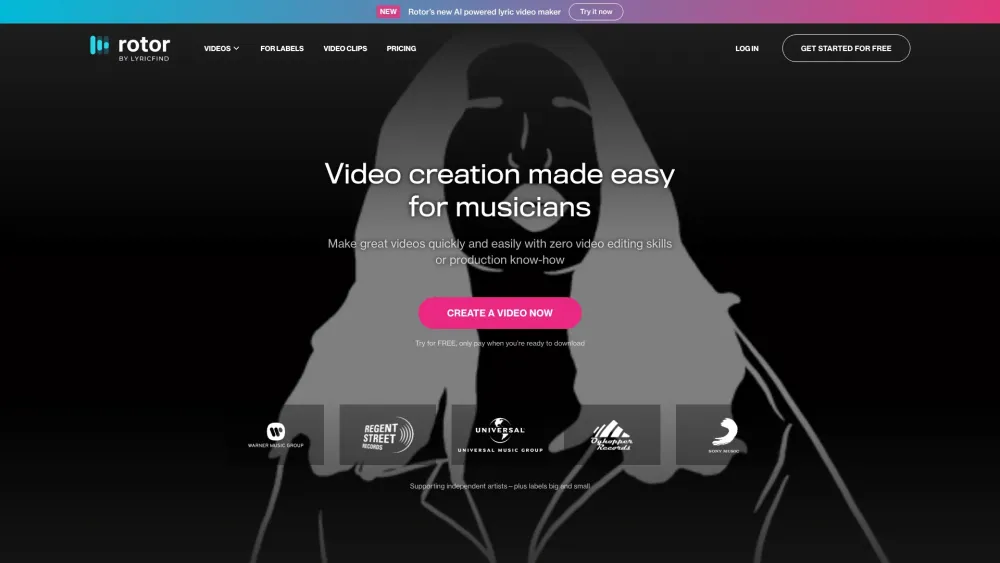
Rotor Videos: Create music videos effortlessly. The ultimate tool for musicians. Fast, easy, and professional results.

Rotor Videos website preview

Rotor Videos Website screenshot

What is Rotor Videos?

The Ultimate Music Video Creator for Musicians

How to Use Rotor Videos?

Create professional-quality videos effortlessly, even without any prior video editing or production experience.

Key Features of Rotor Videos

Music Video Creation

Create stunning music videos tailored to your songs with ease.

Lyric Video Creation

Generate captivating lyric videos that highlight your song's lyrics.

Promo Video Creation

Develop eye-catching promotional videos to boost your music's reach.

Spotify Canvas Video Creation

Enhance your tracks on Spotify with custom Canvas videos.

Music Visualizer Creation

Create dynamic music visualizers that bring your music to life.

Use Cases for Rotor Videos

Music Videos

Produce high-quality music videos to accompany your songs.

Lyric Videos

Showcase your song's lyrics in an engaging format.

Promo Videos

Promote your music with compelling promotional content.

Spotify Canvas Videos

Enhance your Spotify presence with unique Canvas videos.

Music Visualizers

Craft visually appealing music visualizers to accompany your tracks.

  • Rotor Videos Company

    Rotor Videos is a product of LyricFind.

    Address: 40 Eglinton Avenue East, Suite 400, Toronto, Ontario, M4P 3A2, Canada.

    For more information, visit the About Us page.

  • Rotor Videos Login

    Access your account here: Login

  • Rotor Videos Sign Up

    Create a new account here: Sign Up

  • Rotor Videos Pricing

    Explore our pricing options: Pricing

  • Rotor Videos on Facebook

    Follow us on Facebook: Facebook

  • Rotor Videos on YouTube

    Subscribe to our YouTube channel: YouTube

  • Rotor Videos on Twitter

    Follow us on Twitter: Twitter

  • Rotor Videos on Instagram

    Follow us on Instagram: Instagram

Product source: Rotor Videos official website. Check the provider for current plans, limits and availability.

FAQ

Rotor Videos questions and answers

Product context and practical checks for evaluating Rotor Videos.

What is Rotor Videos used for?

Rotor Videos: Create music videos effortlessly. The ultimate tool for musicians. Fast, easy, and professional results.

How do I get started with Rotor Videos?

Create professional-quality videos effortlessly, even without any prior video editing or production experience.

Which capabilities are described for Rotor Videos?

Music Video CreationCreate stunning music videos tailored to your songs with ease.Lyric Video CreationGenerate captivating lyric videos that highlight your song's lyrics.Promo Video CreationDevelop eye-catching promotional videos to boost your music's reach.Spotify Canvas Video CreationEnhance your tracks on Spotify with custom Canvas videos.Music Visualizer CreationCreate dynamic music visualizers that bring your music to life.

What projects can I evaluate Rotor Videos for?

Music VideosProduce high-quality music videos to accompany your songs.Lyric VideosShowcase your song's lyrics in an engaging format.Promo VideosPromote your music with compelling promotional content.Spotify Canvas VideosEnhance your Spotify presence with unique Canvas videos.Music VisualizersCraft visually appealing music visualizers to accompany your tracks. Rotor Videos Company Rotor Videos is a product of LyricFind. Address: 40 Eglinton Avenue East, Suite 400, Toronto, Ontario, M4P 3A2, Canada. For more information, visit the About Us page. Rotor Videos Login Access your account here: Login Rotor Videos Sign Up Create a new account here: Sign Up Rotor Videos Pricing Explore our pricing options: Pricing Rotor Videos on Facebook Follow us on Facebook: Facebook Rotor Videos on YouTube Subscribe to our YouTube channel: YouTube Rotor Videos on Twitter Follow us on Twitter: Twitter Rotor Videos on Instagram Follow us on Instagram: Instagram

What should I compare before choosing a Rotor Videos plan?

Explore our pricing options: Pricing Confirm current prices and allowances on the provider’s website before purchasing.

What inputs should I prepare for a Rotor Videos trial?

Compare text prompts, reference frames, source footage and audio support. Check duration, aspect ratio and whether the tool lets you keep a subject consistent between shots.

How can I check the quality of a Rotor Videos result?

Watch the entire clip for motion errors, distorted objects, changing identities, lip-sync problems and abrupt transitions. Inspect the downloaded file as well as the preview.

Which export options should I check in Rotor Videos?

Check export resolution, frame rate, aspect ratio, audio tracks and watermark rules. A good preview is not a substitute for an export that fits your publishing channel.

What is a practical way to test Rotor Videos against alternatives?

Use a short shot with one subject and one camera movement. Keep the prompt and duration constant, then compare usable seconds and the number of regenerations.

Where is the official Rotor Videos website?

The website linked from this profile is https://rotorvideos.com. Use the provider’s own documentation, account area and support channels to confirm current product details.

Visit Rotor Videos