Research Tool

ResearchRabbit

Discover relevant literature, get personalized updates, visualize author networks, and collaborate with ResearchRabbit. Revolutionize your research today!

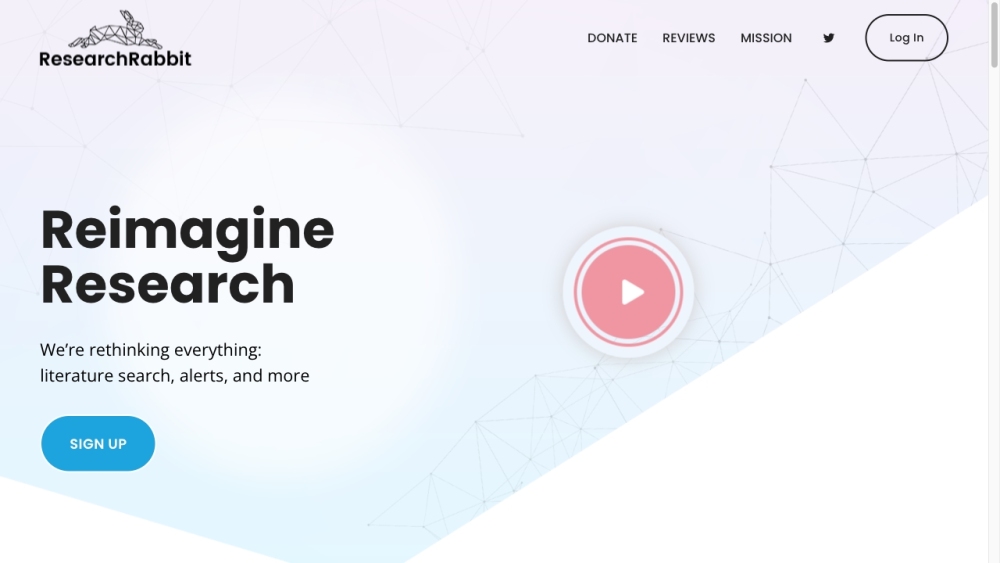
ResearchRabbit website preview
html

ResearchRabbit Website screenshot

What is ResearchRabbit?

ResearchRabbit is an innovative tool crafted for researchers to enhance their discovery process. It allows users to efficiently locate pertinent literature, stay updated with tailored recommendations, visualize connections among authors, and collaborate seamlessly.

How to Use ResearchRabbit?

Getting started with ResearchRabbit is simple: sign up for an account. After logging in, users can begin curating collections of papers, much like creating playlists on Spotify. The app adapts to user preferences, refining its recommendations over time. Users are kept informed with personalized updates on the latest research papers related to their collections. ResearchRabbit also offers interactive visualizations of paper networks and co-authorships, providing a deeper exploration of related research. Collaboration is made easy with features that allow users to work together on collections and add comments. Furthermore, the app integrates with Zotero, a well-known reference management tool.

ResearchRabbit's Core Features

Intuitive Exploration

Personalized Recommendations

Powerful Visualizations

Discover Authors

Non-Spammy Alerts

Sharing and Collaboration

Zotero Integration

ResearchRabbit's Use Cases

ResearchRabbit is ideal for researchers looking to streamline their literature search and discovery. It is especially beneficial for those wanting to effortlessly create collections of relevant papers, receive accurate recommendations, visualize research networks, and collaborate with colleagues. The app is designed to save time and boost productivity in academic research.

Product source: ResearchRabbit official website. Check the provider for current plans, limits and availability.

FAQ

ResearchRabbit questions and answers

Product context and practical checks for evaluating ResearchRabbit.

What is ResearchRabbit used for?

Discover relevant literature, get personalized updates, visualize author networks, and collaborate with ResearchRabbit. Revolutionize your research today!

How do I get started with ResearchRabbit?

Getting started with ResearchRabbit is simple: sign up for an account. After logging in, users can begin curating collections of papers, much like creating playlists on Spotify. The app adapts to user preferences, refining its recommendations over time. Users are kept informed with personalized updates on the latest research papers related to their collections. ResearchRabbit also offers interactive visualizations of paper networks and co-authorships, providing a deeper exploration of related research. Collaboration is made easy with features that allow users to work together on collections and add comments. Furthermore, the app integrates with Zotero, a well-known reference management tool.

Which capabilities are described for ResearchRabbit?

Intuitive ExplorationPersonalized RecommendationsPowerful VisualizationsDiscover AuthorsNon-Spammy AlertsSharing and CollaborationZotero Integration

What projects can I evaluate ResearchRabbit for?

ResearchRabbit is ideal for researchers looking to streamline their literature search and discovery. It is especially beneficial for those wanting to effortlessly create collections of relevant papers, receive accurate recommendations, visualize research networks, and collaborate with colleagues. The app is designed to save time and boost productivity in academic research. ResearchRabbit Support Email & Customer Service Contact & Refund Information For more contact information, visit the contact us page. ResearchRabbit Company Company name: Research Rabbit. Learn more about ResearchRabbit by visiting the about us page. ResearchRabbit Login Login Link: https://researchrabbitapp.com ResearchRabbit Sign Up Sign Up Link: https://researchrabbitapp.com?signup=true ResearchRabbit Twitter Twitter Link: http://twitter.com/RsrchRabbit

What should I compare before choosing a ResearchRabbit plan?

Check ResearchRabbit’s current pricing page for included usage, renewal terms and any credit charges. Compare the cost of a usable result, including retries, rather than assuming that account registration includes free usage.

What inputs should I prepare for a ResearchRabbit trial?

Check supported documents, datasets and source access. Establish whether the product can inspect your actual material rather than answer from general knowledge.

How can I check the quality of a ResearchRabbit result?

Follow citations to the original source, recalculate important numbers and check the date and scope of the evidence. Distinguish an explanation from a verified result.

Which export options should I check in ResearchRabbit?

Look for usable citations, tables, downloadable data and reproducible steps. A clear answer should let another person inspect how the conclusion was reached.

What is a practical way to test ResearchRabbit against alternatives?

Choose a question with known sources and a checkable result. Compare citation accuracy, omissions and reproducibility rather than response length.

Where is the official ResearchRabbit website?

The website linked from this profile is https://www.researchrabbit.ai. Use the provider’s own documentation, account area and support channels to confirm current product details.

Visit ResearchRabbit