Table of contents
Recall AI: Summarize, Categorize & Review Online Content Efficiently
Recall - AI Knowledge Base: Summarize, categorize, and review content from podcasts, videos, articles, PDFs, and blogs. Your central hub for organized online content.
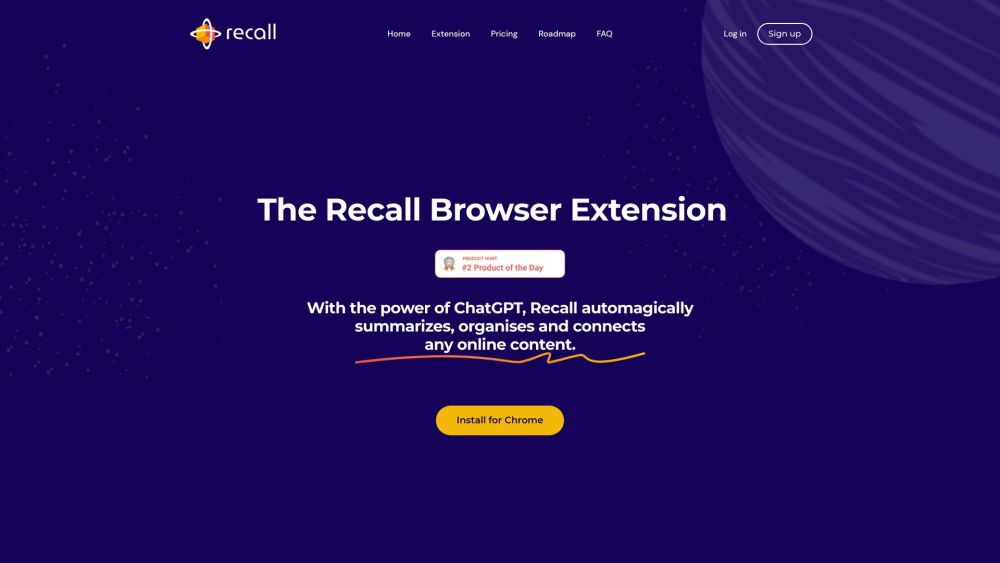
Directory : Summarizer, AI Developer Tools, AI Knowledge Base, AI Knowledge Management, AI Notes Assistant
What is Recall - Your AI-powered knowledge base?
Recall is an AI-powered knowledge base designed to help users efficiently summarize, categorize, and review online content. It offers a comprehensive platform for collecting and organizing diverse content types, including podcasts, YouTube videos, news articles, PDFs, blogs, and more.
How to use Recall - Your AI-powered knowledge base?
Recall - Your AI-powered knowledge base's Core Features
Summarize any online content
Automatic categorization using AI
Identify connections between related content
Implement Spaced Repetition for learning
Export data to markdown
Access saved content offline
Recall - Your AI-powered knowledge base's Use Cases
Recall is ideal for: - Quickly obtaining summaries of podcasts, YouTube videos, news articles, PDFs, and more. - Organizing and storing online content in a single location. - Efficiently categorizing and locating related information. - Enhancing learning with Spaced Repetition. - Accessing saved content without an internet connection.
Recall - Your AI-powered knowledge base Discord
Join the Recall community on Discord: https://discord.gg/KDgvbcNpt9. For more details, click here(/discord/kdgvbcnpt9).
Recall - Your AI-powered knowledge base Support Email & Customer Service
Contact support at: [email protected] for customer service inquiries.
Recall - Your AI-powered knowledge base Login
Access your account: https://app.getrecall.ai/login
Recall - Your AI-powered knowledge base Sign up
Create a new account: https://app.getrecall.ai/signup
Recall - Your AI-powered knowledge base Pricing
Explore pricing options: https://app.getrecall.ai/pricing
Recall - Your AI-powered knowledge base LinkedIn
Follow us on LinkedIn: https://www.linkedin.com/company/getrecall-ai/
Recall - Your AI-powered knowledge base Twitter
Follow us on Twitter: https://twitter.com/recall_wiki
FAQ from Recall - Your AI-powered knowledge base
What is Recall - Your AI-powered knowledge base?
Recall is an AI-powered knowledge base that allows users to summarize, categorize, and review online content. It provides a centralized platform for saving and organizing various types of content from podcasts, YouTube videos, news articles, PDFs, blogs, and more.
How to use Recall - Your AI-powered knowledge base?
To use Recall, follow these steps: 1. Install the Recall Chrome Browser Extension and pin it. 2. Open any webpage, such as a blog, YouTube video, article, or PDF. 3. Click the Recall extension icon to save a summarized version of the webpage. 4. Learn from the saved content through weekly reviews and AI-generated questions.
What types of online content can I summarize and save with Recall?
You can summarize and save a wide range of online content, including podcasts, YouTube videos, news articles, PDFs, and more.
How does Recall automatically categorize my saved content?
Recall uses AI to automatically categorize your saved content, eliminating the need for manual categorization and ensuring consistency.
How does Recall help with learning through Spaced Repetition?
Recall incorporates Spaced Repetition into the learning process, making it easier for users to review and retain information over time.
Can I access my saved content offline?
Yes, all your data is stored locally on your device, allowing you to access it offline.