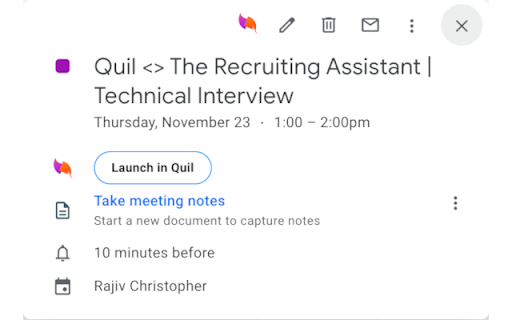
What is the Quil Chrome Extension?
A powerful AI-based assistant designed to simplify recruitment processes.
How to use Quil Chrome Extension?
1. Create an account on Quil.ai
2. Link Quil to your ATS (Applicant Tracking System)
3. Activate the AI note-taking feature during interviews for seamless documentation
Key Features of the Quil Chrome Extension
Automated Note-Taking
Quil records and organizes key interview points in real-time, eliminating manual note-taking.
Seamless ATS Integration
Works with popular ATS platforms, ensuring smooth workflow integration for recruiters.
Real-Time Candidate Insights
Provides suggestions during interviews, helping recruiters make informed decisions on the spot.
Popular Use Cases for Quil
Efficient Interview Documentation
Capture interview highlights with ease and accuracy.
Boosting Hiring Efficiency
Streamline the hiring process by saving time on administrative tasks and focusing on candidate engagement.