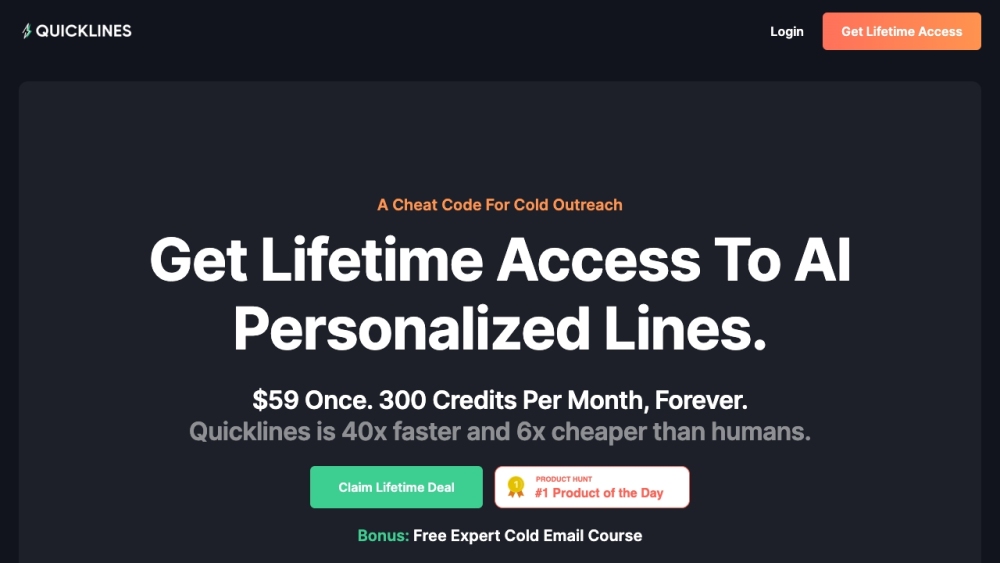
Title: Introducing Quicklines: Your AI-Powered Cold Email and Social Scraping Solution
Are you looking to enhance your cold email campaigns and generate more leads? Look no further than Quicklines, the AI-powered cold outreach assistant that revolutionizes the way you approach cold emailing. With its cutting-edge social scraping and natural language first-line writing features, Quicklines empowers you to create personalized and effective cold emails that yield impressive results.
How does Quicklines work? It's simple and straightforward. Once you claim your lifetime discount and pay a one-time fee, you can seamlessly upload your outreach lists, whether by adding LinkedIn URLs or uploading a CSV file. Then, watch as the AI generates personalized first lines tailored to your prospects, enabling you to scale your outreach and achieve better results effortlessly.
Key Features of Quicklines:
- Social scraping to gather relevant and accurate information from prospects' LinkedIn accounts
- AI-powered first-line writing for natural and authentic cold email openings
- 40x faster than human-based outreach
- 8x increase in positive replies
- 6x cheaper than hiring virtual assistants
- Effortlessly send personalized cold emails in less time with zero effort
- Improved email deliverability with personalized lines
- Lifetime access with product updates and 300 credits per month
Use Cases of Quicklines:
- Scaling cold email campaigns
- Generating interested leads from cold outreach
- Increasing response rates for cold emails
- Saving time and effort in writing cold emails
- Improving email deliverability
- Reducing costs compared to hiring virtual assistants
For Quicklines support, reach out to us at [email protected]
Ready to get started? Log in to Quicklines and experience the power of AI-driven cold outreach: [https://app.quicklines.ai/#/auth/login](https://app.quicklines.ai/#/auth/login)
To learn more about our pricing options, visit: [https://www.quicklines.ai/#pricing](https://www.quicklines.ai/#pricing)
FAQ from Quicklines:
- What is Quicklines?
Quicklines is an AI-powered cold outreach assistant that helps users scale their cold email campaigns. It offers social scraping and natural language first-line writing features to create personalized and effective cold emails.
- How to use Quicklines?
To use Quicklines, follow these steps:
1. Claim your lifetime discount and pay a one-time fee.
2. Upload your outreach lists, either by adding LinkedIn URLs or uploading a CSV file.
3. Get personalized first lines generated by the AI.
4. Scale your outreach and achieve better results.
With Quicklines, take your cold email campaigns to the next level and maximize your outreach potential.
Product source: Quicklines official website. Check the provider for current plans, limits and availability.