AI Builder

Props AI

Build complex AI APIs easily with Props AI. Use our simple point-and-click interface, low-code prompts, and integration. Perfect for every developer!

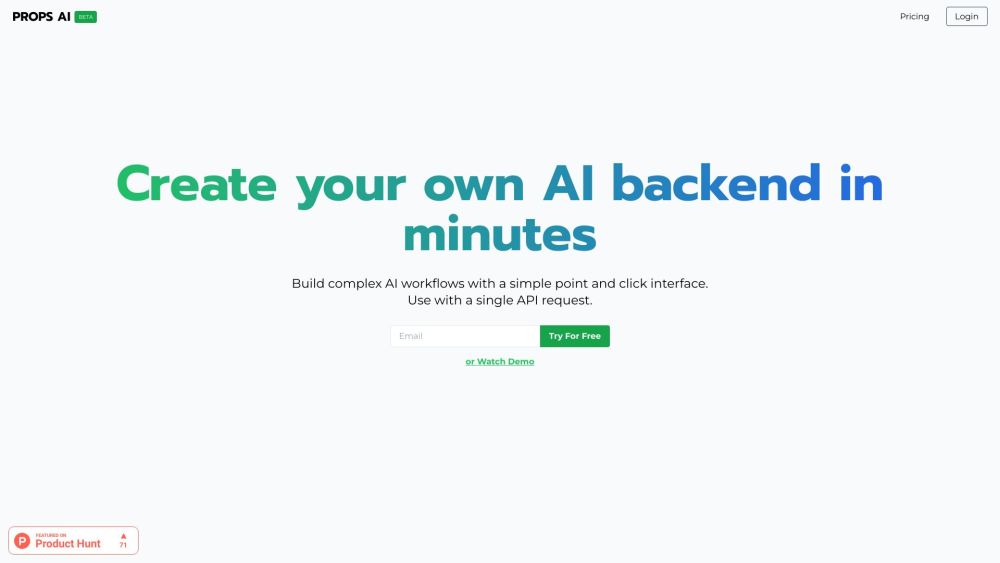
Props AI website preview

Props AI Website screenshot

What is Props AI?

Props AI is an innovative platform that offers a straightforward point-and-click interface to create sophisticated AI APIs with minimal coding required. Users can easily draft prompts with variables, choose an appropriate AI model, and integrate the provided code snippet into their applications seamlessly.

How to Use Props AI?

1. Draft a prompt incorporating the necessary variables
2. Choose an AI model
3. Integrate the copied code snippet into your application

Core Features of Props AI

Intuitive point-and-click interface

Capability to develop intricate AI APIs

Low code implementation

Support for variable integration

Option for model selection

Product source: Props AI official website. Check the provider for current plans, limits and availability.

FAQ

Props AI questions and answers

Product context and practical checks for evaluating Props AI.

What is Props AI used for?

Build complex AI APIs easily with Props AI. Use our simple point-and-click interface, low-code prompts, and integration. Perfect for every developer!

How do I get started with Props AI?

1. Draft a prompt incorporating the necessary variables 2. Choose an AI model 3. Integrate the copied code snippet into your application

Which capabilities are described for Props AI?

Intuitive point-and-click interfaceCapability to develop intricate AI APIsLow code implementationSupport for variable integrationOption for model selection Props AI Support Email & Customer Service Contact & Refund Contact For customer service, reach out via email: [email protected]. Props AI Login Login to Props AI here: https://veracious-galaxy-41.authkit.app/ Props AI Sign Up Sign up for Props AI: https://veracious-galaxy-41.authkit.app//sign-up Props AI Pricing Explore pricing options for Props AI: https://getprops.ai/ Props AI Github Access Props AI on Github: https://github.com/PropsAI/proxy

What should I compare before choosing a Props AI plan?

Explore pricing options for Props AI: https://getprops.ai/ Confirm current prices and allowances on the provider’s website before purchasing.

What inputs should I prepare for a Props AI trial?

Compare repository access, context limits, supported languages and tool permissions. Check whether the assistant can read relevant files and run your existing checks.

How can I check the quality of a Props AI result?

Review the diff, run tests and inspect error handling and dependency changes. Generated code should meet the same review standard as a human contribution.

Which export options should I check in Props AI?

Prefer changes you can inspect and keep in version control. Check whether code, tests and configuration can be exported without depending on a hosted preview.

What is a practical way to test Props AI against alternatives?

Choose a small reproducible bug with an existing failing check. Measure whether the tool fixes the cause, preserves behavior and produces a reviewable change.

What should I review before uploading material to Props AI?

Read the provider’s rules on access, retention, deletion and use of uploaded material. Start with a non-confidential sample that you have permission to use.

Where is the official Props AI website?

The website linked from this profile is https://www.promptdodo.com. Use the provider’s own documentation, account area and support channels to confirm current product details.

Visit Props AI