AI Product Description Generator

Pneumatic

Pneumatic: Streamline workflows, enhance efficiency, and boost team productivity with our free workflow management and business process tool. Get agile today!

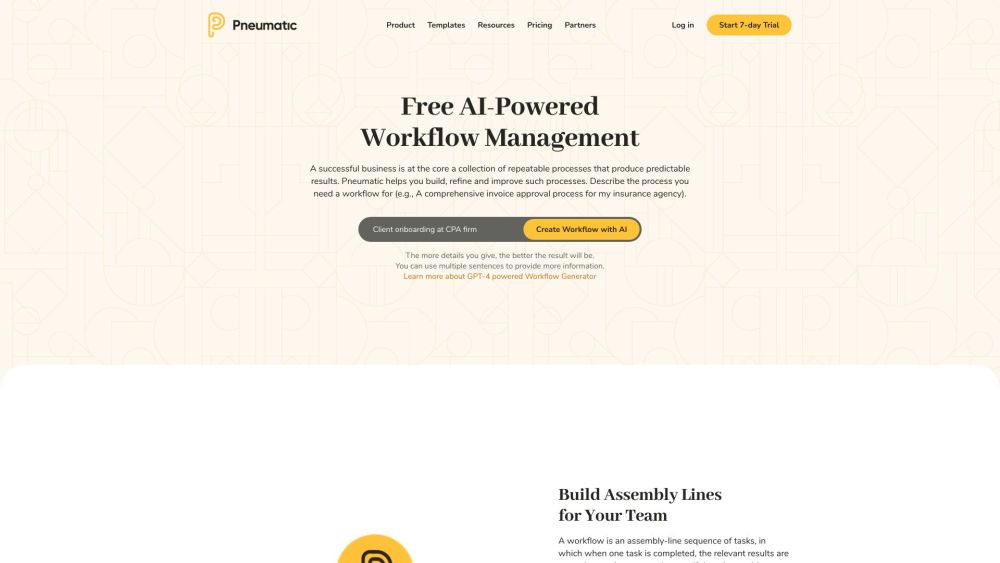
Pneumatic website preview

Pneumatic Website screenshot

What is Pneumatic?

Pneumatic is a versatile and free workflow management tool designed to help users create, optimize, and enhance their business processes. It enhances operational efficiency by integrating workflows and tools, ensuring businesses remain agile and productive. With Pneumatic, teams can effortlessly design and oversee workflows, delegate tasks, monitor progress, and make sure all tasks are completed efficiently.

How to use Pneumatic?

Begin using Pneumatic by signing up for a free trial or setting up an account. Once logged in, utilize the Workflow Template Generator to craft bespoke workflow templates or pick from a range of pre-made templates. Personalize these templates by adding team members, allocating tasks, setting deadlines, and incorporating conditions and variables. Manage multiple workflows simultaneously, keep track of progress, and foster effective teamwork and productivity.

Pneumatic's Core Features

Workflow creation and management

Task assignment and tracking

Integration with existing infrastructure and software

Workflow automation

Template generator for customized workflows

Pneumatic's Use Cases

Human Resources: Employee onboarding, vacation request

Sales: B2B sales process, lead qualification

Marketing: Blog publication, content development

Finance: Expense reimbursement, accounts payable

IT Operations: IT incident management, IT service request

Healthcare: COVID-19 status tracking

Product source: Pneumatic official website. Check the provider for current plans, limits and availability.

FAQ

Pneumatic questions and answers

Product context and practical checks for evaluating Pneumatic.

What is Pneumatic used for?

Pneumatic: Streamline workflows, enhance efficiency, and boost team productivity with our free workflow management and business process tool. Get agile today!

How do I get started with Pneumatic?

Begin using Pneumatic by signing up for a free trial or setting up an account. Once logged in, utilize the Workflow Template Generator to craft bespoke workflow templates or pick from a range of pre-made templates. Personalize these templates by adding team members, allocating tasks, setting deadlines, and incorporating conditions and variables. Manage multiple workflows simultaneously, keep track of progress, and foster effective teamwork and productivity.

Which capabilities are described for Pneumatic?

Workflow creation and managementTask assignment and trackingIntegration with existing infrastructure and softwareWorkflow automationTemplate generator for customized workflows

What projects can I evaluate Pneumatic for?

Human Resources: Employee onboarding, vacation requestSales: B2B sales process, lead qualificationMarketing: Blog publication, content developmentFinance: Expense reimbursement, accounts payableIT Operations: IT incident management, IT service requestHealthcare: COVID-19 status tracking Pneumatic Support Email & Customer service contact & Refund contact etc. For customer service, reach out to Pneumatic support via email: [email protected]. Pneumatic Company Company Name: Pneumatic Software Inc. Address: 8350 N Central Expy, Suite 1900, Dallas, TX 75206. Pneumatic Login Access your account via the login link: https://my.pneumatic.app/auth/signin/. Pneumatic Pricing Check out the pricing plans here: https://www.pneumatic.app/pricing/. Pneumatic Youtube Watch Pneumatic tutorials and updates on YouTube: https://www.youtube.com/channel/UCrN4W1ThP7FKxuxySg5u6ww. Pneumatic Linkedin Connect with us on LinkedIn: https://www.linkedin.com/company/pneumaticapp. Pneumatic Twitter Follow us on Twitter: https://twitter.com/pneumaticapp.

What should I compare before choosing a Pneumatic plan?

Check out the pricing plans here: https://www.pneumatic.app/pricing/. Confirm current prices and allowances on the provider’s website before purchasing.

What inputs should I prepare for a Pneumatic trial?

Identify the files, text or account connections your task needs. Confirm that the product accepts those inputs and offers controls for reviewing its work.

How can I check the quality of a Pneumatic result?

Test one representative task and inspect the result for accuracy and completeness. Record where manual corrections or extra tools are needed.

Which export options should I check in Pneumatic?

Check export formats, integrations and whether you can keep using your work outside the service. Test a real export before committing to a longer plan.

What is a practical way to test Pneumatic against alternatives?

Choose one task with a clear success condition. Keep the input consistent, record the time spent reviewing and compare the complete workflow cost.

Where is the official Pneumatic website?

The website linked from this profile is https://www.pneumatic.app. Use the provider’s own documentation, account area and support channels to confirm current product details.

Visit Pneumatic