AI Builder

Playroom

Build multiplayer games effortlessly with Playroom's low-code SDK and AI tools. Perfect for Indie devs, game studios, and students. Integrates with top frameworks.

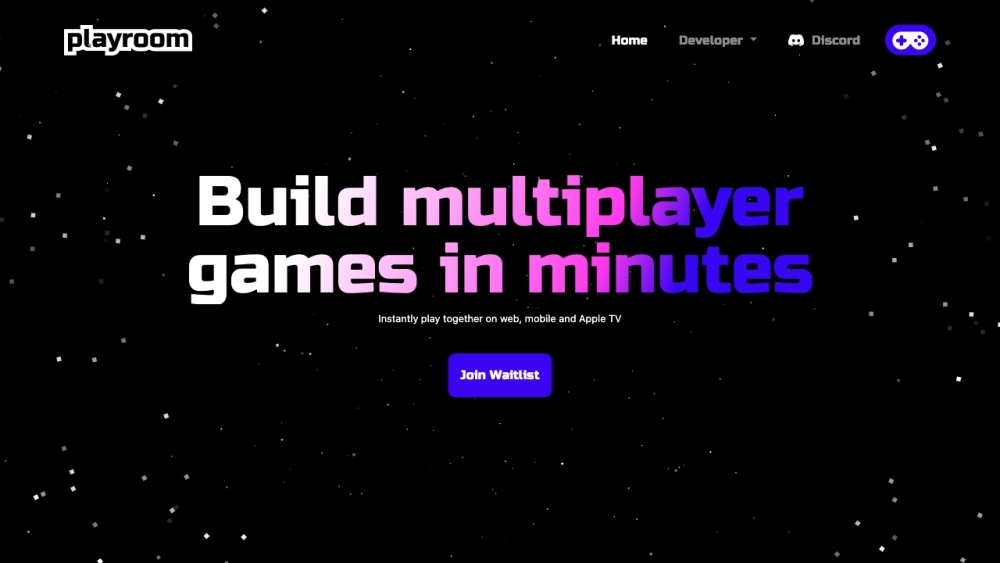
Playroom website preview

Playroom - Build Multiplayer Games in Minutes Website screenshot

What is Playroom: Low-Code Multiplayer Game SDK for Developers & Students?

Playroom is an innovative platform designed to provide a low-code multiplayer software development kit (SDK) alongside AI tools for indie developers, game studios, and students. With Playroom, developers can seamlessly integrate with leading frameworks like Three.js, React, Phaser, Unity, and Godot, enabling the rapid creation of captivating multiplayer social games.

How to Utilize Playroom: Low-Code Multiplayer Game SDK for Developers & Students?

To get started with Playroom, follow these simple steps: 1. Select a compatible framework or engine such as Three.js, React, or Unity. 2. Integrate the Playroom SDK with your chosen framework. 3. Leverage the low-code modular components and pre-built game templates offered by Playroom to construct your multiplayer game. 4. Utilize the AI tools to enhance gameplay and user engagement. 5. Test and deploy your game, enjoying seamless integration and real-time multiplayer capabilities.

Core Features of Playroom: Low-Code Multiplayer Game SDK for Developers & Students

Low-Code Multiplayer SDK

Integration with Leading Frameworks

Open-Source Modular Components

High-Performance Synchronization

Serverless Capabilities

AI-Driven Game Assets

Flexible Development Tools

Effortless Game Integration

Use Cases for Playroom: Low-Code Multiplayer Game SDK for Developers & Students

Indie Game Development

Game Studio Projects

Student Game Projects

Product source: Playroom official website. Check the provider for current plans, limits and availability.

FAQ

Playroom questions and answers

Product context and practical checks for evaluating Playroom.

What is Playroom used for?

Build multiplayer games effortlessly with Playroom's low-code SDK and AI tools. Perfect for Indie devs, game studios, and students. Integrates with top frameworks.

How do I get started with Playroom?

To get started with Playroom, follow these simple steps: 1. Select a compatible framework or engine such as Three.js, React, or Unity. 2. Integrate the Playroom SDK with your chosen framework. 3. Leverage the low-code modular components and pre-built game templates offered by Playroom to construct your multiplayer game. 4. Utilize the AI tools to enhance gameplay and user engagement. 5. Test and deploy your game, enjoying seamless integration and real-time multiplayer capabilities.

Which capabilities are described for Playroom?

Low-Code Multiplayer SDKIntegration with Leading FrameworksOpen-Source Modular ComponentsHigh-Performance SynchronizationServerless CapabilitiesAI-Driven Game AssetsFlexible Development ToolsEffortless Game Integration

What projects can I evaluate Playroom for?

Indie Game DevelopmentGame Studio ProjectsStudent Game Projects Playroom: Low-Code Multiplayer Game SDK Discord Join the Playroom Discord community: https://discord.gg/fJ6K66TXUe. For more information, click here(/discord/fj6k66txue). Playroom: Low-Code Multiplayer Game SDK Pricing For pricing details, visit: https://joinplayroom.com/pricing

What should I compare before choosing a Playroom plan?

For pricing details, visit: https://joinplayroom.com/pricing Confirm current prices and allowances on the provider’s website before purchasing.

What inputs should I prepare for a Playroom trial?

Compare repository access, context limits, supported languages and tool permissions. Check whether the assistant can read relevant files and run your existing checks.

How can I check the quality of a Playroom result?

Review the diff, run tests and inspect error handling and dependency changes. Generated code should meet the same review standard as a human contribution.

Which export options should I check in Playroom?

Prefer changes you can inspect and keep in version control. Check whether code, tests and configuration can be exported without depending on a hosted preview.

What is a practical way to test Playroom against alternatives?

Choose a small reproducible bug with an existing failing check. Measure whether the tool fixes the cause, preserves behavior and produces a reviewable change.

Where is the official Playroom website?

The website linked from this profile is https://www.promptdodo.com. Use the provider’s own documentation, account area and support channels to confirm current product details.

Visit Playroom