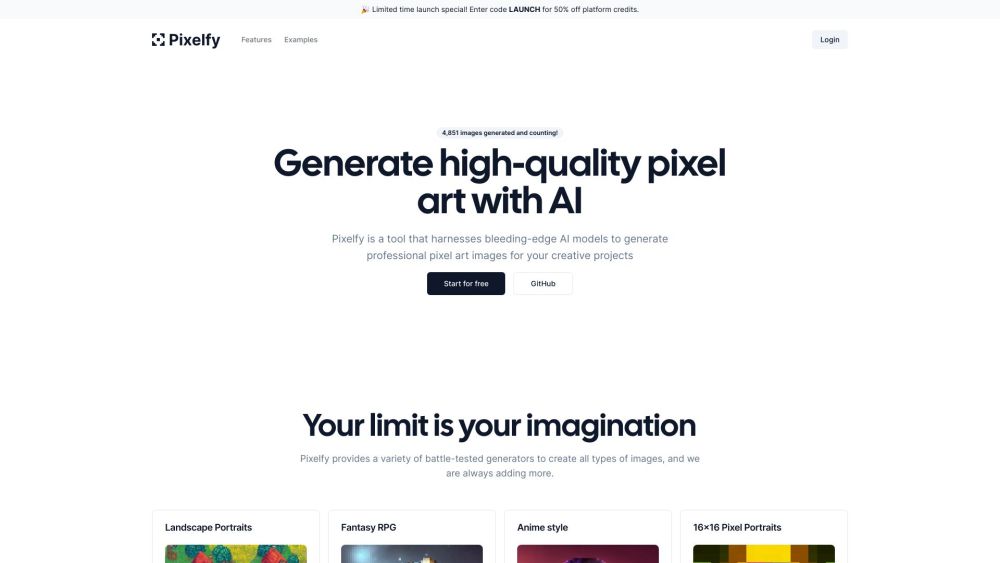
What is Pixelfy?
Pixelfy is an innovative AI-powered tool designed to create breathtaking pixel art. Utilizing advanced artificial intelligence, Pixelfy offers a range of sophisticated generators that enable users to craft diverse and unique pixel art effortlessly.
How to use Pixelfy?
To get started with Pixelfy, follow these simple steps: 1. Sign in to your Pixelfy account or register for a new one. 2. Select your preferred grid size (options include 16x16, 32x32, 64x64, or 128x128). 3. Utilize the AI-driven prompt builder to generate captivating image ideas. 4. Optionally, you can upload your own reference images to guide the AI. 5. Adjust advanced settings like sampling steps and prompt guidance to fine-tune your creation. 6. Use the background removal feature to isolate your subject. 7. Control the color palette to create specific artistic effects. 8. Generate your pixel art masterpiece and enjoy the stunning visuals! Pixelfy's intuitive interface and easy-to-use controls ensure a seamless and enjoyable pixel art creation experience.
Pixelfy's Core Features
AI-driven prompt builder
Customizable grid sizes (16x16, 32x32, 64x64, 128x128)
Advanced customization options
Background removal tool
Reference image support
Color palette customization
Pixelfy's Use Cases
Creating unique pixel art for various projects
Generating pixel art for backgrounds, RPGs, portraits, and more
Empowering artists to explore and expand their creative boundaries
Recreating nostalgic characters from classic games
Experimenting with artistic possibilities using AI-generated pixel art
Pixelfy Login
Pixelfy Login Link: https://www.pixelfy.ai/login
Pixelfy Twitter
Pixelfy Twitter Link: https://twitter.com/Pixelfydotai
Pixelfy Github
Pixelfy Github Link: https://github.com/DavidTParks/pixelfy