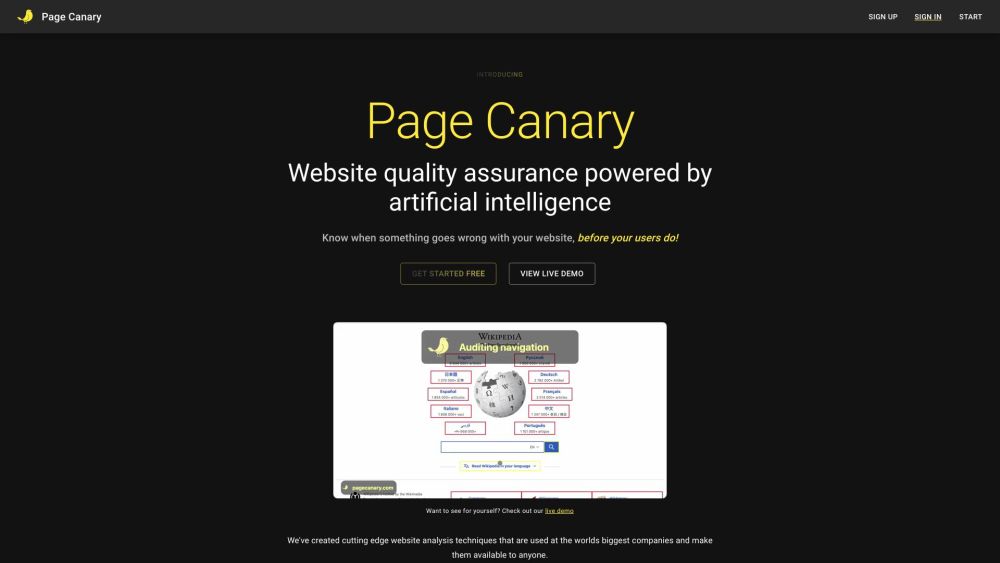
Understanding Page Canary
Page Canary is an advanced AI-driven quality assurance (QA) tool for websites, designed to help users identify potential issues before their audience encounters them. By utilizing state-of-the-art analysis methods employed by top-tier companies, Page Canary democratizes these capabilities, making them available to everyone. The platform enables users to conduct thorough checks on various aspects of their website, including SSL certificates, console metrics, link integrity, spelling accuracy, and much more.
Getting Started with Page Canary
To begin using Page Canary, create an account and log in. After logging in, input the URL of the website you wish to test. Page Canary will then initiate a comprehensive audit, scrutinizing your site for issues like SSL certificate validity, adherence to security best practices, accessibility, link performance, and other critical areas. Once the audit is complete, users can review the results and take the necessary steps to address any problems that have been detected.
Key Features of Page Canary
AI-driven website QA testing
Comprehensive SSL certificate evaluations
Detection of major functionality issues
Accessibility assessments
Link performance checks
Utilization of advanced analysis methods
Ongoing monitoring capabilities
Guaranteed 24/7 uptime
Responsive email support
Satisfaction guarantee with a refund policy
Ideal Users for Page Canary
Website owners focused on maintaining optimal site performance
Web developers needing to uncover and fix critical issues
Businesses that depend on their websites for operations
E-commerce platforms aiming to enhance user experience by avoiding technical problems
Web agencies providing quality assurance services to their clients
Page Canary Support & Contact Information
For additional support, visit the contact us page.
Page Canary Company Information
Page Canary is operated by n34t, LLC. Learn more on the about us page.
Page Canary Login
Access your account via the login page.
Page Canary Sign Up
Create a new account by visiting the sign-up page.