AI Presentation Generator

OpenRead

OpenRead: Revolutionize research with AI-powered interactive papers, extensive reading modes, powerful notes, and a low-code editor. Transform your studies today!

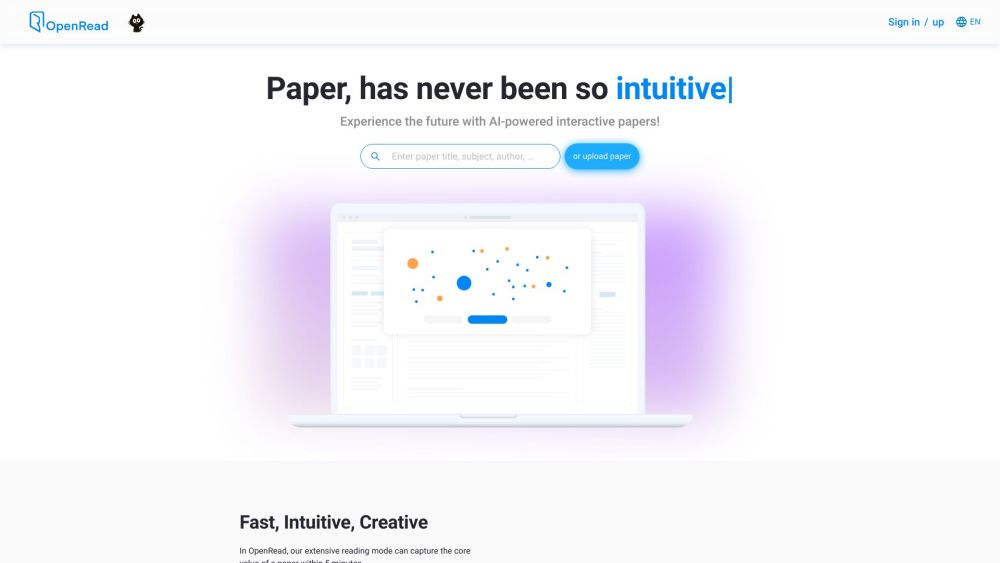
OpenRead website preview
html

OpenRead Website screenshot

What is OpenRead?

OpenRead is an innovative web platform leveraging advanced AI to transform the research process. It provides AI-driven interactive papers, dual reading modes, a robust notes system, and a user-friendly low-code editor.

How to use OpenRead?

Using OpenRead is simple: upload or enter a paper to explore the future of research through AI-powered interactive documents. The extensive reading mode summarizes a paper's key points within 5 minutes. The Paper Q&A feature allows instant answers to any queries about the paper. OpenRead's NLP assistant, Paper Espresso, generates comprehensive literature reviews, saving valuable time. Engage with papers through clickable links to access figures, formulas, and tables. Benefit from a sophisticated notes system that organizes and connects all your notes, enhancing efficiency. The platform's low-code editor, supporting LaTeX, enables quick and easy document creation without needing to learn coding syntax.

OpenRead's Core Features

AI-powered interactive papers

Extensive and intensive reading modes

Paper Q&A

Paper Espresso (NLP assistant)

Interactive elements extraction

Powerful notes system

Low-code paper editor (OpenRead editor)

OpenRead's Use Cases

Efficient and rapid research paper reading

Quick information retrieval and paper summary

Automatic literature review generation

Enhanced note-taking with integrated links

Collaborative writing and editing

Engagement in research communities and seminars

Product source: OpenRead official website. Check the provider for current plans, limits and availability.

FAQ

OpenRead questions and answers

Product context and practical checks for evaluating OpenRead.

What is OpenRead used for?

OpenRead: Revolutionize research with AI-powered interactive papers, extensive reading modes, powerful notes, and a low-code editor. Transform your studies today!

How do I get started with OpenRead?

Using OpenRead is simple: upload or enter a paper to explore the future of research through AI-powered interactive documents. The extensive reading mode summarizes a paper's key points within 5 minutes. The Paper Q&A feature allows instant answers to any queries about the paper. OpenRead's NLP assistant, Paper Espresso, generates comprehensive literature reviews, saving valuable time. Engage with papers through clickable links to access figures, formulas, and tables. Benefit from a sophisticated notes system that organizes and connects all your notes, enhancing efficiency. The platform's low-code editor, supporting LaTeX, enables quick and easy document creation without needing to learn coding syntax.

Which capabilities are described for OpenRead?

AI-powered interactive papersExtensive and intensive reading modesPaper Q&APaper Espresso (NLP assistant)Interactive elements extractionPowerful notes systemLow-code paper editor (OpenRead editor)

What projects can I evaluate OpenRead for?

Efficient and rapid research paper readingQuick information retrieval and paper summaryAutomatic literature review generationEnhanced note-taking with integrated linksCollaborative writing and editingEngagement in research communities and seminars OpenRead Support Email & Customer service contact & Refund contact etc. For more contact information, visit the contact us page. OpenRead Company OpenRead Company name: OpenRead, Inc. More about OpenRead, visit the about us page. OpenRead Login OpenRead Login Link: Login Here OpenRead Pricing OpenRead Pricing Link: View Pricing OpenRead YouTube OpenRead YouTube Link: OpenRead YouTube Channel OpenRead LinkedIn OpenRead LinkedIn Link: OpenRead on LinkedIn OpenRead Twitter OpenRead Twitter Link: Follow on Twitter OpenRead GitHub OpenRead GitHub Link: OpenRead GitHub

What should I compare before choosing a OpenRead plan?

OpenRead Pricing Link: View Pricing Confirm current prices and allowances on the provider’s website before purchasing.

What inputs should I prepare for a OpenRead trial?

Compare repository access, context limits, supported languages and tool permissions. Check whether the assistant can read relevant files and run your existing checks.

How can I check the quality of a OpenRead result?

Review the diff, run tests and inspect error handling and dependency changes. Generated code should meet the same review standard as a human contribution.

Which export options should I check in OpenRead?

Prefer changes you can inspect and keep in version control. Check whether code, tests and configuration can be exported without depending on a hosted preview.

What is a practical way to test OpenRead against alternatives?

Choose a small reproducible bug with an existing failing check. Measure whether the tool fixes the cause, preserves behavior and produces a reviewable change.

Where is the official OpenRead website?

The website linked from this profile is https://www.openread.academy. Use the provider’s own documentation, account area and support channels to confirm current product details.

Visit OpenRead