Large Language Models (LLMs)

ObfusCat

ObfusCat is an AI code assistant that provides a privacy-preserving solution for users of ChatGPT. It ensures that your private code never leaves your local machine by adding a layer of security and confidentiality. ObfusCat masks your code before sending it to ChatGPT and unmasks the response on your local machine. This protects your code from legal implications and keeps it secure throughout the process.

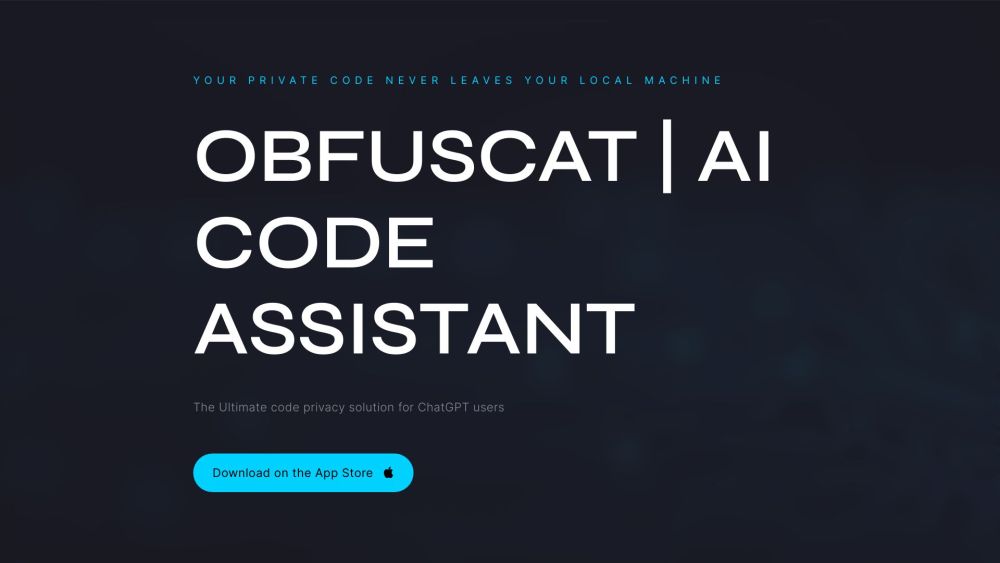
ObfusCat website preview

ObfusCat Website screenshot

What is ObfusCat?

ObfusCat is an advanced AI-powered coding tool that enhances the privacy and security of interactions with ChatGPT. It ensures that your sensitive code remains protected by keeping it on your local machine. Through intelligent obfuscation, ObfusCat masks your code before sending it to ChatGPT and automatically decodes the responses locally. This unique approach helps prevent potential legal risks and ensures that your code remains confidential throughout the entire process.

How to Use ObfusCat?

To get started with ObfusCat, you’ll first need to install the application on your system. After installation, simply enter your private code into the interface, specifying the assistance you require—whether it's test generation, bug fixing, or code clarification. ObfusCat will then interact with ChatGPT, obfuscating your code’s meaning but retaining its structure. Once ChatGPT delivers its output, ObfusCat translates it back into a readable form on your machine, ensuring you maintain full control of your data at every stage.

Key Features of ObfusCat

Complete Code Privacy

Local Data Processing

Contextual Code Obfuscation

Automated Test Writing

Suggestions for Bug Fixes

Clear Code Explanations

Use Cases for ObfusCat

{ "title": "Automated Tests", "description": "ObfusCat makes test writing a breeze by helping you generate automated tests through ChatGPT. This ensures your code has full unit test coverage, saving you time and effort when compared to writing tests manually." }

{ "title": "Bug Fixing", "description": "If you're struggling to resolve tricky bugs, ObfusCat can assist by analyzing the problem and delivering insightful suggestions via ChatGPT. The secure environment ensures your code stays protected while ChatGPT provides detailed bug fixes, improving your coding efficiency." }

{ "title": "Code Explanations", "description": "For complex algorithms, ObfusCat provides clear explanations of the code’s functionality. These explanations can enhance your understanding of the code, while keeping sensitive information safe and confidential." }

Product source: ObfusCat official website. Check the provider for current plans, limits and availability.

FAQ

ObfusCat questions and answers

Product context and practical checks for evaluating ObfusCat.

What is ObfusCat used for?

ObfusCat is an AI code assistant that provides a privacy-preserving solution for users of ChatGPT. It ensures that your private code never leaves your local machine by adding a layer of security and confidentiality. ObfusCat masks your code before sending it to ChatGPT and unmasks the response on your local machine. This protects your code from legal implications and keeps it secure throughout the process.

How do I get started with ObfusCat?

To get started with ObfusCat, you’ll first need to install the application on your system. After installation, simply enter your private code into the interface, specifying the assistance you require—whether it's test generation, bug fixing, or code clarification. ObfusCat will then interact with ChatGPT, obfuscating your code’s meaning but retaining its structure. Once ChatGPT delivers its output, ObfusCat translates it back into a readable form on your machine, ensuring you maintain full control of your data at every stage.

Which capabilities are described for ObfusCat?

Complete Code PrivacyLocal Data ProcessingContextual Code ObfuscationAutomated Test WritingSuggestions for Bug FixesClear Code Explanations

What projects can I evaluate ObfusCat for?

{ "title": "Automated Tests", "description": "ObfusCat makes test writing a breeze by helping you generate automated tests through ChatGPT. This ensures your code has full unit test coverage, saving you time and effort when compared to writing tests manually." }{ "title": "Bug Fixing", "description": "If you're struggling to resolve tricky bugs, ObfusCat can assist by analyzing the problem and delivering insightful suggestions via ChatGPT. The secure environment ensures your code stays protected while ChatGPT provides detailed bug fixes, improving your coding efficiency." }{ "title": "Code Explanations", "description": "For complex algorithms, ObfusCat provides clear explanations of the code’s functionality. These explanations can enhance your understanding of the code, while keeping sensitive information safe and confidential." } ObfusCat Support Email & Customer Service For support, you can reach ObfusCat’s customer service via email: [email protected]. ObfusCat Facebook Connect with ObfusCat on Facebook: https://www.facebook.com/profile.php?id=100091923682399 ObfusCat YouTube Watch ObfusCat tutorials on YouTube: https://www.youtube.com/@ObfusCatAI ObfusCat Twitter Follow ObfusCat on Twitter: https://twitter.com/ObfusCatAI

What should I compare before choosing a ObfusCat plan?

Check ObfusCat’s current pricing page for included usage, renewal terms and any credit charges. Compare the cost of a usable result, including retries, rather than assuming that account registration includes free usage.

What inputs should I prepare for a ObfusCat trial?

Compare repository access, context limits, supported languages and tool permissions. Check whether the assistant can read relevant files and run your existing checks.

How can I check the quality of a ObfusCat result?

Review the diff, run tests and inspect error handling and dependency changes. Generated code should meet the same review standard as a human contribution.

Which export options should I check in ObfusCat?

Prefer changes you can inspect and keep in version control. Check whether code, tests and configuration can be exported without depending on a hosted preview.

What is a practical way to test ObfusCat against alternatives?

Choose a small reproducible bug with an existing failing check. Measure whether the tool fixes the cause, preserves behavior and produces a reviewable change.

Where is the official ObfusCat website?

The website linked from this profile is . Use the provider’s own documentation, account area and support channels to confirm current product details.