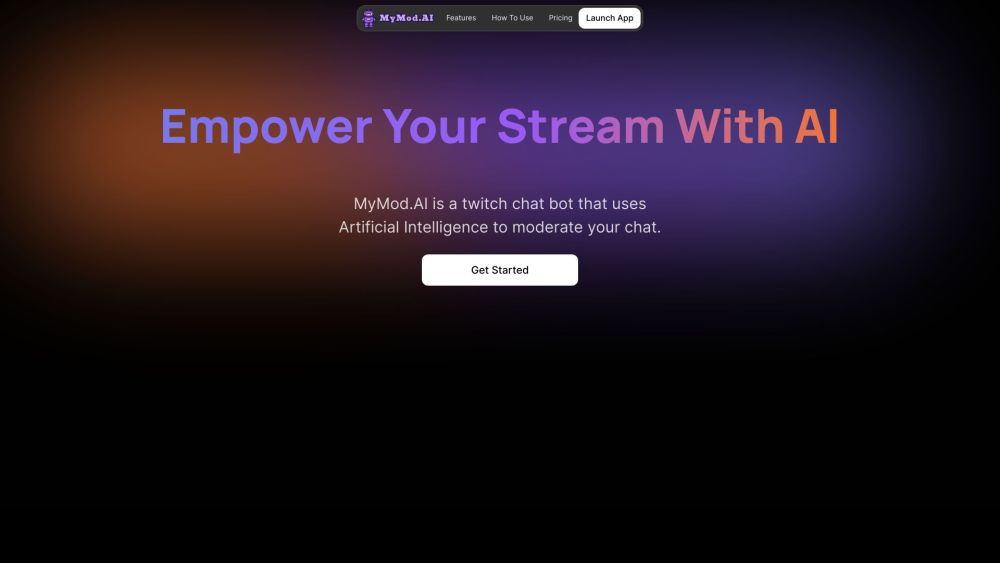
What is MyMod.AI?
MyMod.AI is an advanced AI-powered chat moderation bot designed for Twitch streams. It enables streamers to manage chat interactions efficiently, using natural language commands to time out disruptive users and create customizable AI-driven commands for a more engaging chat experience.
How to Get Started with MyMod.AI?
Step 1: Sign up for an account and choose your preferred subscription plan. Step 2: Link your Twitch channel via the Account page. Step 3: Appoint MyModAI as a moderator by typing /mod mymodai in your chat. Step 4: Start moderating your chat.
Key Features of MyMod.AI
Comprehensive Dashboard - Monitor the bot’s activity, track monthly usage, view chat statistics, and review recent bans.
AI-Powered Timeouts - Effortlessly manage your chat by using natural language commands to time out users who break the rules.
Dynamic Custom Commands - Enhance your custom commands with AI-generated responses for a more interactive and natural chat experience.
Chat & Ban History - Store up to 180 days of chat logs and keep a detailed record of banned users and the reasons for their bans.
Applications of MyMod.AI
Enhance Your Twitch Stream with AI-Driven Moderation
Customer Support & Contact Information
For customer support, you can reach MyMod.AI at: [email protected].
Company Information
Company Name: MyMod.AI
User Login
Login Link: https://app.mymod.ai/login
Pricing Information
Pricing Details: https://www.mymod.ai/#Pricing
Social Media Links
Follow MyMod.AI on Twitter: https://twitter.com/mymodai
Follow MyMod.AI on Instagram: https://www.instagram.com/mymodai/