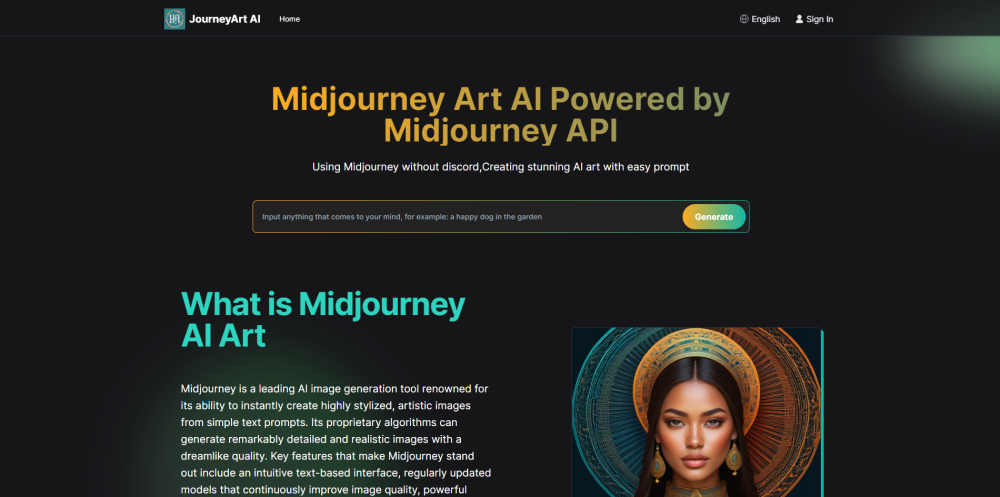
Understanding Midjourney Art AI
Midjourney Art AI is a sophisticated tool designed to generate intricate and detailed images from textual descriptions. Users can access it via Discord or through the website journeyart.ai. Utilizing advanced proprietary algorithms, Midjourney creates lifelike and fantastical visuals across various styles, such as logos, landscapes, portraits, patterns, and anime.
Using Midjourney Art AI
To start with Midjourney, either join the dedicated Discord server or visit journeyart.ai. On Discord, you need to subscribe and use the /imagine command with your text prompts to create images. You can further refine these images using the U and V buttons. On the website, simply enter your prompts, choose your preferred models and aspect ratios, and wait for the AI to generate the image. Try both platforms to find what works best for you.
Key Features of Midjourney Art AI
User-friendly text-based interface
Continuously updated models for superior image quality
Robust editing tools for image refinement
Versatile subscription plans with specific quotas and capabilities
Applications of Midjourney Art AI
Crafting highly stylized art
Designing digital logos
Creating landscapes and portraits
Generating patterns and anime-style artwork
Customer Support for Midjourney Art AI
For customer service, contact Midjourney Art AI at [email protected].
About Midjourney Art AI
Learn more about Midjourney Art AI by visiting the about us page.
Midjourney Art AI Pricing
Check out the pricing details here: subscription plans.
Midjourney Art AI on Facebook
Follow Midjourney Art AI on Facebook: Facebook link.
Midjourney Art AI on LinkedIn
Connect with Midjourney Art AI on LinkedIn: LinkedIn link.
Midjourney Art AI on Twitter
Follow and tweet about Midjourney Art AI on Twitter: Twitter link.
Midjourney Art AI on Pinterest
Pin and share Midjourney Art AI on Pinterest: Pinterest link.