AI Photo &amp Image Generator

MemeCam

Create hilarious captions for your photos with MemeCam, the AI-powered meme maker. Instantly generate funny memes with AI tech!

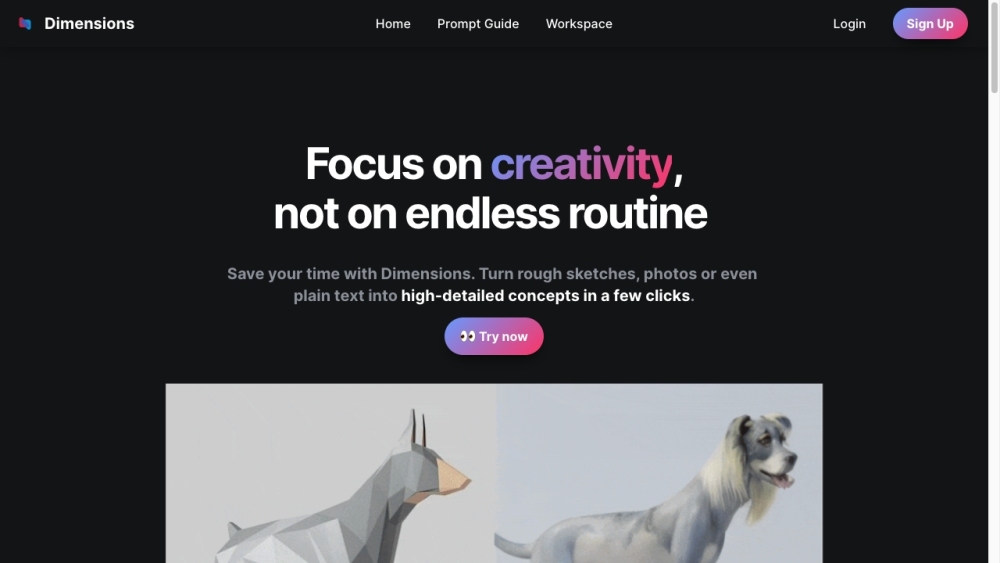
MemeCam website preview

MemeCam - AI Meme Maker Website screenshot

Discover MemeCam: Your AI Meme Maker

MemeCam is an innovative tool driven by artificial intelligence, designed to help you craft hilarious captions for your photos effortlessly.

Using MemeCam: A Step-by-Step Guide

To get started with MemeCam, upload a photo from your device or take a new one with the app's built-in camera. The AI will then offer a range of funny captions to choose from, or you can write your own. Customize the font, size, color, and placement of the text to fit your style. Once your meme is ready, save it and share it across your favorite social media platforms with ease.

Key Features of MemeCam

AI-Driven Caption Suggestions

Integrated Camera for Instant Photos

Customizable Text Options

Seamless Social Media Sharing

MemeCam: Ideal for Various Uses

Crafting Humorous Memes for Fun

Adding Witty Captions to Share with Friends

Creating Engaging Social Media Content

Product source: MemeCam official website. Check the provider for current plans, limits and availability.

FAQ

MemeCam questions and answers

Product context and practical checks for evaluating MemeCam.

What is MemeCam used for?

Create hilarious captions for your photos with MemeCam, the AI-powered meme maker. Instantly generate funny memes with AI tech!

How do I get started with MemeCam?

Open the official MemeCam website and identify the workflow that matches your task. Prepare a brief with a subject, composition, lighting and required output size. Test a first generation and a targeted revision to see how much control you retain.

Which capabilities are described for MemeCam?

AI-Driven Caption SuggestionsIntegrated Camera for Instant PhotosCustomizable Text OptionsSeamless Social Media Sharing

What should I compare before choosing a MemeCam plan?

Check MemeCam’s current pricing page for included usage, renewal terms and any credit charges. Compare the cost of a usable result, including retries, rather than assuming that account registration includes free usage.

What inputs should I prepare for a MemeCam trial?

Look for text prompts, image references, masks or sketches as appropriate. Compare composition control, supported upload types and the ability to revise a selected area.

How can I check the quality of a MemeCam result?

Inspect text, hands, edges, reflections and repeated objects at full size. Check that important product or brand details survive editing.

Which export options should I check in MemeCam?

Compare pixel dimensions, transparency, file formats and any enlargement options. Confirm that the downloaded result works in your design or publishing software.

What is a practical way to test MemeCam against alternatives?

Prepare a brief with a subject, composition, lighting and required output size. Test a first generation and a targeted revision to see how much control you retain.

What should I review before uploading material to MemeCam?

Read the provider’s rules on access, retention, deletion and use of uploaded material. Start with a non-confidential sample that you have permission to use.

Where is the official MemeCam website?

The website linked from this profile is https://www.dimensions.ink. Use the provider’s own documentation, account area and support channels to confirm current product details.

Visit MemeCam