AI Product Description Generator

Magic Translate

Magic Translate: Effortless, lightning-fast, budget-friendly translation for React apps. Revolutionize your workflow with the easiest solution available.

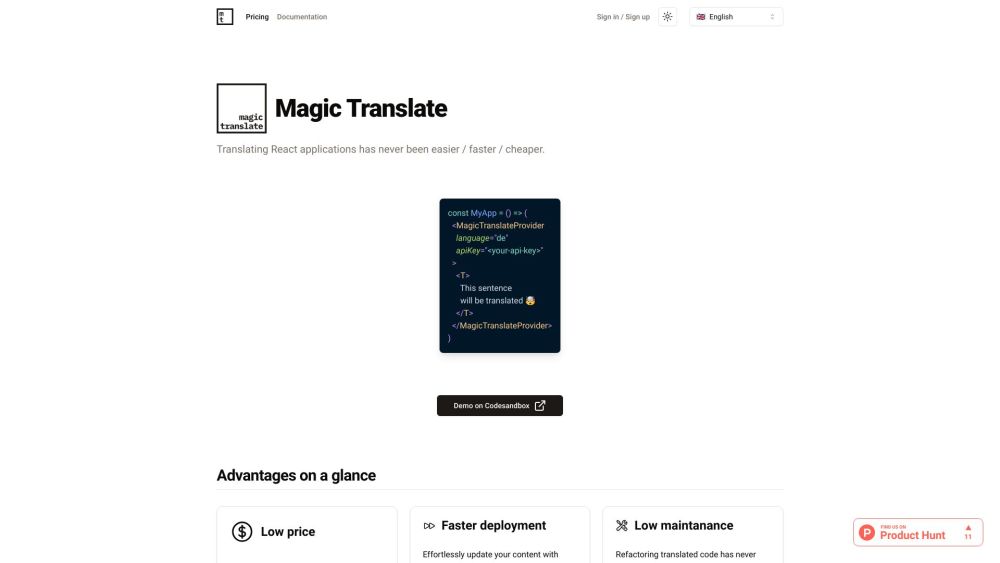
Magic Translate website preview

Magic Translate Website screenshot

Introducing Magic Translate

Experience the fastest, most affordable, and easiest way to translate your React applications with Magic Translate.

Getting Started with Magic Translate

Sign up for a Magic Translate account, obtain your API key, and integrate the Magic Translate client into your React project to begin.

Key Features of Magic Translate

Effortless React app translation

Supports 75 languages

Instantaneous translations

Completely automated

Expand your global audience

Product source: Magic Translate official website. Check the provider for current plans, limits and availability.

FAQ

Magic Translate questions and answers

Product context and practical checks for evaluating Magic Translate.

What is Magic Translate used for?

Magic Translate: Effortless, lightning-fast, budget-friendly translation for React apps. Revolutionize your workflow with the easiest solution available.

How do I get started with Magic Translate?

Sign up for a Magic Translate account, obtain your API key, and integrate the Magic Translate client into your React project to begin.

Which capabilities are described for Magic Translate?

Effortless React app translationSupports 75 languagesInstantaneous translationsCompletely automatedExpand your global audience About Magic Translate Magic Translate is a product of i42 GmbH. Learn more on our about us page. Magic Translate Login Login here: https://magictranslate.io/signin Magic Translate Sign up Register here: https://magictranslate.io/signup Magic Translate Pricing View our pricing plans: https://magictranslate.io/pricing Magic Translate on GitHub Explore our GitHub repository: https://github.com/magic-translate

What should I compare before choosing a Magic Translate plan?

View our pricing plans: https://magictranslate.io/pricing Confirm current prices and allowances on the provider’s website before purchasing.

What inputs should I prepare for a Magic Translate trial?

Identify the files, text or account connections your task needs. Confirm that the product accepts those inputs and offers controls for reviewing its work.

How can I check the quality of a Magic Translate result?

Test one representative task and inspect the result for accuracy and completeness. Record where manual corrections or extra tools are needed.

Which export options should I check in Magic Translate?

Check export formats, integrations and whether you can keep using your work outside the service. Test a real export before committing to a longer plan.

What is a practical way to test Magic Translate against alternatives?

Choose one task with a clear success condition. Keep the input consistent, record the time spent reviewing and compare the complete workflow cost.

What should I review before uploading material to Magic Translate?

Read the provider’s rules on access, retention, deletion and use of uploaded material. Start with a non-confidential sample that you have permission to use.

Where is the official Magic Translate website?

The website linked from this profile is https://magictranslate.io. Use the provider’s own documentation, account area and support channels to confirm current product details.

Visit Magic Translate