AI Advertising Assistant

LangSwap

Translate videos without losing the original voice. LangSwap's advanced algorithms let your content speak any language, effortlessly.

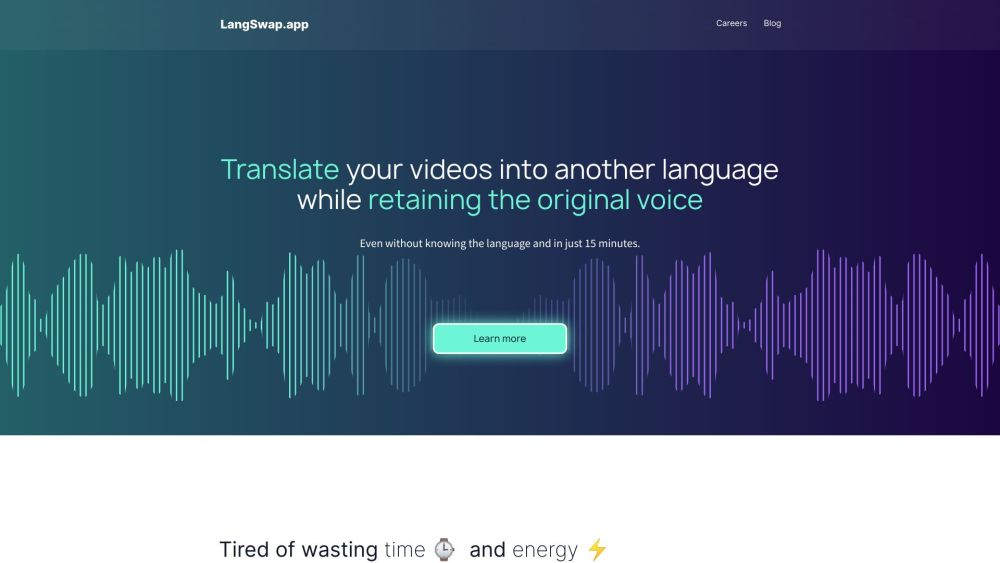
LangSwap website preview
```html

LangSwap Website screenshot

Introducing LangSwap

LangSwap is a cutting-edge video translation service that enables the translation of videos into various languages while preserving the original voice. Utilizing state-of-the-art technology, LangSwap transforms the same voice to speak in a different language without requiring new recordings.

Steps to Use LangSwap

Using LangSwap is straightforward: 1. Record your video in your native language. 2. Upload the video onto the LangSwap platform. 3. Select the target language for translation. 4. Receive the translated video, retaining the original voice and intonation, thus saving on translation and dubbing costs.

Key Features of LangSwap

LangSwap offers the following key features: - Maintains the original voice while translating videos. - Employs sophisticated algorithms for accurate translations. - Reduces the need for re-recording and voice actor searches, saving time and resources. - Facilitates business growth by making it easy to release content in multiple languages. - Preserves the original voice's intonation for a seamless and natural translation experience.

Applications of LangSwap

LangSwap is ideal for: - Individuals needing to translate and dub numerous videos. - Businesses aiming to expand into new language markets. - Content creators and bloggers seeking to diversify their video content. - E-commerce marketers wanting efficient video translation solutions. - Companies striving to enhance their global reach by overcoming language barriers.

```

Product source: LangSwap official website. Check the provider for current plans, limits and availability.

FAQ

LangSwap questions and answers

Product context and practical checks for evaluating LangSwap.

What is LangSwap used for?

Translate videos without losing the original voice. LangSwap's advanced algorithms let your content speak any language, effortlessly.

How do I get started with LangSwap?

Open the official LangSwap website and identify the workflow that matches your task. Use a short shot with one subject and one camera movement. Keep the prompt and duration constant, then compare usable seconds and the number of regenerations.

Which capabilities are described for LangSwap?

LangSwap offers the following key features: - Maintains the original voice while translating videos. - Employs sophisticated algorithms for accurate translations. - Reduces the need for re-recording and voice actor searches, saving time and resources. - Facilitates business growth by making it easy to release content in multiple languages. - Preserves the original voice's intonation for a seamless and natural translation experience.

What projects can I evaluate LangSwap for?

LangSwap is ideal for: - Individuals needing to translate and dub numerous videos. - Businesses aiming to expand into new language markets. - Content creators and bloggers seeking to diversify their video content. - E-commerce marketers wanting efficient video translation solutions. - Companies striving to enhance their global reach by overcoming language barriers. Customer Support for LangSwap For customer service, contact LangSwap support at: [email protected] . About LangSwap LangSwap is a product of Peace Data Inc. . LangSwap on YouTube Visit LangSwap's YouTube channel: https://www.youtube.com/@langswapappLangSwap on LinkedIn Follow LangSwap on LinkedIn: https://www.linkedin.com/company/peace-data/

What should I compare before choosing a LangSwap plan?

Check LangSwap’s current pricing page for included usage, renewal terms and any credit charges. Compare the cost of a usable result, including retries, rather than assuming that account registration includes free usage.

What inputs should I prepare for a LangSwap trial?

Compare text prompts, reference frames, source footage and audio support. Check duration, aspect ratio and whether the tool lets you keep a subject consistent between shots.

How can I check the quality of a LangSwap result?

Watch the entire clip for motion errors, distorted objects, changing identities, lip-sync problems and abrupt transitions. Inspect the downloaded file as well as the preview.

Which export options should I check in LangSwap?

Check export resolution, frame rate, aspect ratio, audio tracks and watermark rules. A good preview is not a substitute for an export that fits your publishing channel.

What is a practical way to test LangSwap against alternatives?

Use a short shot with one subject and one camera movement. Keep the prompt and duration constant, then compare usable seconds and the number of regenerations.

Where is the official LangSwap website?

The website linked from this profile is https://langswap.app. Use the provider’s own documentation, account area and support channels to confirm current product details.

Visit LangSwap