AI Productivity Tools

ILLA Cloud

ILLA Cloud: Open-source low-code platform with React library for rapid app development. Build AI tools, dashboards, and more in minutes with real-time collaboration.

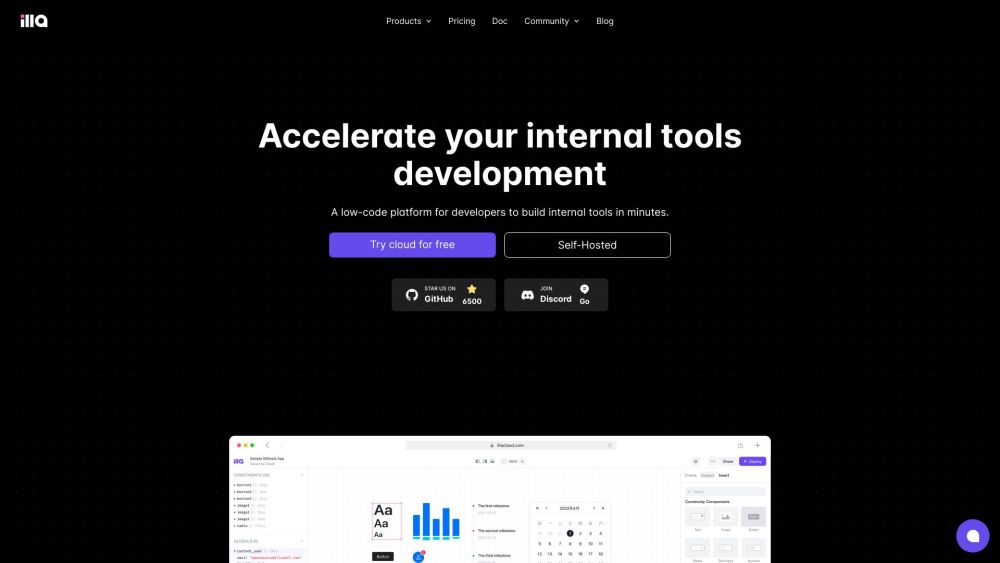
ILLA Cloud website preview

ILLA Cloud Website screenshot

What is ILLA Cloud?

ILLA Cloud is an innovative open-source low-code platform designed to accelerate the development of internal applications. Featuring a rich React component library, it enables you to construct AI tools, admin panels, dashboards, and more within minutes. The platform's user-friendly interface and extensive database integrations simplify the creation process. Additionally, ILLA Cloud promotes seamless real-time collaboration among team members, no matter their location.

How to Use ILLA Cloud?

Getting started with ILLA Cloud is straightforward. Create an account and decide between utilizing the cloud version or self-hosting. After logging in, you'll gain access to an intuitive drag-and-drop interface for building sophisticated user interfaces with ease. The platform also offers AI-driven natural language processing to generate SQL queries, connects effortlessly to various data sources, and allows for extensive customization using JavaScript and reusable code blocks. Moreover, ILLA Drive ensures secure file storage and sharing for your team.

ILLA Cloud's Core Features

Drag-and-drop Interface

Pre-built Components

Comprehensive Database Integrations

AI-powered SQL Generation

Real-time Team Collaboration

Versatile Data Source Connectivity

JavaScript Code Customization

Reusable Code Blocks

Secure File Storage Solutions

ILLA Cloud's Use Cases

AI Tool Development

Admin Panel Creation

Dashboard Development

Collaborative Application Building

Data Source Integration

Custom Code Implementation

Product source: ILLA Cloud official website. Check the provider for current plans, limits and availability.

FAQ

ILLA Cloud questions and answers

Product context and practical checks for evaluating ILLA Cloud.

What is ILLA Cloud used for?

ILLA Cloud: Open-source low-code platform with React library for rapid app development. Build AI tools, dashboards, and more in minutes with real-time collaboration.

How do I get started with ILLA Cloud?

Getting started with ILLA Cloud is straightforward. Create an account and decide between utilizing the cloud version or self-hosting. After logging in, you'll gain access to an intuitive drag-and-drop interface for building sophisticated user interfaces with ease. The platform also offers AI-driven natural language processing to generate SQL queries, connects effortlessly to various data sources, and allows for extensive customization using JavaScript and reusable code blocks. Moreover, ILLA Drive ensures secure file storage and sharing for your team.

Which capabilities are described for ILLA Cloud?

Drag-and-drop InterfacePre-built ComponentsComprehensive Database IntegrationsAI-powered SQL GenerationReal-time Team CollaborationVersatile Data Source ConnectivityJavaScript Code CustomizationReusable Code BlocksSecure File Storage Solutions

What projects can I evaluate ILLA Cloud for?

AI Tool DevelopmentAdmin Panel CreationDashboard DevelopmentCollaborative Application BuildingData Source IntegrationCustom Code Implementation ILLA Cloud Discord Join the ILLA Cloud community on Discord: https://discord.com/invite/illacloud. For more details, click here. ILLA Cloud Support & Contact For support and customer service, visit our contact page. ILLA Cloud Login Access your account at: https://cloud.illacloud.com ILLA Cloud Sign Up Sign up for ILLA Cloud here: https://cloud.illacloud.com ILLA Cloud Pricing Explore our pricing plans: https://www.illacloud.com/pricing ILLA Cloud on LinkedIn Follow us on LinkedIn: https://www.linkedin.com/company/illacloud ILLA Cloud on Twitter Stay updated via Twitter: https://twitter.com/illa_cloud ILLA Cloud on GitHub Contribute to our GitHub: https://github.com/illacloud/illa-builder

What should I compare before choosing a ILLA Cloud plan?

Explore our pricing plans: https://www.illacloud.com/pricing Confirm current prices and allowances on the provider’s website before purchasing.

What inputs should I prepare for a ILLA Cloud trial?

Compare repository access, context limits, supported languages and tool permissions. Check whether the assistant can read relevant files and run your existing checks.

How can I check the quality of a ILLA Cloud result?

Review the diff, run tests and inspect error handling and dependency changes. Generated code should meet the same review standard as a human contribution.

Which export options should I check in ILLA Cloud?

Prefer changes you can inspect and keep in version control. Check whether code, tests and configuration can be exported without depending on a hosted preview.

What is a practical way to test ILLA Cloud against alternatives?

Choose a small reproducible bug with an existing failing check. Measure whether the tool fixes the cause, preserves behavior and produces a reviewable change.

Where is the official ILLA Cloud website?

The website linked from this profile is https://www.illacloud.com. Use the provider’s own documentation, account area and support channels to confirm current product details.

Visit ILLA Cloud