AI Detector

Gptsafe

Gptsafe: Detect AI plagiarism, ensure content integrity, combat misinformation, and build digital trust with this essential content verification tool.

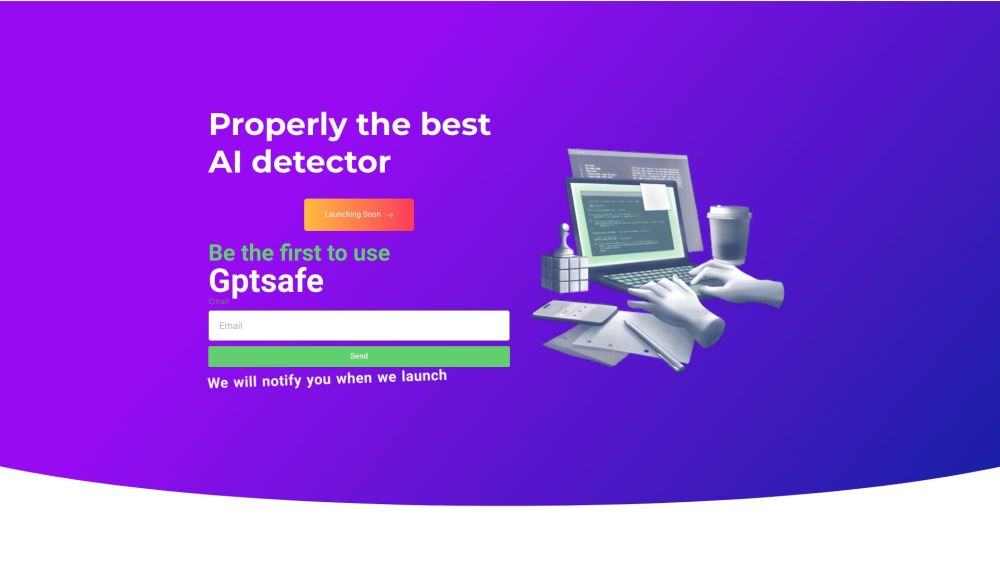
Gptsafe website preview

Gptsafe Website screenshot

Understanding Gptsafe

Gptsafe is an innovative tool specifically crafted for detecting AI-generated plagiarism with an impressive accuracy rate of 95%. This system not only helps in maintaining the integrity of content but also plays a critical role in preventing the spread of misinformation and bolstering trust in the digital landscape.

How to Operate Gptsafe?

Gptsafe is designed with user convenience in mind, making it easy to use. Here's how you can get started:

  1. Enter Text for Analysis: Users can input the text they wish to analyze by typing directly, uploading a document, or providing a URL. The system then scrutinizes the text to detect any AI involvement.
  2. Conduct Text Analysis: After clicking the 'Detect AI' button, Gptsafe processes the input, applying sophisticated detection algorithms. The outcome will indicate whether the text is AI-generated.
  3. Enhance Text Quality: For those who want to refine AI-generated content, the 'Rewrite AI' button allows the text to be adjusted to sound more natural and human-like.

Key Features of Gptsafe

High-Precision AI Plagiarism Detection

Comprehensive Analysis of AI-Generated Content

Option to Refine Content for Natural Human Expression

Gptsafe in Action

Ensuring Authenticity and Mitigating Misinformation

Enhancing Credibility in the Digital World

Providing Protection Against Deceptive Information

Product source: Gptsafe official website. Check the provider for current plans, limits and availability.

FAQ

Gptsafe questions and answers

Product context and practical checks for evaluating Gptsafe.

What is Gptsafe used for?

Gptsafe: Detect AI plagiarism, ensure content integrity, combat misinformation, and build digital trust with this essential content verification tool.

How do I get started with Gptsafe?

Gptsafe is designed with user convenience in mind, making it easy to use. Here's how you can get started: Enter Text for Analysis: Users can input the text they wish to analyze by typing directly, uploading a document, or providing a URL. The system then scrutinizes the text to detect any AI involvement. Conduct Text Analysis: After clicking the 'Detect AI' button, Gptsafe processes the input, applying sophisticated detection algorithms. The outcome will indicate whether the text is AI-generated. Enhance Text Quality: For those who want to refine AI-generated content, the 'Rewrite AI' button allows the text to be adjusted to sound more natural and human-like.

Which capabilities are described for Gptsafe?

High-Precision AI Plagiarism DetectionComprehensive Analysis of AI-Generated ContentOption to Refine Content for Natural Human Expression

How does Gptsafe handle enter text for analysis?

Enter Text for Analysis: Users can input the text they wish to analyze by typing directly, uploading a document, or providing a URL. The system then scrutinizes the text to detect any AI involvement.

How does Gptsafe handle conduct text analysis?

Conduct Text Analysis: After clicking the 'Detect AI' button, Gptsafe processes the input, applying sophisticated detection algorithms. The outcome will indicate whether the text is AI-generated.

What should I compare before choosing a Gptsafe plan?

Check Gptsafe’s current pricing page for included usage, renewal terms and any credit charges. Compare the cost of a usable result, including retries, rather than assuming that account registration includes free usage.

What inputs should I prepare for a Gptsafe trial?

Compare support for source documents, style instructions, outlines and length limits. Check whether citations link to real material rather than merely looking like references.

How can I check the quality of a Gptsafe result?

Verify names, dates, quotations and factual claims against the original sources. Edit tone, remove repetition and make sure the text answers the intended reader’s question.

Which export options should I check in Gptsafe?

Check export to plain text, Markdown, documents or your publishing system. Formatting, headings and working links matter when moving a draft into production.

Where is the official Gptsafe website?

The website linked from this profile is https://gptsafe.io. Use the provider’s own documentation, account area and support channels to confirm current product details.

Visit Gptsafe