AI Builder

Framer

Design, animate, and publish stunning, code-free websites with Framer's advanced CMS. Create professional sites effortlessly and scale with ease.

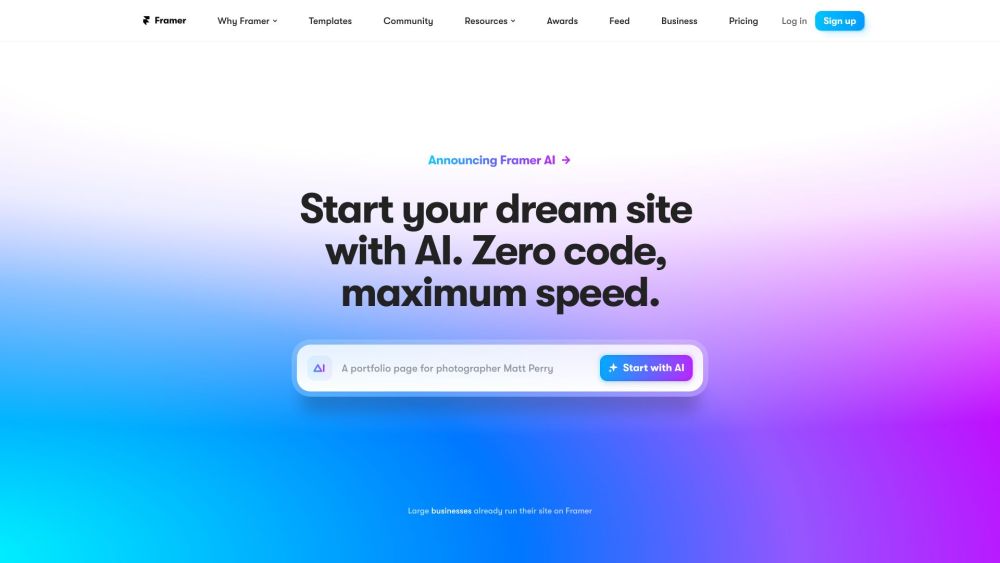
Framer website preview

Framer Website screenshot

Introducing Framer

Framer is a versatile platform designed for creating, animating, and publishing websites without the need for coding. Users can craft their ideal websites using a flexible canvas, integrating animations and interactions to enhance user engagement. Framer also offers a powerful CMS for seamless content management, enabling users to scale their websites effortlessly. With Framer, you can build and launch professional websites quickly and efficiently.

Getting Started with Framer

To begin using Framer, you can either design your website from scratch or choose from a variety of available templates. The platform's intuitive freeform canvas allows for easy customization, where you can add elements, animations, and interactions. Framer also provides AI-powered suggestions to kickstart your design process. Once your design is complete, you can optimize it for various devices and manage content effortlessly using the integrated CMS. Publishing your site is straightforward and doesn't require any coding expertise.

Key Features of Framer

Flexible design canvas

Incorporate animations and interactions

Responsive design for all devices

Advanced CMS for content scaling

AI-assisted design templates

Free website publishing

Optimized performance and responsiveness

Drag-and-drop interface

Dynamic scroll and appearance effects

Integration with popular services and apps

Applications of Framer

Creating professional, code-free websites

Scaling solutions for enterprises

Launching new products online

Rapid iteration for landing pages

Enhancing digital presence through blogs and portfolios

Efficient delivery for client projects by agencies

Freelance web design and development

Personal websites and online CVs

  • Framer Customer Support

    For customer service inquiries, contact Framer support at [email protected]. For additional contact information, visit the Contact Us page.

  • Framer Login

    Access your Framer account via the login page.

  • Framer Sign Up

    Create a new Framer account by visiting the sign-up page.

  • Framer Pricing

    For pricing information, visit the Framer pricing page.

  • Framer on YouTube

    Check out Framer's YouTube channel at Framer YouTube.

  • Framer on LinkedIn

    Connect with Framer on LinkedIn at Framer LinkedIn.

  • Framer on Instagram

    Follow Framer on Instagram at Framer Instagram.

Product source: Framer official website. Check the provider for current plans, limits and availability.

FAQ

Framer questions and answers

Product context and practical checks for evaluating Framer.

What is Framer used for?

Design, animate, and publish stunning, code-free websites with Framer's advanced CMS. Create professional sites effortlessly and scale with ease.

How do I get started with Framer?

To begin using Framer, you can either design your website from scratch or choose from a variety of available templates. The platform's intuitive freeform canvas allows for easy customization, where you can add elements, animations, and interactions. Framer also provides AI-powered suggestions to kickstart your design process. Once your design is complete, you can optimize it for various devices and manage content effortlessly using the integrated CMS. Publishing your site is straightforward and doesn't require any coding expertise.

Which capabilities are described for Framer?

Flexible design canvasIncorporate animations and interactionsResponsive design for all devicesAdvanced CMS for content scalingAI-assisted design templatesFree website publishingOptimized performance and responsivenessDrag-and-drop interfaceDynamic scroll and appearance effectsIntegration with popular services and apps

What projects can I evaluate Framer for?

Creating professional, code-free websitesScaling solutions for enterprisesLaunching new products onlineRapid iteration for landing pagesEnhancing digital presence through blogs and portfoliosEfficient delivery for client projects by agenciesFreelance web design and developmentPersonal websites and online CVs Framer Customer Support For customer service inquiries, contact Framer support at [email protected]. For additional contact information, visit the Contact Us page. Framer Login Access your Framer account via the login page. Framer Sign Up Create a new Framer account by visiting the sign-up page. Framer Pricing For pricing information, visit the Framer pricing page. Framer on YouTube Check out Framer's YouTube channel at Framer YouTube. Framer on LinkedIn Connect with Framer on LinkedIn at Framer LinkedIn. Framer on Instagram Follow Framer on Instagram at Framer Instagram.

What should I compare before choosing a Framer plan?

For pricing information, visit the Framer pricing page. Confirm current prices and allowances on the provider’s website before purchasing.

What inputs should I prepare for a Framer trial?

Look for text prompts, image references, masks or sketches as appropriate. Compare composition control, supported upload types and the ability to revise a selected area.

How can I check the quality of a Framer result?

Inspect text, hands, edges, reflections and repeated objects at full size. Check that important product or brand details survive editing.

Which export options should I check in Framer?

Compare pixel dimensions, transparency, file formats and any enlargement options. Confirm that the downloaded result works in your design or publishing software.

What is a practical way to test Framer against alternatives?

Prepare a brief with a subject, composition, lighting and required output size. Test a first generation and a targeted revision to see how much control you retain.

Where is the official Framer website?

The website linked from this profile is https://www.promptdodo.com. Use the provider’s own documentation, account area and support channels to confirm current product details.

Visit Framer