Writing Assistants

Formularizer

Formularizer is a powerful AI platform that helps users generate and explain formulas for Excel, Google Sheets, Notion, and more. It saves time and improves productivity by quickly converting ideas into formulas with the assistance of AI.

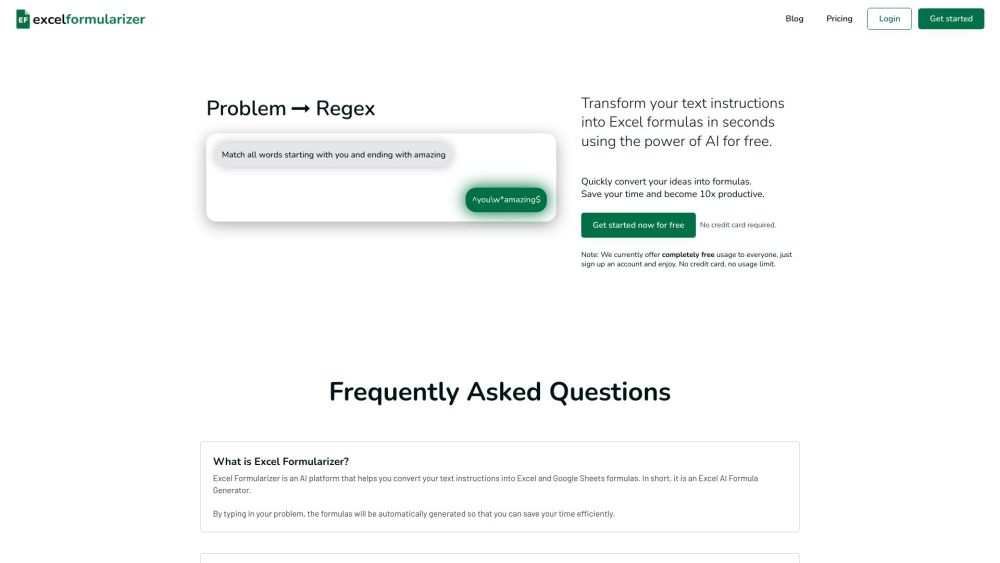
Formularizer website preview

Formularizer - AI assistant for Excel, Google Sheets, and more Website screenshot

What is Formularizer - AI Assistant for Excel, Google Sheets, and More?

Formularizer is an advanced AI-driven tool designed to assist users in creating and understanding formulas for Excel, Google Sheets, Notion, and other platforms. By leveraging AI, it streamlines the process of transforming ideas into accurate formulas, enhancing efficiency and productivity.

How to Use Formularizer - AI Assistant for Excel, Google Sheets, and More?

Using Formularizer is straightforward: input your query or instruction, such as "calculate the total sales for the first year in column D" or "highlight cells in yellow". The AI will then produce the appropriate formula or solution, complete with an explanation. Formularizer supports a variety of formula types, including those for Excel, Google Sheets, Notion, regular expressions, Excel VBA, and Google Apps Script.

Core Features of Formularizer - AI Assistant for Excel, Google Sheets, and More

AI-Powered Formula Generation and Explanation

Compatibility with Excel, Google Sheets, Notion, and More

Commitment to Data Privacy and Security

Quick Response Times

High Accuracy in Results

User-Friendly Interface

Use Cases for Formularizer - AI Assistant for Excel, Google Sheets, and More

Generating and Explaining Formulas for Excel, Google Sheets, and Notion

Converting User Instructions into Various Formula Formats

Assisting with Regular Expression Patterns

Creating and Explaining Code for Excel VBA and Google Apps Script

Product source: Formularizer official website. Check the provider for current plans, limits and availability.

FAQ

Formularizer questions and answers

Product context and practical checks for evaluating Formularizer.

What is Formularizer used for?

Formularizer is a powerful AI platform that helps users generate and explain formulas for Excel, Google Sheets, Notion, and more. It saves time and improves productivity by quickly converting ideas into formulas with the assistance of AI.

How do I get started with Formularizer?

Using Formularizer is straightforward: input your query or instruction, such as "calculate the total sales for the first year in column D" or "highlight cells in yellow". The AI will then produce the appropriate formula or solution, complete with an explanation. Formularizer supports a variety of formula types, including those for Excel, Google Sheets, Notion, regular expressions, Excel VBA, and Google Apps Script.

Which capabilities are described for Formularizer?

AI-Powered Formula Generation and ExplanationCompatibility with Excel, Google Sheets, Notion, and MoreCommitment to Data Privacy and SecurityQuick Response TimesHigh Accuracy in ResultsUser-Friendly Interface

What projects can I evaluate Formularizer for?

Generating and Explaining Formulas for Excel, Google Sheets, and NotionConverting User Instructions into Various Formula FormatsAssisting with Regular Expression PatternsCreating and Explaining Code for Excel VBA and Google Apps Script Formularizer Support and Customer Service For customer service, contact Formularizer via email at [email protected]. For additional contact information, visit the contact us page. About Formularizer To learn more about Formularizer, visit the about us page. Login to Formularizer Access your Formularizer account at https://formularizer.com/login. Sign Up for Formularizer Create a new account at https://formularizer.com/sign-up. Formularizer Pricing For pricing details, visit https://formularizer.com/pricing. Follow Formularizer on Facebook Stay updated by following Formularizer on Facebook at https://www.facebook.com/formularizer. Follow Formularizer on TikTok Check out Formularizer on TikTok at https://www.tiktok.com/@formularizer. Follow Formularizer on Instagram Follow Formularizer on Instagram at https://www.instagram.com/formularizer/.

What should I compare before choosing a Formularizer plan?

For pricing details, visit https://formularizer.com/pricing. Confirm current prices and allowances on the provider’s website before purchasing.

What inputs should I prepare for a Formularizer trial?

Identify the files, text or account connections your task needs. Confirm that the product accepts those inputs and offers controls for reviewing its work.

How can I check the quality of a Formularizer result?

Test one representative task and inspect the result for accuracy and completeness. Record where manual corrections or extra tools are needed.

Which export options should I check in Formularizer?

Check export formats, integrations and whether you can keep using your work outside the service. Test a real export before committing to a longer plan.

What is a practical way to test Formularizer against alternatives?

Choose one task with a clear success condition. Keep the input consistent, record the time spent reviewing and compare the complete workflow cost.

Where is the official Formularizer website?

The website linked from this profile is https://excelformularizer.com. Use the provider’s own documentation, account area and support channels to confirm current product details.

Visit Formularizer