AI Productivity Tools

Floutwork

Floutwork: The ultimate desktop app for blazing fast, focused work. Eliminate distractions and supercharge productivity to elite levels. Get more done, faster.

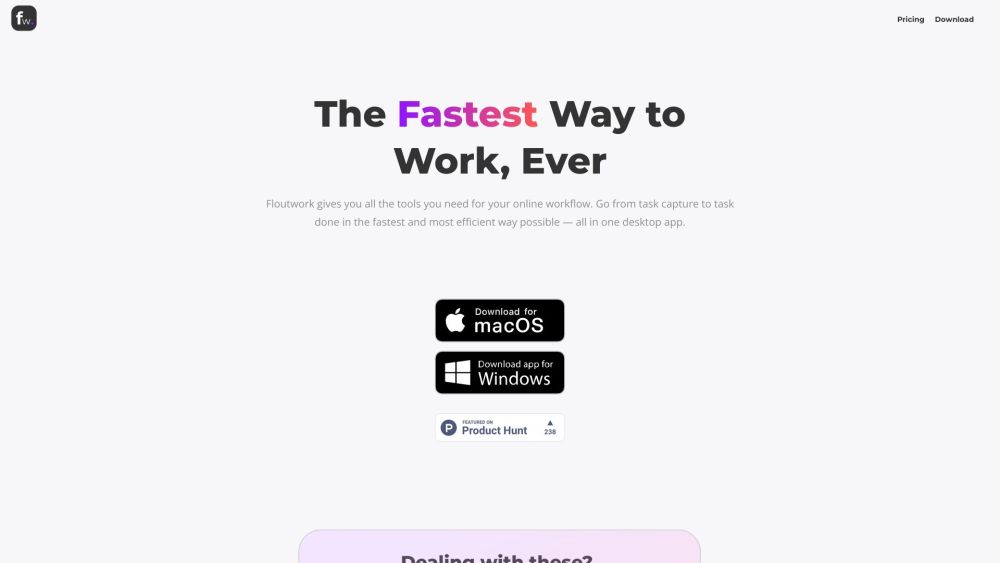
Floutwork website preview

Floutwork Website screenshot

What is Floutwork?

Floutwork is a revolutionary desktop application designed to elevate your work performance to elite levels at unprecedented speeds. By removing distractions and streamlining workflows, it allows you to concentrate intensely and accomplish tasks faster than ever before.

How to use Floutwork?

Using Floutwork is straightforward: review your tasks, adhere to your auto-planned schedule, and begin working. Floutwork assists in organizing your day, identifying optimal times for task completion, and offering seamless access to web applications directly within its interface.

Floutwork's Core Features

Task capture and management

Automated scheduling

Integrated web apps

In-context tools

Dedicated Focus Mode

Productivity metrics and gamification

Seamless integration with ChatGPT

Command Bar for quick actions

Split Views for multi-tasking

Built-in Notes app

Efficient email management

Paste Calendar Availability

Multiple Profiles

Mute Notifications

Mobile Access

Organize Bookmarks

Floutwork's Use Cases

Personal and professional task management

Workplace productivity enhancement

Streamlined workflow organization

Efficient note-taking and drafting

Email and calendar management

Multi-tasking and focused work

Access to web apps from a unified system

Tracking and improving work habits

Product source: Floutwork official website. Check the provider for current plans, limits and availability.

FAQ

Floutwork questions and answers

Product context and practical checks for evaluating Floutwork.

What is Floutwork used for?

Floutwork: The ultimate desktop app for blazing fast, focused work. Eliminate distractions and supercharge productivity to elite levels. Get more done, faster.

How do I get started with Floutwork?

Using Floutwork is straightforward: review your tasks, adhere to your auto-planned schedule, and begin working. Floutwork assists in organizing your day, identifying optimal times for task completion, and offering seamless access to web applications directly within its interface.

Which capabilities are described for Floutwork?

Task capture and managementAutomated schedulingIntegrated web appsIn-context toolsDedicated Focus ModeProductivity metrics and gamificationSeamless integration with ChatGPTCommand Bar for quick actionsSplit Views for multi-taskingBuilt-in Notes appEfficient email managementPaste Calendar AvailabilityMultiple ProfilesMute NotificationsMobile AccessOrganize Bookmarks

What projects can I evaluate Floutwork for?

Personal and professional task managementWorkplace productivity enhancementStreamlined workflow organizationEfficient note-taking and draftingEmail and calendar managementMulti-tasking and focused workAccess to web apps from a unified systemTracking and improving work habits Floutwork Support Email & Customer service contact & Refund contact etc. Here is the Floutwork support email for customer service: [email protected] . More Contact, visit the contact us page(https://www.floutwork.com/contact-us) Floutwork Company Floutwork Company name: Floutwork . More about Floutwork, Please visit the about us page(https://www.floutwork.com/our-story). Floutwork Pricing Floutwork Pricing Link: https://www.floutwork.com/pricing Floutwork Twitter Floutwork Twitter Link: https://twitter.com/pkm_one

What should I compare before choosing a Floutwork plan?

Floutwork Pricing Link: https://www.floutwork.com/pricing Confirm current prices and allowances on the provider’s website before purchasing.

What inputs should I prepare for a Floutwork trial?

Identify the files, text or account connections your task needs. Confirm that the product accepts those inputs and offers controls for reviewing its work.

How can I check the quality of a Floutwork result?

Test one representative task and inspect the result for accuracy and completeness. Record where manual corrections or extra tools are needed.

Which export options should I check in Floutwork?

Check export formats, integrations and whether you can keep using your work outside the service. Test a real export before committing to a longer plan.

What is a practical way to test Floutwork against alternatives?

Choose one task with a clear success condition. Keep the input consistent, record the time spent reviewing and compare the complete workflow cost.

Where is the official Floutwork website?

The website linked from this profile is https://www.floutwork.com. Use the provider’s own documentation, account area and support channels to confirm current product details.

Visit Floutwork