AI Analytics Assistant

Filevine

Filevine: Streamline your legal workflow with top-notch case, contract management, and business analytics. Boost efficiency with all-in-one legal software.

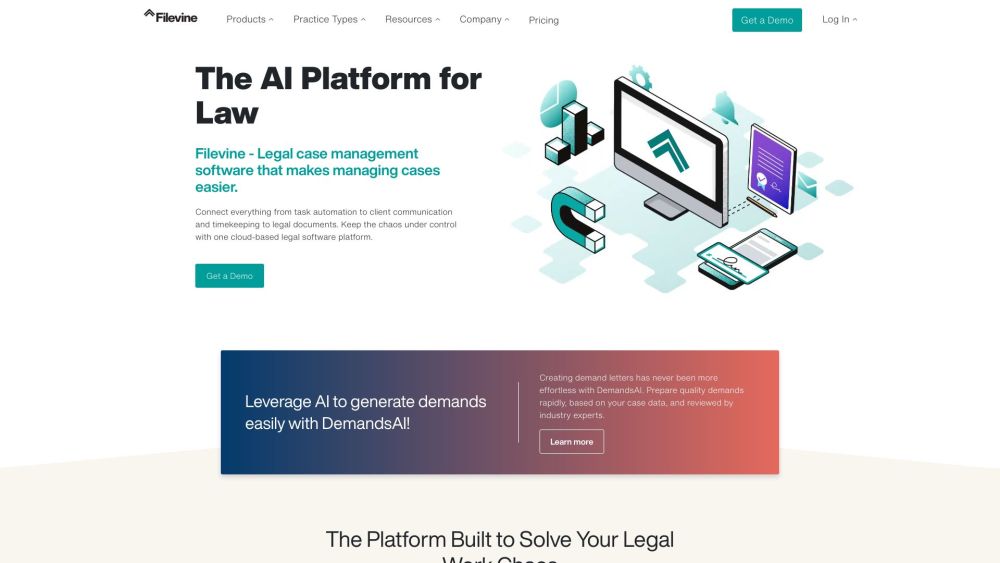
Filevine website preview

Filevine Website screenshot

What is Filevine?

Filevine is an all-encompassing legal case and contract management software designed to streamline operations and enhance productivity for legal teams and law firms. Its robust suite of features includes case management, document and contract management, lead management, business analytics, eSignatures, time and billing, and automated document assembly.

How to Use Filevine?

Getting started with Filevine is straightforward. Begin by signing up for a demo to familiarize yourself with its functionalities. Once you have access, you can manage cases, handle tasks, collaborate on documents, track leads, manage contracts, generate insightful reports, and automate various legal processes. Filevine offers a user-friendly interface and integrates seamlessly with other tools to boost efficiency.

Core Features of Filevine

Case Management: Manage cases, matters, investigations, and projects within a single platform.

Lead Management: Optimize lead tracking, intake, and marketing to convert more prospects into clients.

Document Management: Securely create, edit, store, and collaborate on legal documents.

Contract Management: Efficiently track and oversee contracts and agreements.

Business Analytics: Generate comprehensive reports, visualize data, and analyze ROI for better decision-making.

eSignatures: Facilitate faster document signing with digital signatures.

Time & Billing: Automate time tracking and invoicing to accurately bill clients.

Document Assembly: Automate the creation of documents to save time and reduce errors.

Use Cases for Filevine

Law Firms: Provides comprehensive tools for managing cases and matters.

Personal Injury: Streamlines lead conversion and enhances client communication.

Mass Torts: Simplifies intake, document generation, and case tracking.

Immigration: Tracks deadlines, communicates with clients, and creates invoices.

Insurance Defense: Manages tasks, tracks time, and assembles documents efficiently.

Criminal Defense: Manages court dates, stores documents, and liaises with law enforcement.

Big Law: Offers transparency into cases and firm performance, streamlining processes.

Law Departments: Balances workloads and delivers faster legal services.

Corporate Legal Department: Increases efficiency and streamlines workflows.

State & Municipalities: Manages case information, generates reports, and handles budget negotiations.

Product source: Filevine official website. Check the provider for current plans, limits and availability.

FAQ

Filevine questions and answers

Product context and practical checks for evaluating Filevine.

What is Filevine used for?

Filevine: Streamline your legal workflow with top-notch case, contract management, and business analytics. Boost efficiency with all-in-one legal software.

How do I get started with Filevine?

Getting started with Filevine is straightforward. Begin by signing up for a demo to familiarize yourself with its functionalities. Once you have access, you can manage cases, handle tasks, collaborate on documents, track leads, manage contracts, generate insightful reports, and automate various legal processes. Filevine offers a user-friendly interface and integrates seamlessly with other tools to boost efficiency.

Which capabilities are described for Filevine?

Case Management: Manage cases, matters, investigations, and projects within a single platform.Lead Management: Optimize lead tracking, intake, and marketing to convert more prospects into clients.Document Management: Securely create, edit, store, and collaborate on legal documents.Contract Management: Efficiently track and oversee contracts and agreements.Business Analytics: Generate comprehensive reports, visualize data, and analyze ROI for better decision-making.eSignatures: Facilitate faster document signing with digital signatures.Time & Billing: Automate time tracking and invoicing to accurately bill clients.Document Assembly: Automate the creation of documents to save time and reduce errors.

What projects can I evaluate Filevine for?

Law Firms: Provides comprehensive tools for managing cases and matters.Personal Injury: Streamlines lead conversion and enhances client communication.Mass Torts: Simplifies intake, document generation, and case tracking.Immigration: Tracks deadlines, communicates with clients, and creates invoices.Insurance Defense: Manages tasks, tracks time, and assembles documents efficiently.Criminal Defense: Manages court dates, stores documents, and liaises with law enforcement.Big Law: Offers transparency into cases and firm performance, streamlining processes.Law Departments: Balances workloads and delivers faster legal services.Corporate Legal Department: Increases efficiency and streamlines workflows.State & Municipalities: Manages case information, generates reports, and handles budget negotiations. Filevine Support Email & Customer Service Contact For more contact information, visit Filevine's contact page. About Filevine Company name: Filevine, Inc. Learn more about Filevine on the About Us page. Filevine Login Access Filevine via the login page. Filevine Pricing For pricing details, visit the pricing page. Filevine on Social Media Facebook: Filevine Facebook LinkedIn: Filevine LinkedIn Twitter: Filevine Twitter Instagram: Filevine Instagram

What should I compare before choosing a Filevine plan?

For pricing details, visit the pricing page. Confirm current prices and allowances on the provider’s website before purchasing.

What inputs should I prepare for a Filevine trial?

Compare repository access, context limits, supported languages and tool permissions. Check whether the assistant can read relevant files and run your existing checks.

How can I check the quality of a Filevine result?

Review the diff, run tests and inspect error handling and dependency changes. Generated code should meet the same review standard as a human contribution.

Which export options should I check in Filevine?

Prefer changes you can inspect and keep in version control. Check whether code, tests and configuration can be exported without depending on a hosted preview.

What is a practical way to test Filevine against alternatives?

Choose a small reproducible bug with an existing failing check. Measure whether the tool fixes the cause, preserves behavior and produces a reviewable change.

Where is the official Filevine website?

The website linked from this profile is https://makebestmusic.com. Use the provider’s own documentation, account area and support channels to confirm current product details.

Visit Filevine