AI Product Description Generator

Embra AI Assistant

Embra is a fast and powerful AI assistant designed for professionals and teams. It helps users save time and accelerate their work by connecting their data, workflows, and team members. With Embra, users can set up global shortcuts to instantly access the AI assistant on MacOS, web, and mobile devices. It is a private tool that offers usage auditing and control for individuals and teams. Embra is trusted by startups, scaling businesses, and individuals across various professions.

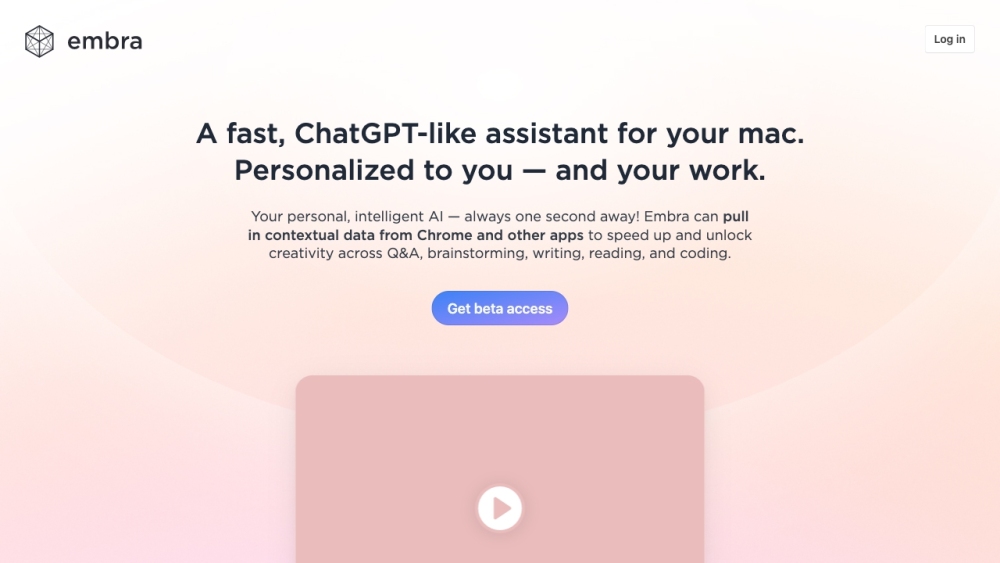
Embra AI Assistant website preview

Embra - The AI assistant for teams & professionals Website screenshot

Introduction to Embra: The Ultimate AI Assistant for Teams & Professionals

Embra is an advanced AI-driven assistant tailored for professionals and teams looking to enhance productivity and streamline their workflows. Designed to save time and boost efficiency, Embra seamlessly integrates data, workflows, and team interactions. By setting up global shortcuts, users can access the assistant instantly on MacOS, web, and mobile platforms. Embra emphasizes privacy, providing auditing and usage control, making it a trusted tool for startups, growing companies, and professionals across multiple industries.

Getting Started with Embra

To begin using Embra, simply configure a global shortcut on your device, which allows you to access the assistant anytime. Embra offers seamless integration with widely used applications like Chrome, Gmail, and Zoom, enabling smooth workflows across different tools. Users can connect their data for powerful queries, leverage intelligent automation, and use quick commands to handle repetitive tasks. Additional features include a workflow builder for scaling productivity, personalized automation options, and access to a public library of AI commands. With Embra, tasks such as email management, meeting scheduling, content generation, research, and coding are simplified and enhanced.

Key Features of Embra

  • Seamless Integration with Popular Apps

  • Data-Driven Knowledge Engine

  • Quick Commands for Efficient Automation

  • Advanced Workflow Builder

  • Customizable Automation Features

  • Enhanced Email Management

  • Meeting Scheduling and Automation

  • Internal Search Functionality

  • Content Generation Tools

  • Research and Summarization Capabilities

  • Support for Coding and Development

Embra's Practical Applications

  • Sales Automation and Intelligence

  • Customer Support Optimization

  • Enhanced Reporting for Managers

  • Data-Driven Insights for Leadership

Connect with Embra

  • Join the Embra Community on Discord

    Connect with other users and professionals on the official Embra Discord channel: Join Here. For more Discord information, click here.

  • About Embra, Inc.

    Embra is developed by Embra, Inc., a leader in AI innovation.

  • Access Embra

    To log in to Embra, click here. To sign up for an account, visit this page.

  • Follow Embra on Twitter

    Stay updated with the latest news and updates from Embra by following them on Twitter: Follow Embra.

Product source: Embra AI Assistant official website. Check the provider for current plans, limits and availability.

FAQ

Embra AI Assistant questions and answers

Product context and practical checks for evaluating Embra AI Assistant.

What is Embra AI Assistant used for?

Embra is a fast and powerful AI assistant designed for professionals and teams. It helps users save time and accelerate their work by connecting their data, workflows, and team members. With Embra, users can set up global shortcuts to instantly access the AI assistant on MacOS, web, and mobile devices. It is a private tool that offers usage auditing and control for individuals and teams. Embra is trusted by startups, scaling businesses, and individuals across various professions.

How do I get started with Embra AI Assistant?

To begin using Embra, simply configure a global shortcut on your device, which allows you to access the assistant anytime. Embra offers seamless integration with widely used applications like Chrome, Gmail, and Zoom, enabling smooth workflows across different tools. Users can connect their data for powerful queries, leverage intelligent automation, and use quick commands to handle repetitive tasks. Additional features include a workflow builder for scaling productivity, personalized automation options, and access to a public library of AI commands. With Embra, tasks such as email management, meeting scheduling, content generation, research, and coding are simplified and enhanced.

Which capabilities are described for Embra AI Assistant?

Seamless Integration with Popular Apps Data-Driven Knowledge Engine Quick Commands for Efficient Automation Advanced Workflow Builder Customizable Automation Features Enhanced Email Management Meeting Scheduling and Automation Internal Search Functionality Content Generation Tools Research and Summarization Capabilities Support for Coding and Development

What projects can I evaluate Embra AI Assistant for?

Sales Automation and Intelligence Customer Support Optimization Enhanced Reporting for Managers Data-Driven Insights for Leadership

What should I compare before choosing a Embra AI Assistant plan?

Check Embra AI Assistant’s current pricing page for included usage, renewal terms and any credit charges. Compare the cost of a usable result, including retries, rather than assuming that account registration includes free usage.

What inputs should I prepare for a Embra AI Assistant trial?

Look for text prompts, image references, masks or sketches as appropriate. Compare composition control, supported upload types and the ability to revise a selected area.

How can I check the quality of a Embra AI Assistant result?

Inspect text, hands, edges, reflections and repeated objects at full size. Check that important product or brand details survive editing.

Which export options should I check in Embra AI Assistant?

Compare pixel dimensions, transparency, file formats and any enlargement options. Confirm that the downloaded result works in your design or publishing software.

What is a practical way to test Embra AI Assistant against alternatives?

Prepare a brief with a subject, composition, lighting and required output size. Test a first generation and a targeted revision to see how much control you retain.

Where is the official Embra AI Assistant website?

The website linked from this profile is https://embra.app. Use the provider’s own documentation, account area and support channels to confirm current product details.

Visit Embra AI Assistant