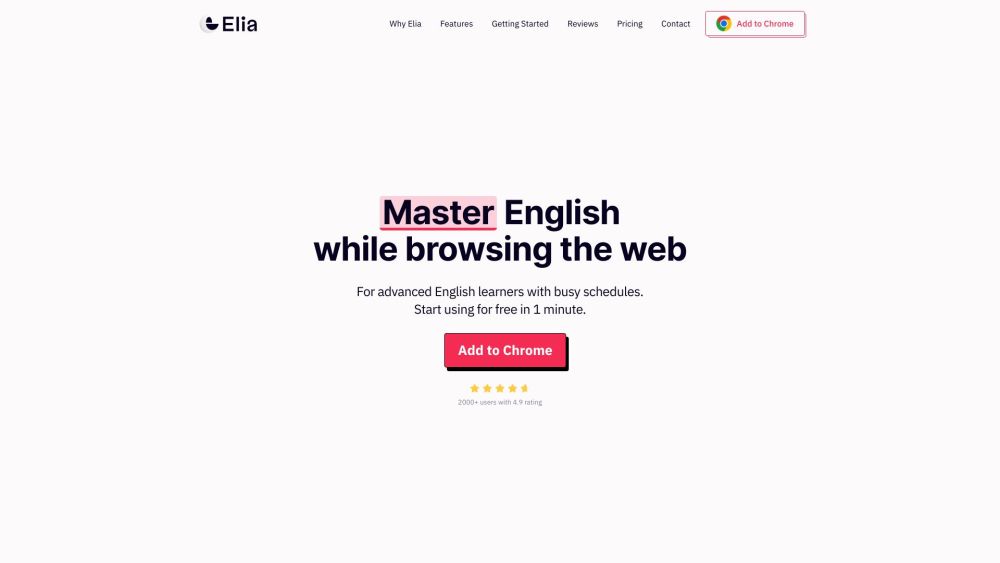
Introducing Elia
Elia is an innovative web application designed to enhance your English vocabulary seamlessly as you navigate the web. It provides numerous features aimed at improving language skills, increasing productivity, and enhancing work performance.
Getting Started with Elia
1. Download and install the Elia extension for Chrome.
2. Browse your favorite websites as usual.
3. When you encounter unfamiliar English words, Elia offers translations in 12 different languages right on the site.
4. Elia identifies and highlights useful words tailored to your proficiency level.
5. Save these words and later review them through quizzes created by Elia.
6. Receive alerts about common mistakes to avoid awkward errors.
7. Continuously learn and make progress effortlessly while browsing.
Key Features of Elia
Multi-language Translation (12 languages)
Contextual Highlighting of Words Based on Proficiency
Word Saving and Quizzes for Reinforcement
Common Mistake Alerts
Chrome Extension with Seamless Integration
Simple Installation and Setup
GDPR Compliance and Data Encryption
Who Can Benefit from Elia?
English Learners Seeking Vocabulary Expansion
Professionals Improving English for Career Advancement
Individuals Enhancing Productivity through Learning While Browsing
Customer Support & Contact Information
For support, contact Elia customer service at [email protected]. Visit our contact page for more details.
About Elia
Elia is developed by the Institute of Language Technology and Education.
Elia Pricing Information
For pricing details, visit our pricing page.
Elia on Facebook
Follow us on Facebook: Elia Facebook Page
Elia on YouTube
Watch our videos on YouTube: Elia YouTube Channel
Elia on LinkedIn
Connect with us on LinkedIn: Elia LinkedIn Profile
Elia on Instagram
Follow us on Instagram: Elia Instagram Page