AI Chatbot

Echowin

echowin is an AI phone platform designed for businesses that can automatically answer calls, pre-screen callers, and gather information. It offers 24/7 availability, no-code scenario flow builder, and live call monitoring.

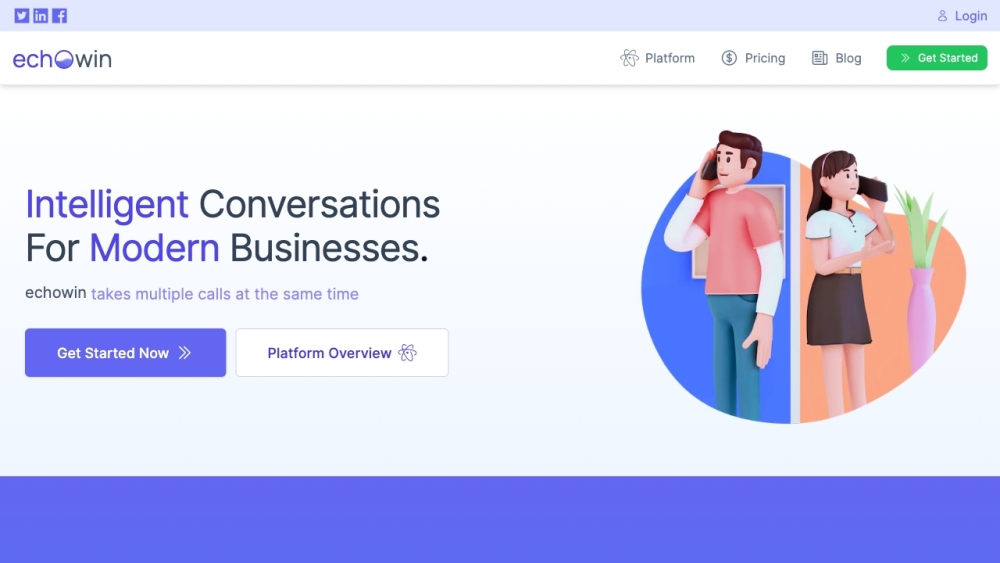
Echowin website preview

echowin Website screenshot

What is echowin?

echowin is an advanced AI-powered phone platform built for businesses. It automates call handling, screens incoming calls, and gathers relevant information. The platform is available 24/7 and offers tools such as a no-code scenario flow builder and live call monitoring to streamline communication processes.

How to Use echowin?

To get started with echowin, follow these simple steps: 1. **Connect**: Acquire a new number or forward your existing number to echowin. 2. **Configure**: Set up your call flows using the no-code scenario builder, or have the AI start answering caller questions immediately. 3. **Call**: Once set up, echowin's AI will handle all incoming calls, allowing you to monitor live transcripts and review call data in real-time.

Core Features of echowin

AI-Driven Call Answering

Call Pre-Screening

Caller Information Collection

24/7 Availability

No-Code Call Flow Design

Real-Time Call Monitoring

Use Cases of echowin

Customer Support Solutions

Efficient Call Routing

Lead Generation and Caller Pre-Screening

Automating Routine Tasks

Replacing Outdated IVR Systems

  • Contact echowin Support

    For customer service, you can reach echowin via email at: [email protected].

  • echowin Company Information

    Company name: echowin Inc.

    Visit the official website for more details: About Us Page

  • echowin Login

    Login to your echowin account here: https://echo.win/auth/login

  • echowin Sign Up

    Sign up for an echowin account here: https://echo.win/auth/signup

  • echowin Pricing

    Learn more about pricing here: echowin Pricing

  • echowin on Social Media

    Follow echowin on Facebook: Facebook

    LinkedIn: LinkedIn

    Twitter: Twitter

Product source: Echowin official website. Check the provider for current plans, limits and availability.

FAQ

Echowin questions and answers

Product context and practical checks for evaluating Echowin.

What is Echowin used for?

echowin is an AI phone platform designed for businesses that can automatically answer calls, pre-screen callers, and gather information. It offers 24/7 availability, no-code scenario flow builder, and live call monitoring.

How do I get started with Echowin?

To get started with echowin, follow these simple steps: 1. **Connect**: Acquire a new number or forward your existing number to echowin. 2. **Configure**: Set up your call flows using the no-code scenario builder, or have the AI start answering caller questions immediately. 3. **Call**: Once set up, echowin's AI will handle all incoming calls, allowing you to monitor live transcripts and review call data in real-time.

Which capabilities are described for Echowin?

AI-Driven Call AnsweringCall Pre-ScreeningCaller Information Collection24/7 AvailabilityNo-Code Call Flow DesignReal-Time Call Monitoring

What projects can I evaluate Echowin for?

Customer Support SolutionsEfficient Call RoutingLead Generation and Caller Pre-ScreeningAutomating Routine TasksReplacing Outdated IVR Systems Contact echowin Support For customer service, you can reach echowin via email at: [email protected]. echowin Company Information Company name: echowin Inc. Visit the official website for more details: About Us Page echowin Login Login to your echowin account here: https://echo.win/auth/login echowin Sign Up Sign up for an echowin account here: https://echo.win/auth/signup echowin Pricing Learn more about pricing here: echowin Pricing echowin on Social Media Follow echowin on Facebook: Facebook LinkedIn: LinkedIn Twitter: Twitter

What should I compare before choosing a Echowin plan?

Learn more about pricing here: echowin Pricing Confirm current prices and allowances on the provider’s website before purchasing.

What inputs should I prepare for a Echowin trial?

Look for text prompts, image references, masks or sketches as appropriate. Compare composition control, supported upload types and the ability to revise a selected area.

How can I check the quality of a Echowin result?

Inspect text, hands, edges, reflections and repeated objects at full size. Check that important product or brand details survive editing.

Which export options should I check in Echowin?

Compare pixel dimensions, transparency, file formats and any enlargement options. Confirm that the downloaded result works in your design or publishing software.

What is a practical way to test Echowin against alternatives?

Prepare a brief with a subject, composition, lighting and required output size. Test a first generation and a targeted revision to see how much control you retain.

Where is the official Echowin website?

The website linked from this profile is https://makebestmusic.com. Use the provider’s own documentation, account area and support channels to confirm current product details.

Visit Echowin