AI Advertising Assistant

DialSense

Build, train, and manage voice assistants effortlessly with DialSense: the AI-powered platform for personalized and efficient consumer interactions.

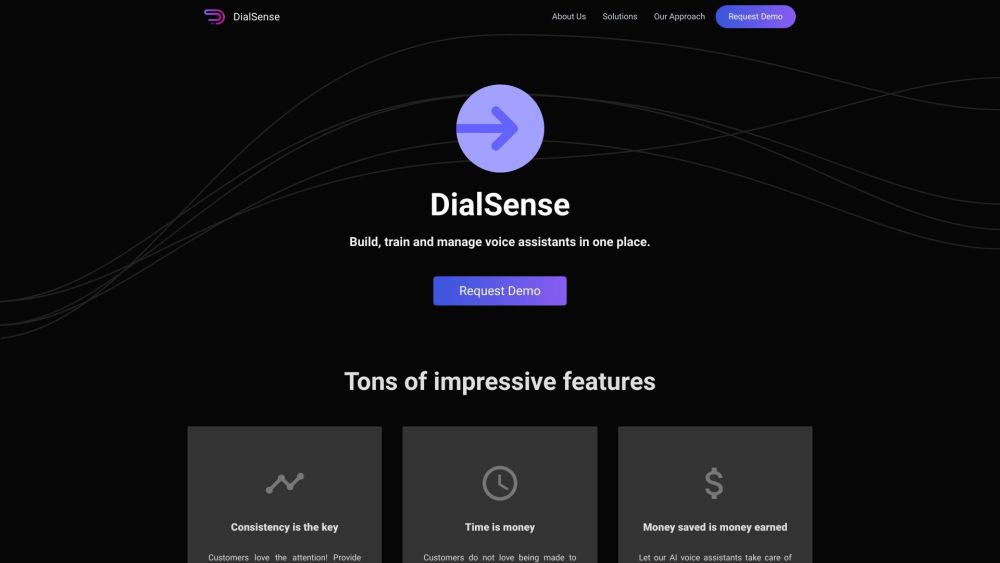
DialSense website preview

DialSense Website screenshot

Introducing DialSense

DialSense is an innovative platform designed to empower businesses by enabling them to create, train, and manage AI-driven voice assistants effortlessly. Leveraging cutting-edge Artificial Intelligence (AI), DialSense helps companies deliver personalized and efficient interactions with their customers.

Getting Started with DialSense

To begin using DialSense, businesses should sign up for a demo and integrate the platform with their existing systems. After integration, they can customize and train their voice assistants to understand and address customer inquiries. These voice assistants can be deployed across various customer engagement channels, such as phone calls, websites, and mobile apps, ensuring prompt and accurate support.

Key Features of DialSense

Seamless creation, training, and management of voice assistants

Personalized and consistent customer interactions

Instant query resolution with zero wait time

Round-the-clock support, reducing call center expenses

Experience DialSense in action

Applications of DialSense

Customer support and service

Product information and sales inquiries

Order tracking and status updates

Answering FAQs and general questions

Scheduling appointments and sending reminders

Product source: DialSense official website. Check the provider for current plans, limits and availability.

FAQ

DialSense questions and answers

Product context and practical checks for evaluating DialSense.

What is DialSense used for?

Build, train, and manage voice assistants effortlessly with DialSense: the AI-powered platform for personalized and efficient consumer interactions.

How do I get started with DialSense?

To begin using DialSense, businesses should sign up for a demo and integrate the platform with their existing systems. After integration, they can customize and train their voice assistants to understand and address customer inquiries. These voice assistants can be deployed across various customer engagement channels, such as phone calls, websites, and mobile apps, ensuring prompt and accurate support.

Which capabilities are described for DialSense?

Seamless creation, training, and management of voice assistantsPersonalized and consistent customer interactionsInstant query resolution with zero wait timeRound-the-clock support, reducing call center expensesExperience DialSense in action

What projects can I evaluate DialSense for?

Customer support and serviceProduct information and sales inquiriesOrder tracking and status updatesAnswering FAQs and general questionsScheduling appointments and sending reminders DialSense Support and Contact Information For customer service, reach out via email: [email protected]. For more contact details, visit our contact page. About DialSense DialSense is a product of Dynopii, Inc. U.S. Office: 8, THE GREEN STE A, City of DOVER, DE, County of Kent, Zip-code: 19901 India Office: CUBICLE NO: 103 132 A, S.P MUKHERJEE ROAD, Kolkata, West Bengal - 700026 For more information, visit our about page. Connect with DialSense LinkedIn: https://in.linkedin.com/company/dynopii Twitter: https://twitter.com/dynopii Instagram: https://www.instagram.com/dynopii

What should I compare before choosing a DialSense plan?

Check DialSense’s current pricing page for included usage, renewal terms and any credit charges. Compare the cost of a usable result, including retries, rather than assuming that account registration includes free usage.

What inputs should I prepare for a DialSense trial?

Compare recording length, file types, language support and speaker handling. For voice generation, check pronunciation controls and permission to use any reference voice.

How can I check the quality of a DialSense result?

Listen for mispronounced names, unnatural pauses, clipped words and noise. For transcripts, compare the text with the recording and correct speaker labels.

Which export options should I check in DialSense?

Check audio format, sample rate, separate tracks, captions and timestamp exports. Confirm that the result works in your editing or accessibility workflow.

What is a practical way to test DialSense against alternatives?

Use a short recording with names, numbers and more than one speaker, or a script with difficult pronunciation. Review the exported audio or transcript in full.

Where is the official DialSense website?

The website linked from this profile is https://dialsense.io. Use the provider’s own documentation, account area and support channels to confirm current product details.

Visit DialSense