AI Product Description Generator

Create

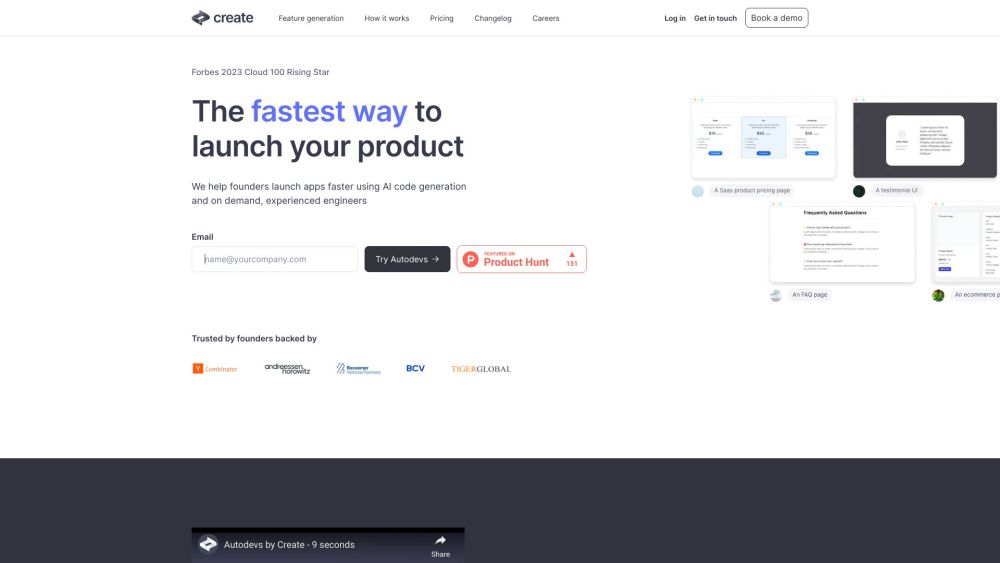
Autodevs are AI powered devs that can build simple prototypes automagically. Building something more complex? Get an instant (human) dev team to build the rest fast.

Create website preview

Create Website screenshot

Discover Create

Create leverages AI-powered autodevs to automate the creation of simple prototypes effortlessly. When your project requires more sophistication, you can instantly access a skilled team of human developers to complete the build rapidly.

Getting Started with Create

Create accelerates app launches by combining AI-driven code generation with on-demand professional engineers. Sign up, describe your application, and watch as autodevs produce reliable, production-ready code for common features. For more complex needs, easily hire human developers to take over and complete the project.

Key Features of Create

AI-Powered Code Generation

On-Demand Expert Engineers

Tailored Code for Your Specific Needs

Flexible Monthly Subscription Plans

Applications of Create

Quick Prototyping

Accelerated App Development

Scalability for High User Volumes

Product source: Create official website. Check the provider for current plans, limits and availability.

FAQ

Create questions and answers

Product context and practical checks for evaluating Create.

What is Create used for?

Autodevs are AI powered devs that can build simple prototypes automagically. Building something more complex? Get an instant (human) dev team to build the rest fast.

How do I get started with Create?

Create accelerates app launches by combining AI-driven code generation with on-demand professional engineers. Sign up, describe your application, and watch as autodevs produce reliable, production-ready code for common features. For more complex needs, easily hire human developers to take over and complete the project.

Which capabilities are described for Create?

AI-Powered Code GenerationOn-Demand Expert EngineersTailored Code for Your Specific NeedsFlexible Monthly Subscription Plans

What projects can I evaluate Create for?

Quick PrototypingAccelerated App DevelopmentScalability for High User Volumes Create Support Email & Customer Service Contact For customer support, email: [email protected]. Visit our contact page(mailto:[email protected]) for more information. About Create Company Name: Create, Inc. Create Login Login Link: https://www.create.xyz/login Create Sign Up Sign Up Link: https://www.create.xyz/signup Create Pricing Pricing Details: https://www.create.xyz/pricing Create YouTube Channel YouTube Link: https://www.youtube.com/@createdotxyz Create on LinkedIn LinkedIn Profile: https://www.linkedin.com/company/createxyz Create on Twitter Twitter Link: https://x.com/create_xyz

What should I compare before choosing a Create plan?

Pricing Details: https://www.create.xyz/pricing Confirm current prices and allowances on the provider’s website before purchasing.

What inputs should I prepare for a Create trial?

Identify the files, text or account connections your task needs. Confirm that the product accepts those inputs and offers controls for reviewing its work.

How can I check the quality of a Create result?

Test one representative task and inspect the result for accuracy and completeness. Record where manual corrections or extra tools are needed.

Which export options should I check in Create?

Check export formats, integrations and whether you can keep using your work outside the service. Test a real export before committing to a longer plan.

What is a practical way to test Create against alternatives?

Choose one task with a clear success condition. Keep the input consistent, record the time spent reviewing and compare the complete workflow cost.

Where is the official Create website?

The website linked from this profile is https://www.create.xyz. Use the provider’s own documentation, account area and support channels to confirm current product details.

Visit Create