AI Advertising Assistant

ConnectGPT

Boost sales and customer satisfaction with ConnectGPT, the AI assistant designed to enhance customer interaction by solving queries and issues efficiently.

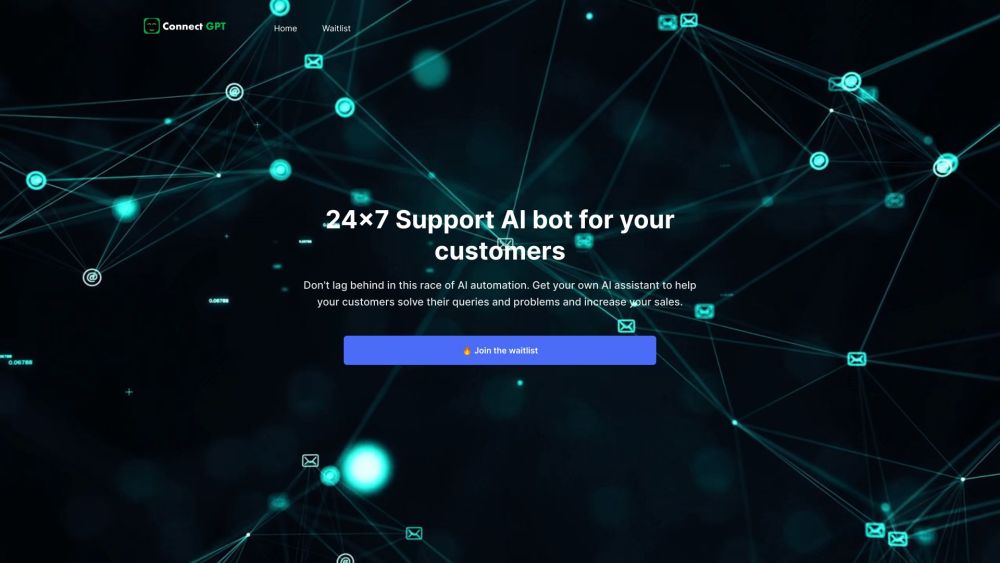
ConnectGPT website preview

ConnectGPT Website screenshot

What is ConnectGPT?

ConnectGPT is an innovative AI assistant designed to enhance customer interactions, solve their issues effectively, and ultimately boost your sales. This AI-driven solution ensures your customers get the support they need around the clock, leading to higher satisfaction and increased revenue.

How to use ConnectGPT?

To get started with ConnectGPT, join the waitlist to access 24/7 customer support. You can seamlessly integrate ConnectGPT into your website using your own API keys, selecting from AI models by OpenAI, Google, and Meta. Customize your chatbot's personality and intent, train it using your website data or conversation history, and tailor the user interface to match your brand. The basic plan includes unique features like white labeling, support for multiple bots, and API call access, setting ConnectGPT apart from the competition.

ConnectGPT's Core Features

24/7 AI support for customers

Integrate with your own API keys and pay OpenAI directly

Choose from multiple AI models

Customize chatbot personality and intent

Train the bot on various data sources

Fully customizable UI

White labeling, multiple bots, and API call access

ConnectGPT's Use Cases

Customer support and query resolution

Boosting sales and generating leads

Upselling premium products

Assisting with subscription plans and brochures

Enhancing website user experience with interactive chat and search boxes

Product source: ConnectGPT official website. Check the provider for current plans, limits and availability.

FAQ

ConnectGPT questions and answers

Product context and practical checks for evaluating ConnectGPT.

What is ConnectGPT used for?

Boost sales and customer satisfaction with ConnectGPT, the AI assistant designed to enhance customer interaction by solving queries and issues efficiently.

How do I get started with ConnectGPT?

To get started with ConnectGPT, join the waitlist to access 24/7 customer support. You can seamlessly integrate ConnectGPT into your website using your own API keys, selecting from AI models by OpenAI, Google, and Meta. Customize your chatbot's personality and intent, train it using your website data or conversation history, and tailor the user interface to match your brand. The basic plan includes unique features like white labeling, support for multiple bots, and API call access, setting ConnectGPT apart from the competition.

Which capabilities are described for ConnectGPT?

24/7 AI support for customersIntegrate with your own API keys and pay OpenAI directlyChoose from multiple AI modelsCustomize chatbot personality and intentTrain the bot on various data sourcesFully customizable UIWhite labeling, multiple bots, and API call access

What projects can I evaluate ConnectGPT for?

Customer support and query resolutionBoosting sales and generating leadsUpselling premium productsAssisting with subscription plans and brochuresEnhancing website user experience with interactive chat and search boxes ConnectGPT Support Email & Customer Service Contact For customer service, contact ConnectGPT support via email at [email protected]. ConnectGPT Company Company Name: ConnectGPT ConnectGPT Login Login here: https://connectgpt.tech/auth/signin ConnectGPT Sign up Sign up here: https://connectgpt.tech/auth/signup ConnectGPT Pricing Check pricing details: https://landing.connectgpt.tech/pricing ConnectGPT LinkedIn Follow us on LinkedIn: https://www.linkedin.com/company/connectgpt/ ConnectGPT Twitter Follow us on Twitter: https://twitter.com/ConnectGptSaas ConnectGPT GitHub Check our GitHub: https://github.com/HonestFreak

What should I compare before choosing a ConnectGPT plan?

Check pricing details: https://landing.connectgpt.tech/pricing Confirm current prices and allowances on the provider’s website before purchasing.

What inputs should I prepare for a ConnectGPT trial?

Look for text prompts, image references, masks or sketches as appropriate. Compare composition control, supported upload types and the ability to revise a selected area.

How can I check the quality of a ConnectGPT result?

Inspect text, hands, edges, reflections and repeated objects at full size. Check that important product or brand details survive editing.

Which export options should I check in ConnectGPT?

Compare pixel dimensions, transparency, file formats and any enlargement options. Confirm that the downloaded result works in your design or publishing software.

What is a practical way to test ConnectGPT against alternatives?

Prepare a brief with a subject, composition, lighting and required output size. Test a first generation and a targeted revision to see how much control you retain.

Where is the official ConnectGPT website?

The website linked from this profile is https://connectgpt.tech. Use the provider’s own documentation, account area and support channels to confirm current product details.

Visit ConnectGPT