Research Tool

Connected Papers

Discover key research effortlessly with Connected Papers, a visual tool designed for researchers and scientists to find relevant academic papers in their field.

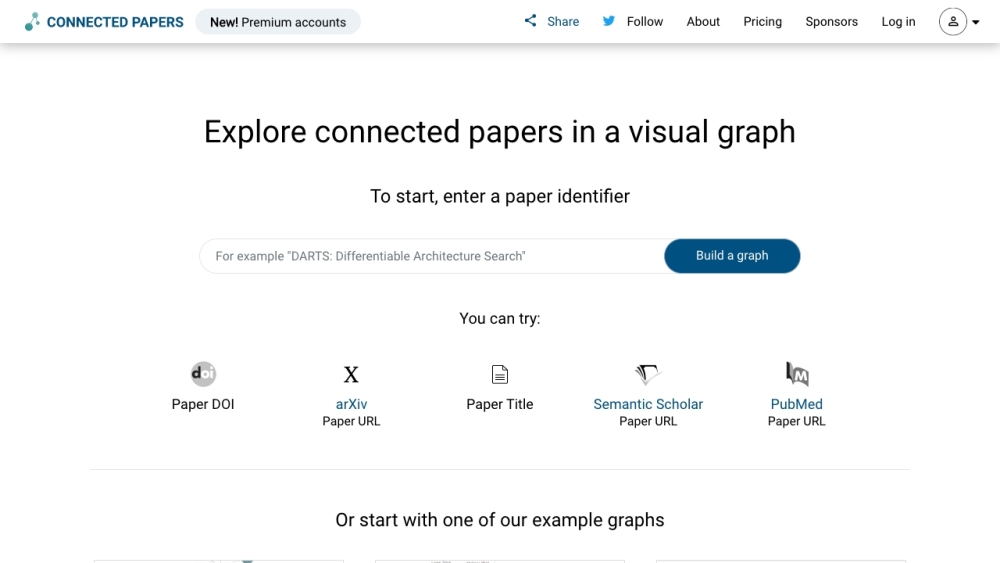
Connected Papers website preview

Connected Papers Website screenshot

What is Connected Papers?

Connected Papers is an innovative visual tool designed to assist researchers and applied scientists in discovering academic papers pertinent to their specific fields.

How to use Connected Papers?

Using Connected Papers is straightforward. Simply input your area of interest, and the tool will generate a visual map of the research landscape. This map highlights key papers and shows the relationships between different research areas, helping you track the latest trends and ensure you don't miss significant publications. Additionally, the tool allows for bi-directional exploration, enabling you to trace both the foundational and subsequent works in your field.

Connected Papers's Core Features

Visual mapping of research areas

Highlighting influential papers

Insight into research dynamics

Management of extensive new publications

Bi-directional paper exploration

Connected Papers's Use Cases

Academic research

Applied scientific research

Broader scientific investigation

Product source: Connected Papers official website. Check the provider for current plans, limits and availability.

FAQ

Connected Papers questions and answers

Product context and practical checks for evaluating Connected Papers.

What is Connected Papers used for?

Discover key research effortlessly with Connected Papers, a visual tool designed for researchers and scientists to find relevant academic papers in their field.

How do I get started with Connected Papers?

Using Connected Papers is straightforward. Simply input your area of interest, and the tool will generate a visual map of the research landscape. This map highlights key papers and shows the relationships between different research areas, helping you track the latest trends and ensure you don't miss significant publications. Additionally, the tool allows for bi-directional exploration, enabling you to trace both the foundational and subsequent works in your field.

Which capabilities are described for Connected Papers?

Visual mapping of research areasHighlighting influential papersInsight into research dynamicsManagement of extensive new publicationsBi-directional paper exploration

What projects can I evaluate Connected Papers for?

Academic researchApplied scientific researchBroader scientific investigation Connected Papers Company For more information about Connected Papers, please visit the about us page. Connected Papers Pricing For details on pricing, visit: Connected Papers Pricing Connected Papers Twitter Follow us on Twitter: Connected Papers Twitter

What should I compare before choosing a Connected Papers plan?

For details on pricing, visit: Connected Papers Pricing Confirm current prices and allowances on the provider’s website before purchasing.

What inputs should I prepare for a Connected Papers trial?

Look for text prompts, image references, masks or sketches as appropriate. Compare composition control, supported upload types and the ability to revise a selected area.

How can I check the quality of a Connected Papers result?

Inspect text, hands, edges, reflections and repeated objects at full size. Check that important product or brand details survive editing.

Which export options should I check in Connected Papers?

Compare pixel dimensions, transparency, file formats and any enlargement options. Confirm that the downloaded result works in your design or publishing software.

What is a practical way to test Connected Papers against alternatives?

Prepare a brief with a subject, composition, lighting and required output size. Test a first generation and a targeted revision to see how much control you retain.

Where is the official Connected Papers website?

The website linked from this profile is https://www.connectedpapers.com. Use the provider’s own documentation, account area and support channels to confirm current product details.

Visit Connected Papers