AI Analytics Assistant

Connect Google Analytics to ChatGPT

Analytics AI

Connect Google Analytics to ChatGPT website preview

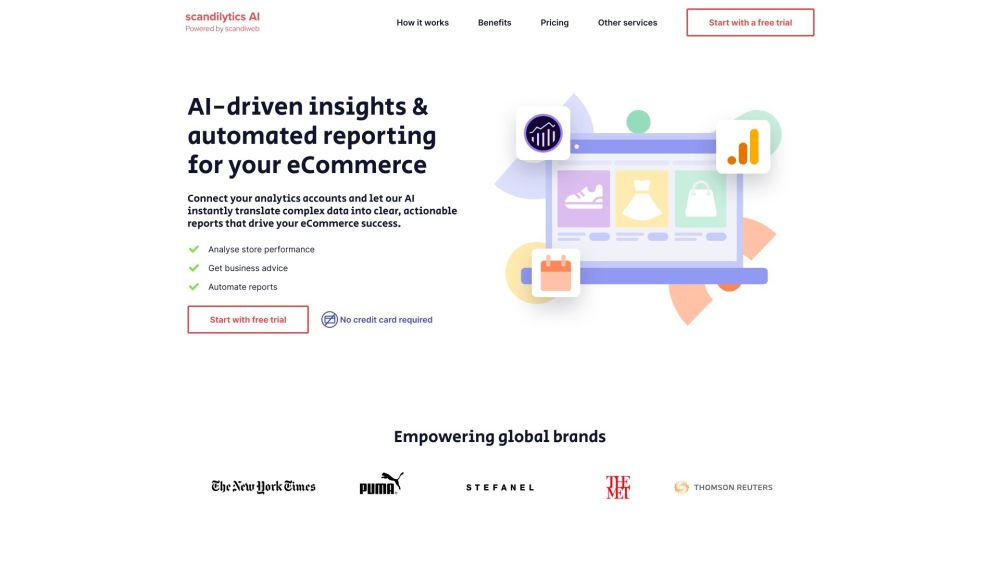
Connect Google Analytics to ChatGPT for weekly insights Website screenshot

What is Connect Google Analytics to ChatGPT for weekly insights?

Discover the power of integrating Google Analytics with ChatGPT. This tool enables AI to convert complex web data into clear, actionable insights that are delivered weekly, helping you stay informed on your website’s performance without the need for manual analysis.

How to use Connect Google Analytics to ChatGPT for weekly insights?

Easily link your Google Analytics account to ChatGPT. Once connected, the AI automatically generates comprehensive performance reports, providing key insights that are vital for eCommerce success. These reports are delivered straight to your inbox on a weekly basis, keeping you informed without hassle.

Core Features of Connect Google Analytics to ChatGPT for weekly insights

{ "name": "Data Analyst AI", "description": "Provides a detailed analysis of website traffic and user behavior\nPinpoints trends and anomalies for review\nGenerates detailed reports to guide your strategic decisions" }

{ "name": "Business Strategy AI", "description": "Generates AI-driven recommendations to optimize sales and marketing\nHelps you understand performance trends and take actionable steps\nGuides decision-making with key performance indicators (KPIs)" }

{ "name": "Marketing AI", "description": "Utilizes AI to create effective, personalized marketing strategies\nAutomates the implementation of data-driven recommendations\nOptimizes marketing efforts to boost ROI and efficiency" }

Use Cases of Connect Google Analytics to ChatGPT for weekly insights

Monitor website performance trends

Receive business growth recommendations

Automate performance reporting

Product source: Connect Google Analytics to ChatGPT official website. Check the provider for current plans, limits and availability.

FAQ

Connect Google Analytics to ChatGPT questions and answers

Product context and practical checks for evaluating Connect Google Analytics to ChatGPT.

What is Connect Google Analytics to ChatGPT used for?

Analytics AI

How do I get started with Connect Google Analytics to ChatGPT?

Easily link your Google Analytics account to ChatGPT. Once connected, the AI automatically generates comprehensive performance reports, providing key insights that are vital for eCommerce success. These reports are delivered straight to your inbox on a weekly basis, keeping you informed without hassle.

Which capabilities are described for Connect Google Analytics to ChatGPT?

{ "name": "Data Analyst AI", "description": "Provides a detailed analysis of website traffic and user behavior\nPinpoints trends and anomalies for review\nGenerates detailed reports to guide your strategic decisions" }{ "name": "Business Strategy AI", "description": "Generates AI-driven recommendations to optimize sales and marketing\nHelps you understand performance trends and take actionable steps\nGuides decision-making with key performance indicators (KPIs)" }{ "name": "Marketing AI", "description": "Utilizes AI to create effective, personalized marketing strategies\nAutomates the implementation of data-driven recommendations\nOptimizes marketing efforts to boost ROI and efficiency" }

What projects can I evaluate Connect Google Analytics to ChatGPT for?

Monitor website performance trendsReceive business growth recommendationsAutomate performance reporting Support Contact for Connect Google Analytics to ChatGPT for weekly insights For support, customer service, or refund inquiries, you can reach us at: [email protected]. Company Information Company: Scandiweb Pricing Information Check out our pricing plans here: https://www.scandilytics.ai/#pricing Facebook Follow us on Facebook: https://www.facebook.com/scandiweb YouTube Watch our tutorials and updates on YouTube: https://www.youtube.com/c/Scandiwebcom TikTok Check out our videos on TikTok: https://www.tiktok.com/@scandiweb LinkedIn Connect with us on LinkedIn: https://www.linkedin.com/company/scandiweb Twitter Follow us on Twitter: https://twitter.com/scandiweb?lang=en Instagram Find us on Instagram: https://www.instagram.com/scandiweb/

What should I compare before choosing a Connect Google Analytics to ChatGPT plan?

Check out our pricing plans here: https://www.scandilytics.ai/#pricing Confirm current prices and allowances on the provider’s website before purchasing.

What inputs should I prepare for a Connect Google Analytics to ChatGPT trial?

Check supported documents, datasets and source access. Establish whether the product can inspect your actual material rather than answer from general knowledge.

How can I check the quality of a Connect Google Analytics to ChatGPT result?

Follow citations to the original source, recalculate important numbers and check the date and scope of the evidence. Distinguish an explanation from a verified result.

Which export options should I check in Connect Google Analytics to ChatGPT?

Look for usable citations, tables, downloadable data and reproducible steps. A clear answer should let another person inspect how the conclusion was reached.

What is a practical way to test Connect Google Analytics to ChatGPT against alternatives?

Choose a question with known sources and a checkable result. Compare citation accuracy, omissions and reproducibility rather than response length.

Where is the official Connect Google Analytics to ChatGPT website?

The website linked from this profile is https://makebestmusic.com. Use the provider’s own documentation, account area and support channels to confirm current product details.

Visit Connect Google Analytics to ChatGPT