AI Productivity Tools

CodeMate

CodeMate: Boost coding speed and accuracy with on-the-spot error corrections. No platform switching needed. Discover use cases, pricing, reviews, features, and alternatives.

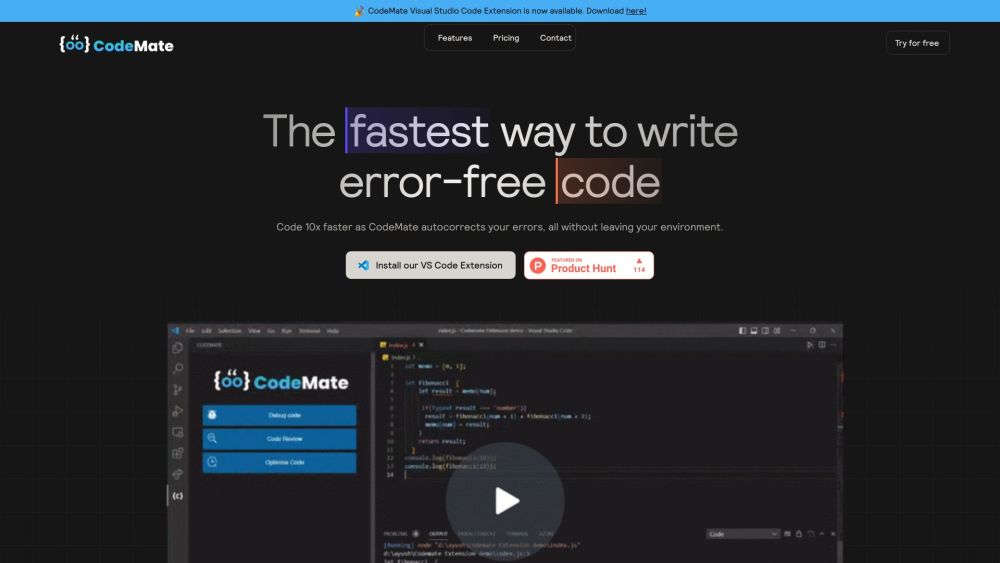
CodeMate website preview

CodeMate Website screenshot

What is CodeMate?

CodeMate is an innovative tool designed to help developers write clean, error-free code swiftly. It automatically corrects coding errors within the same coding environment, eliminating the need to switch platforms.

How to use CodeMate?

Using CodeMate is straightforward. Install the CodeMate extension for Visual Studio Code or use CodeMate's integrated development environment (IDE). Once installed, it detects and corrects coding errors in real-time as you code.

CodeMate's Core Features

Real-time autocorrection of coding errors

User-friendly interface for a seamless coding experience

AI-powered debugging for quick problem resolution

Performance analysis and quality reports

Personalized assistance with ChatGPT trained on your codebase

Comprehensive code reviews based on best practices

CodeMate's Use Cases

Enhance coding productivity by up to ten times

Avoid project delays and expedite payments

Optimize workflow with automated debugging and reviews

Prepare code for production with a single click

Instant debugging with detailed error fixes

Self-assess code performance and enhance coding skills

Product source: CodeMate official website. Check the provider for current plans, limits and availability.

FAQ

CodeMate questions and answers

Product context and practical checks for evaluating CodeMate.

What is CodeMate used for?

CodeMate: Boost coding speed and accuracy with on-the-spot error corrections. No platform switching needed. Discover use cases, pricing, reviews, features, and alternatives.

How do I get started with CodeMate?

Using CodeMate is straightforward. Install the CodeMate extension for Visual Studio Code or use CodeMate's integrated development environment (IDE). Once installed, it detects and corrects coding errors in real-time as you code.

Which capabilities are described for CodeMate?

Real-time autocorrection of coding errorsUser-friendly interface for a seamless coding experienceAI-powered debugging for quick problem resolutionPerformance analysis and quality reportsPersonalized assistance with ChatGPT trained on your codebaseComprehensive code reviews based on best practices

What projects can I evaluate CodeMate for?

Enhance coding productivity by up to ten timesAvoid project delays and expedite paymentsOptimize workflow with automated debugging and reviewsPrepare code for production with a single clickInstant debugging with detailed error fixesSelf-assess code performance and enhance coding skills CodeMate Discord Join the CodeMate Discord: https://discord.com/invite/WM55rRufNP. For more Discord information, click here. CodeMate Support Email & Customer Service Contact For customer service, contact CodeMate at: [email protected]. Visit the contact us page for more information. About CodeMate Company Name: CodeMate. CodeMate Login Access your account: https://app.codemate.ai

What should I compare before choosing a CodeMate plan?

Check CodeMate’s current pricing page for included usage, renewal terms and any credit charges. Compare the cost of a usable result, including retries, rather than assuming that account registration includes free usage.

What inputs should I prepare for a CodeMate trial?

Compare repository access, context limits, supported languages and tool permissions. Check whether the assistant can read relevant files and run your existing checks.

How can I check the quality of a CodeMate result?

Review the diff, run tests and inspect error handling and dependency changes. Generated code should meet the same review standard as a human contribution.

Which export options should I check in CodeMate?

Prefer changes you can inspect and keep in version control. Check whether code, tests and configuration can be exported without depending on a hosted preview.

What is a practical way to test CodeMate against alternatives?

Choose a small reproducible bug with an existing failing check. Measure whether the tool fixes the cause, preserves behavior and produces a reviewable change.

Where is the official CodeMate website?

The website linked from this profile is https://www.promptdodo.com. Use the provider’s own documentation, account area and support channels to confirm current product details.

Visit CodeMate