AI Tools Directory

Codeium

Codeium is a free AI-powered code completion and search tool. It offers support for over 70+ programming languages and integration with popular IDEs. With Codeium, developers can autocomplete code faster and search for files and code related to their intent using AI.

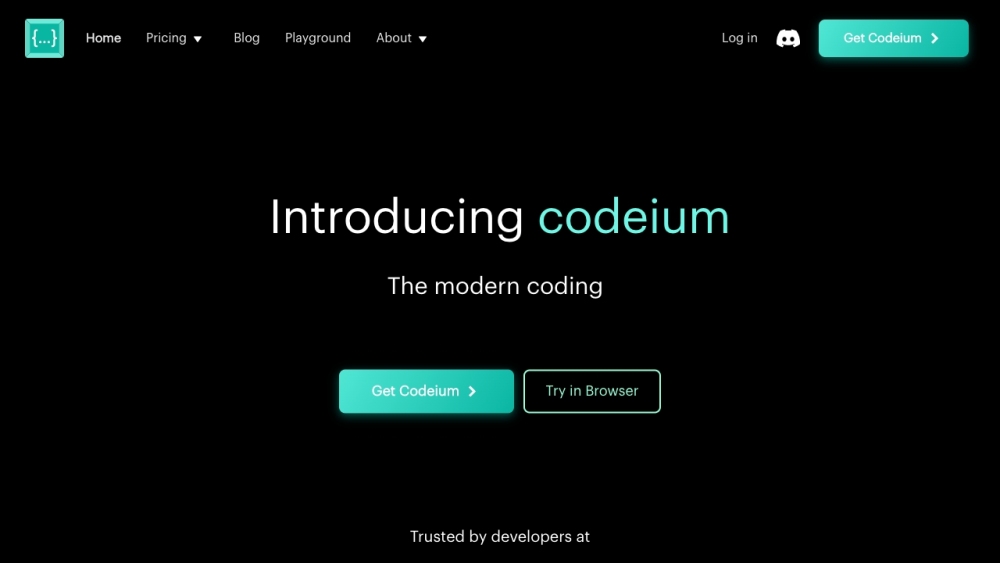
Codeium website preview

Codeium Website screenshot

What is Codeium?

Codeium is a free AI-driven code completion and search tool. It supports more than 70 programming languages and integrates seamlessly with popular IDEs. By using Codeium, developers can speed up code completion and utilize AI to search for files and relevant code efficiently.

How to Use Codeium?

To get started with Codeium, install the Codeium extension in your preferred IDE or try it out in the free online playground. Once installed, Codeium offers AI-powered autocompletion, intelligent search, and a chat feature that can generate boilerplate code, refactor code, suggest bug fixes, and more. Simply begin typing, and Codeium will provide helpful suggestions to boost productivity and expedite product delivery.

Codeium's Core Features

AI-Powered Code Autocompletion

Intelligent Search for Files and Code

Codeium Chat for Boilerplate Code, Refactoring, Bug Fixes, and More

Codeium's Use Cases

Speed Up Code Completion and Enhance Coding Efficiency

Efficiently Search for Files and Code Related to Your Intent

Generate Boilerplate Code, Refactor Code, and Get Suggestions to Improve Code Quality

Save Time and Accelerate Product Shipping

Product source: Codeium official website. Check the provider for current plans, limits and availability.

FAQ

Codeium questions and answers

Product context and practical checks for evaluating Codeium.

What is Codeium used for?

Codeium is a free AI-powered code completion and search tool. It offers support for over 70+ programming languages and integration with popular IDEs. With Codeium, developers can autocomplete code faster and search for files and code related to their intent using AI.

How do I get started with Codeium?

To get started with Codeium, install the Codeium extension in your preferred IDE or try it out in the free online playground. Once installed, Codeium offers AI-powered autocompletion, intelligent search, and a chat feature that can generate boilerplate code, refactor code, suggest bug fixes, and more. Simply begin typing, and Codeium will provide helpful suggestions to boost productivity and expedite product delivery.

Which capabilities are described for Codeium?

AI-Powered Code AutocompletionIntelligent Search for Files and CodeCodeium Chat for Boilerplate Code, Refactoring, Bug Fixes, and More

What projects can I evaluate Codeium for?

Speed Up Code Completion and Enhance Coding EfficiencyEfficiently Search for Files and Code Related to Your IntentGenerate Boilerplate Code, Refactor Code, and Get Suggestions to Improve Code QualitySave Time and Accelerate Product Shipping Codeium Reddit Visit the Codeium Reddit: https://www.reddit.com/r/Codeium/ Codeium Discord Join the Codeium Discord: https://discord.gg/3XFf78nAx5. For more details, click here. Codeium Support Email & Customer Service Contact & Refund Contact Contact Codeium support at: [email protected]. For more contact options, visit the contact us page. Codeium Company The company behind Codeium is Exafunction, Inc. Learn more on the about us page. Codeium Login Log in to Codeium: https://codeium.com/profile Codeium Pricing Check out Codeium's pricing plans: https://codeium.com/pricing Codeium YouTube Visit Codeium's YouTube channel: https://www.youtube.com/@codeiumdev Codeium LinkedIn Connect with Codeium on LinkedIn: https://www.linkedin.com/company/codeiumdev/ Codeium Twitter Follow Codeium on Twitter: https://twitter.com/codeiumdev Codeium Reddit Visit the Codeium Reddit: https://www.reddit.com/r/Codeium/

What should I compare before choosing a Codeium plan?

Check out Codeium's pricing plans: https://codeium.com/pricing Confirm current prices and allowances on the provider’s website before purchasing.

What inputs should I prepare for a Codeium trial?

Compare repository access, context limits, supported languages and tool permissions. Check whether the assistant can read relevant files and run your existing checks.

How can I check the quality of a Codeium result?

Review the diff, run tests and inspect error handling and dependency changes. Generated code should meet the same review standard as a human contribution.

Which export options should I check in Codeium?

Prefer changes you can inspect and keep in version control. Check whether code, tests and configuration can be exported without depending on a hosted preview.

What is a practical way to test Codeium against alternatives?

Choose a small reproducible bug with an existing failing check. Measure whether the tool fixes the cause, preserves behavior and produces a reviewable change.

Where is the official Codeium website?

The website linked from this profile is https://www.promptdodo.com. Use the provider’s own documentation, account area and support channels to confirm current product details.

Visit Codeium